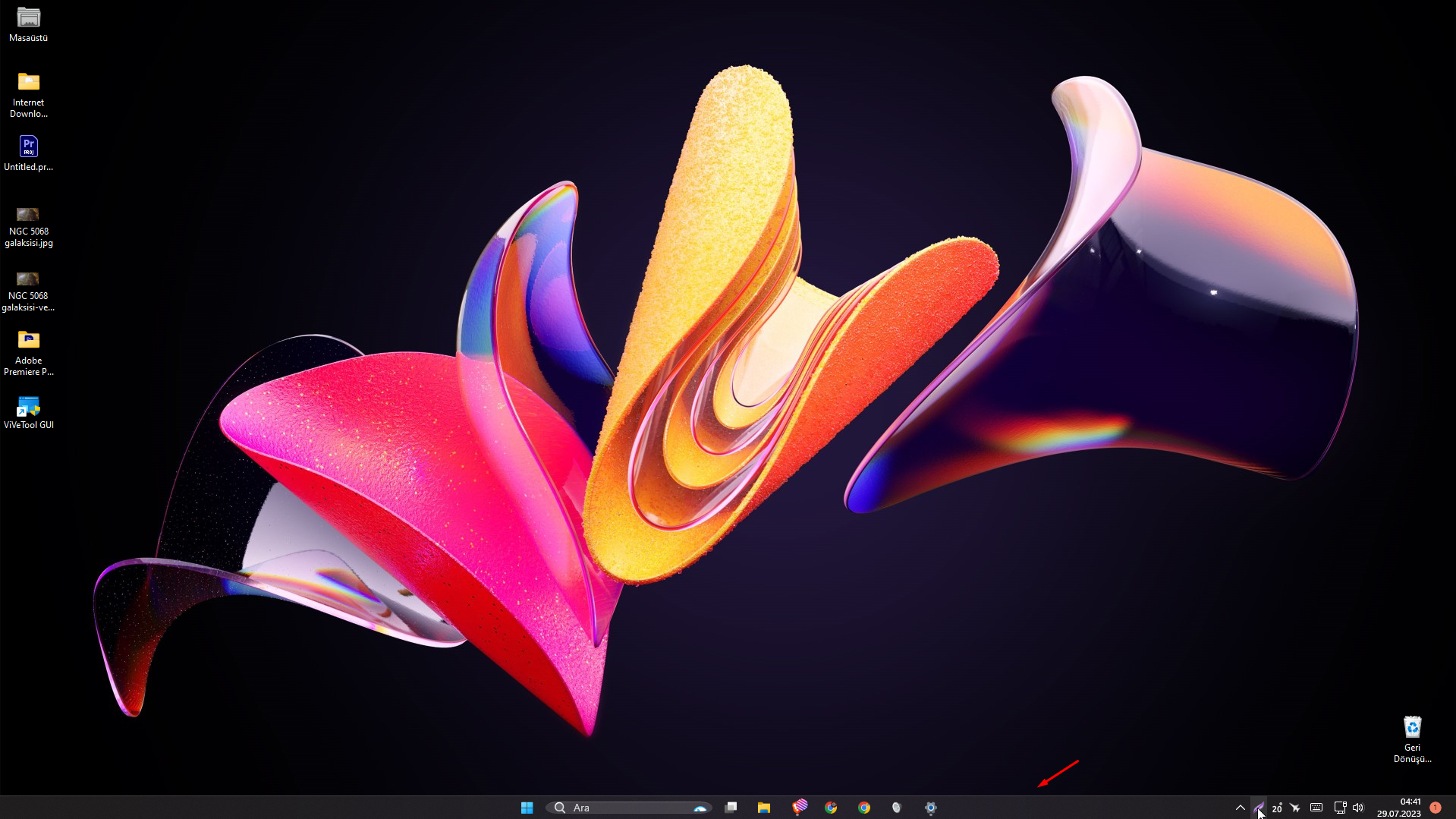
Taskbar size reduction issue
Start 11
from  Stardock Forums
Stardock Forums
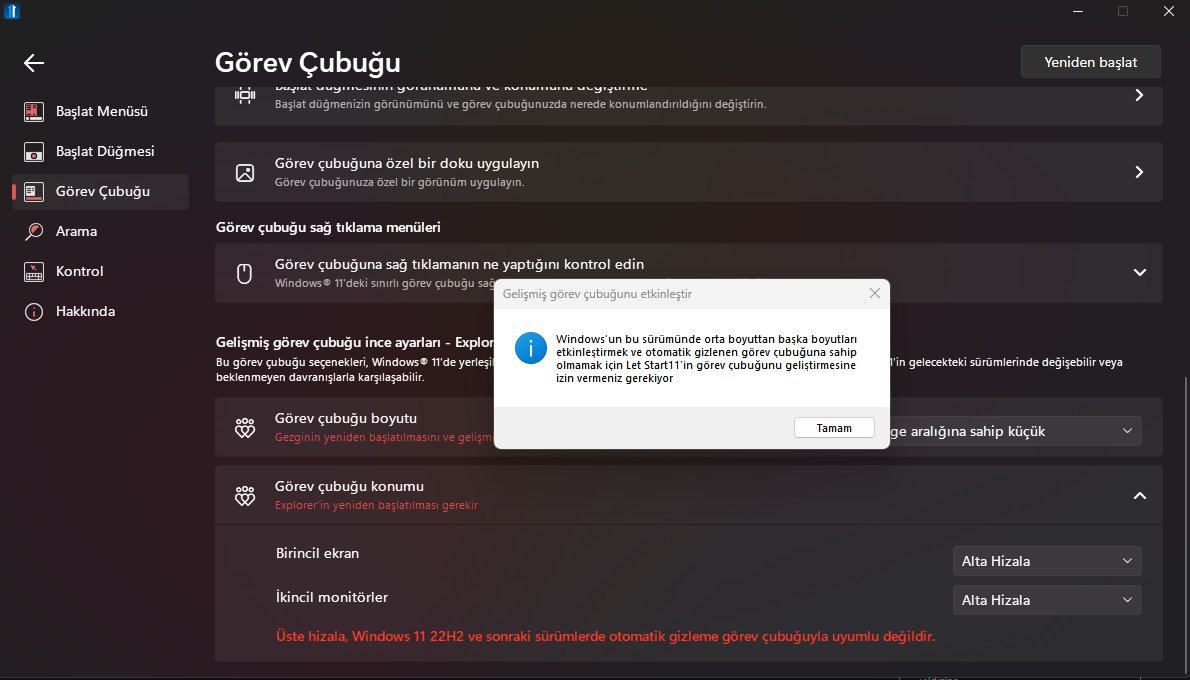

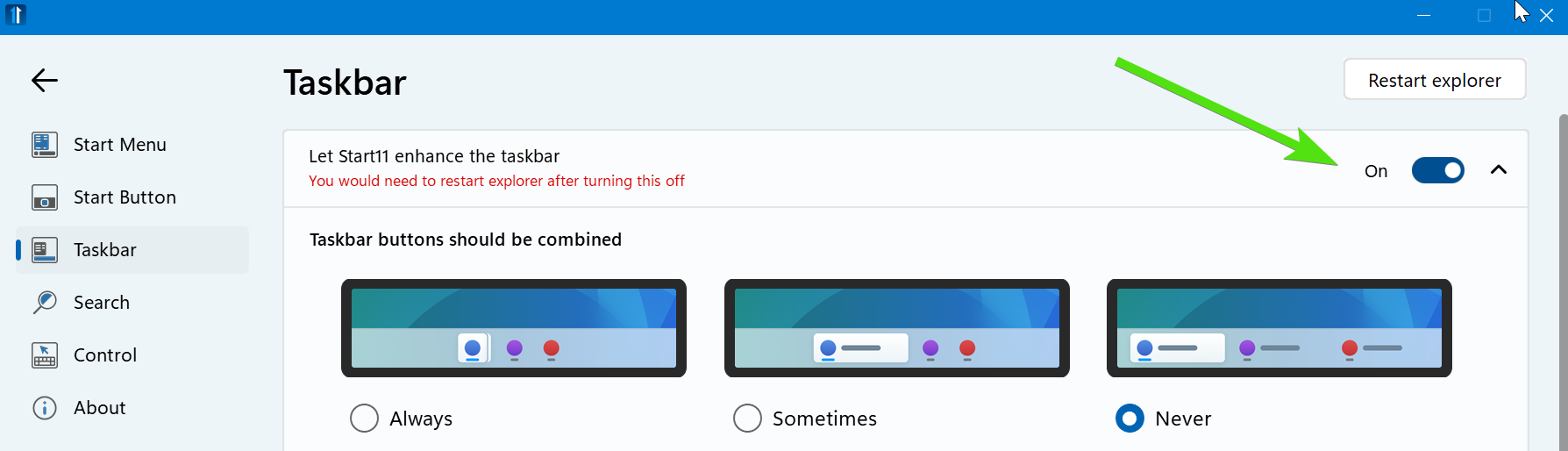
You need to turn on the enhanced taskbar
Paul Scroggins
Associate Technical Support Analyst

Seems acceptable to me, it doesn't look like yours is getting cut off, just less padding around it than normal size, What version of Windows and Start11 are you running?
Small Size:

Medium Size:

Paul Scroggins
Associate Technical Support Analyst
Start11 version 1.47, windows 11 ( OS Build 22H2 22621.2070 ), Is there an available update for this? :
Are you going to release an update to reduce taskbar size and search box?
I do not understand your question, it is already there and working
Paul Scroggins
Associate Technical Support Analyst
It minimizes the taskbar, but the search box and windows logo remain large. I want to minimize them all.
Hello,
Sorry to hear you are having issues. Please try this, uninstall Start11, reboot immediately after its done, important. Re-download the latest version, install it. Reboot immediately again after it finished. Retest it and report back.
Thanks
Basj,
Stardock Community Assistant.
Hello I uninstalled Windows 11 Version 22H2 Cumulative Update Preview (KB5028254) and my problem was fixed.
Welcome Guest! Please take the time to register with us.
Select a reason for giving karma:
You're about to visit an external site:
Sign up here to get the latest news, updates, and special offers delivered directly to your inbox.