Taskbar will not stay Centered after Sart 11 update

Every time I install a new update.  My taskbar/start menu won't stay centered.

I try to reset it to "center" in settings, but t just goes back to "left"


I had to uninstall and go back to a previous version to regain the centered functionality.


I am not using windows preview, which may have been an issue in the past 


4,534 views 7 replies
Reply #1 Top

Hello,
Sorry to hear you are having issues. Need to know more on your system.

  1. Windows 10 or 11? Need its full version number too. Use Winver.exe.
  2. Start11 version?
  3. Post screenshot of your Start11 setting on "Taskbar" tab

Thanks
Basj,
Stardock Community Assistant.

Reply #2 Top

Windows 11 Pro Version 22H2 OS build 22623.891

Start11 Version 1.45

Unable to upload a screenshot here


Reply #3 Top

Quoting magnetheadx, reply 2

Windows 11 Pro Version 22H2 OS build 22623.891

Start11 Version 1.45

Unable to upload a screenshot here

 
End of magnetheadx's quote

Reply #5 Top

I have rolled back to a previous version of Start11 that doesn't have this issue. 

Would love to update, but every time I've tried, I get the same problem where the taskbar wants to be on the left, and wont allow me to keep it at the center.

Reply #6 Top

Quoting magnetheadx, reply 5

I have rolled back to a previous version of Start11 that doesn't have this issue. 

Would love to update, but every time I've tried, I get the same problem where the taskbar wants to be on the left, and wont allow me to keep it at the center.
End of magnetheadx's quote

It looks like you are using a fairly old windows insider build which may be a factor

22623.* are prerelease builds.

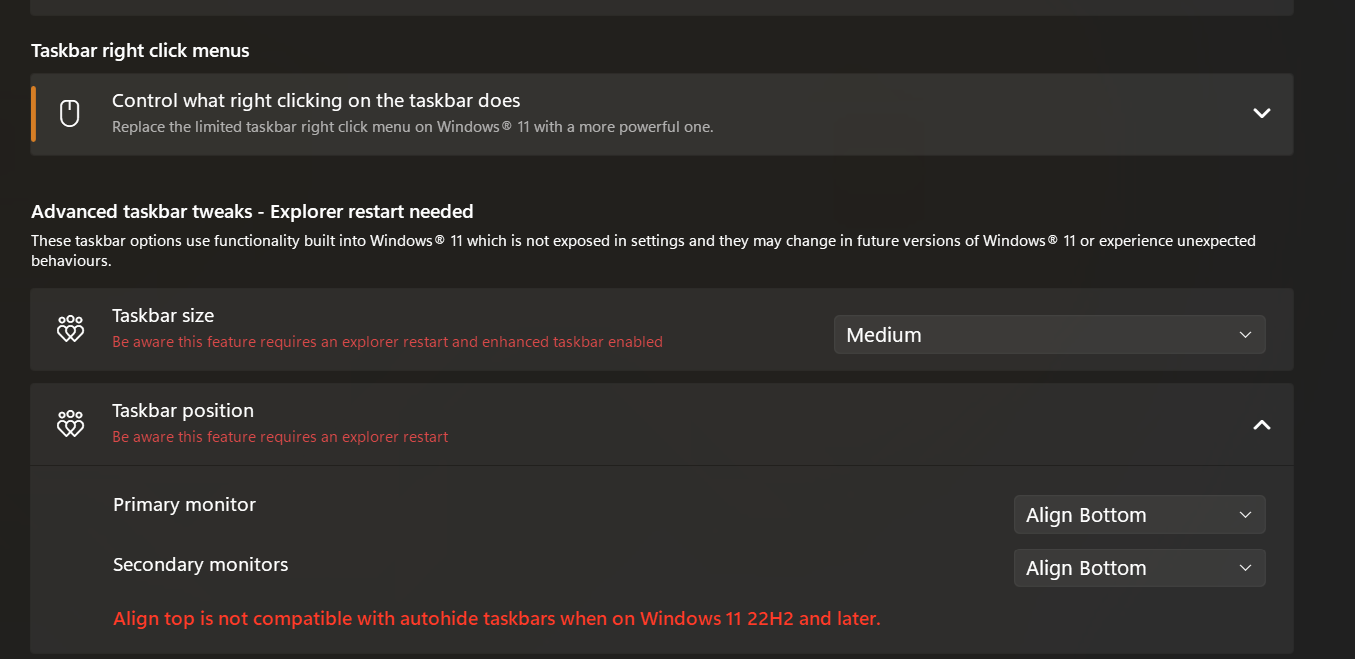
Also be sure you are not trying to set Windows taskbar settings whilst having Start11 enhance the taskbar.  This will make the setting revert to left align.  You control alignment using Start11 settings.

Reply #7 Top

Sorry to bump an old thread but the solution is simply that the centering option is provided in Start11 on the "Start Button" option to "center" the taskbar. You can also center taskbar items and leave the start button left aligned.

At any rate this issue occurs when you try to center align the taskbar using the Windows taskbar settings (which reverts back to left align).

SOLUTION: You need to use Start11's "Start Button" menu item and select the type of alignment you want for the taskbar (e.g. you cannot use the windows built-in settings to align it "IF" you have Start11 installed).