Taskbar freezes, no responding

Groupy2 and start11 1.45beta installed.

Sometimes the middle part of taskbar freezes and doesn't respond( start button and system tray area work normally). I have to restart explorer.exe. But after a while, this issue comes again.

When just start11 is installed, everything works fine. Until lately I install groupy2, so here comes this issue. So I guess groupy2 causes this.


22,931 views 30 replies
Reply #1 Top

Hello,
Sorry to hear you are having issues. Try this, uninstall Groupy 2, reboot immediately after, download groupy 2 installer again, install it. Reboot, retest and report back.

Thanks
Basj,
Stardock Community Assistant.

Reply #2 Top

Same here on Insider and regular build. Was thinking that Hyper-V is to blame, but that isn't it. Can't really say under what circumstances it happens.

Reply #3 Top

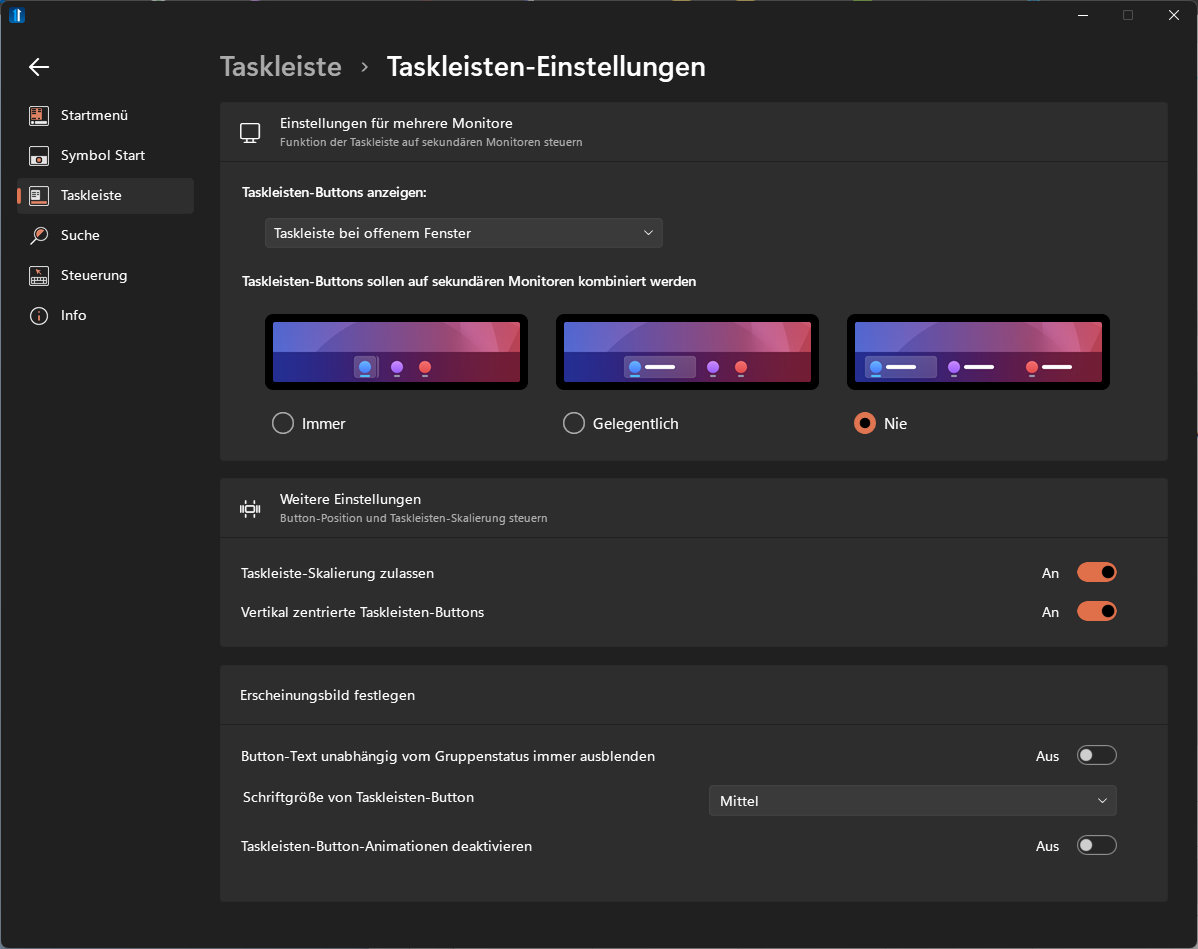
What settings do you have set for Start11 for the taskbar and also Groupy for taskbar buttons?

Reply #4 Top

Reply #6 Top

I have the same issue. I don't want to uninstall groupy, but I do have it running, and I'm seeing the freeze. Until today it only froze sometimes, but it's already done so three times today--the last time within a minute of rebooting.

Also, it seems to require a click on the taskbar somewhere before it hangs.

This is a dealbreaker for me:  the whole reason I bought Start11 was to able to configure the taskbar the same way I had it on Win10. If I can't do that, I'll go back to OpenShell, which has many more settings for the menu part (although I don't use most of them :D ).

Still, Start11 other than this issue, is just fine.

Reply #7 Top

It would be very helpful if someone could do the following.

When you hit the hang open up taskmanager (ctrl-alt-del will do so), go to processes page, find explorer and right click and pick Create memory dump file.  Please also right click again and pick the Analyse Wait chain option and post a screenshot of what that shows too.

Also please upload the dmp file somewhere and either PM me with the link or post a link on the forums again.

Again this is ONLY when the taskbar buttons appear to be hung.  Doing this without a hang wouldn't help.

Reply #8 Top

I really don't know, what I did, but it doesn't happen anymore.

Reply #9 Top

Also when it stops responding, is that responding to the mouse, or responding entirely so not updating to reflect active window etc?

Reply #10 Top

Thanks! DUMP file link sent. 

But I can't see the Analyse Wait chain option showed.

Actually, like i said, just the middle part of taskbar freezes. Mouse can move and respond, start menu can be open, system tray icons can respond too. But the icon pinned on the taskbar and taskbar buttons just can't respond, no matter how I click the mouse.

If it still can't clearly be described, I send a video to u next time.

Reply #11 Top

Quoting lorlno111, reply 10

Actually, like i said, just the middle part of taskbar freezes. Mouse can move and respond, start menu can be open, system tray icons can respond too. But the icon pinned on the taskbar and taskbar buttons just can't respond, no matter how I click the mouse.
End of lorlno111's quote


Same here.

Reply #12 Top

If you open a new window or close one does it update though?

I am trying to see if this is a case of the mouse clicks not getting to it, or if the entire thing stops responding.

Reply #13 Top

New window has no task in taskbar. No updates.

Reply #14 Top

Quoting c242, reply 13

New window has no task in taskbar. No updates.
End of c242's quote

same here

Reply #15 Top

Reply #16 Top

Are both of you using WindowBlinds too?

Reply #17 Top

Quoting Neil, reply 16

Are both of you using WindowBlinds too?
End of Neil's quote

no. Just start11 and groupy2.

Reply #18 Top

I have the same issue with middle of taskbar freezing, groupy2 is good if it stops doing this, any updates 

Reply #19 Top

I was having the same issue with Groupy 2. After poking around Windows for a bit, I discovered that I had "Launch folder windows in a separate process" enabled, which is not the default Windows setting. After disabling it, for me anyway, the taskbar started functioning as normal again.

Groupy 1 did not have this problem. I have had folder windows running a separate process for years. It appears that Groupy 2 is causing a conflict with that Windows Explorer setting.

In the search bar, type File Explorer Options, select the View tab, check that "Launch folder windows in a separate process" is not selected.

Log off or reboot.

Reply #21 Top

In addition to my previous post, I just enabled Bitlocker and the taskbar problem returned. Disabling it solved it again.

It looks like Stardock need to look into how Groupy 2 is affecting Bitlocker & running folder windows in a separate process, because I like to have both of those enabled, and with Groupy 1 there was no problem.

Reply #22 Top

I don’t think I have bitlocker on but I’ll check  

Reply #23 Top

I didn't have the run in a separate process enabled, but I do have Bitlocker enabled.  Not my choice, that's how the vendor shipped to machine to me--Windows 11 was totally updated, bitlocker turned on.  It was nice to simply turn on the machine & start installing my software, but if I'd known I would've asked for no BL.

Reply #24 Top

"Launch folder windows in a separate process" and Bitlocker are both always disabled here. Issue exists.

Reply #25 Top

Ok, further to my earlier posts, I don't think bitlocker is the issue. The problem returned when I opened the bitlocker management, which is what led me to assume that was the case. I have since discovered today that the taskbar will freeze with Groupy 2 the moment the Control Panel (or any program within) is opened. Bitlocker management is accessed through the Control Panel.

I will stress that this what is happening on my system. I was not suggesting disabling bitlocker as a solution.

However, as it stands, Groupy 2 is just a buggy mess at the moment. It is still only beta software after all. I am uninstalling it for the time being, and will try it again after the next update.