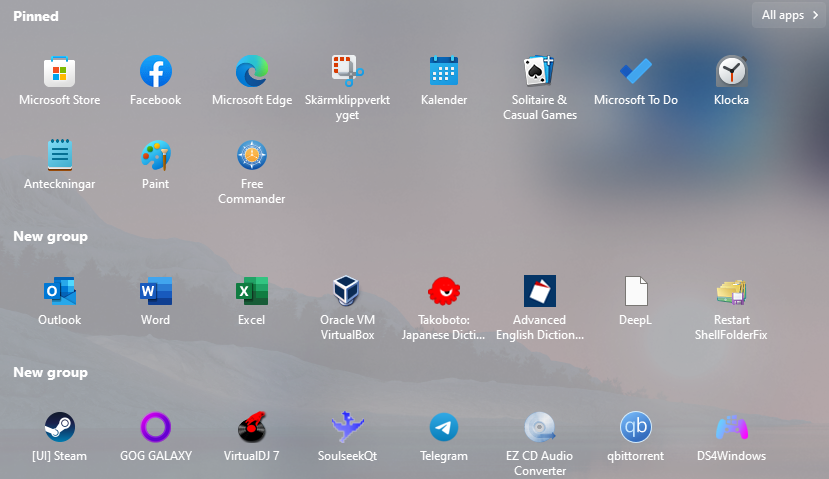
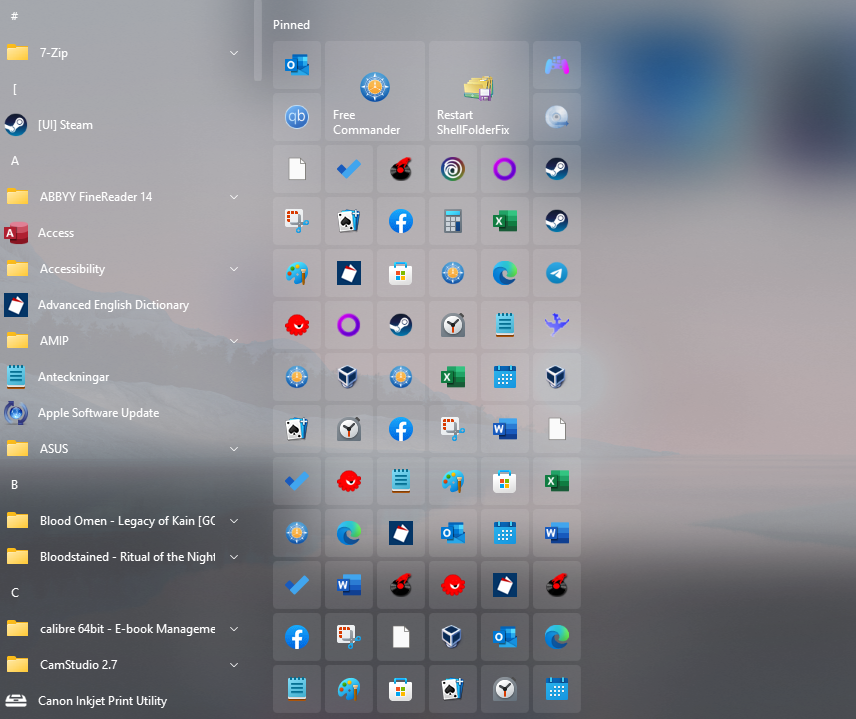
Pinned Application List is full of duplicates

I've got hundreds of pinned applications in my list most of which are duplicates. Is there a quick way to fix this?

5,867 views 9 replies
Reply #1 Top

Hello,
Sorry to hear you are having issues. Have you tried unpinned each that is duplicate?

Thanks
Basj,
Stardock Community Assistant.

Reply #2 Top

There are several hundred of them. I just thought there might be a quicker way. There are only about 10 that I want to keep. I was a beta tester for Start 11. I don't know if a beta version caused a problem or not.

Reply #4 Top

Hello,
I have forwarded your problem/question to Stardock Support Team for their assistance. Please keep an eye on this thread for any updates. We appreciate your feedback and patience.

Basj,
Stardock Community Assistant

Reply #5 Top

wimagine7,

Can you think of anything that may have happened around the time the things duplicated?

Paul Scroggins
Associate Technical Support Analyst


Reply #7 Top

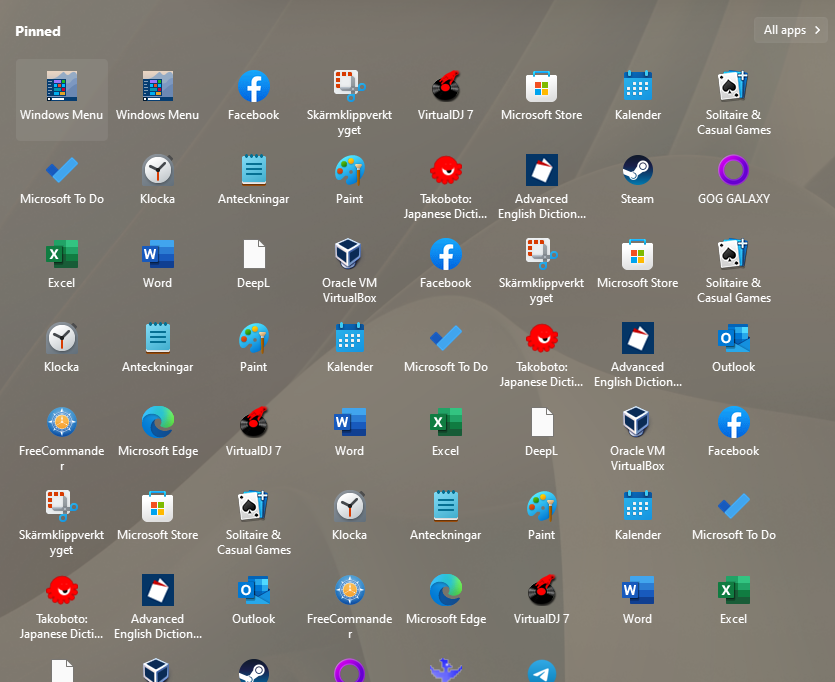
I wish to report that I have the same issue.

I didn't use the Start11 version of the menu for several months (a year or so, back then I did not have this issue), but when I turned it on again, I had at least 4 duplicates of at least 25 different programs.

I don't remember which version I had prior to updating to the latest version (1.47, non-steam) today, but it did nothing.

I also tried to disable the "synchronize with OS" feature, and logged out. That did nothing.
And then I tried re-enabling it, and log out. The same there.
The Windows default start menu has no duplicates.
Reply #8 Top

Disabling the feature will not remove extra pinned items as it detects new pins rather than force deleting things.

We shall double check the logic as that should clearly not have happened and I am curious as to what could have triggered it.

Reply #9 Top

Also noticed that switching between Win11 and Win10 mode makes it look like this:


Sadly, I can't remember how it was back when I made my first comment. Currently on version 1.47