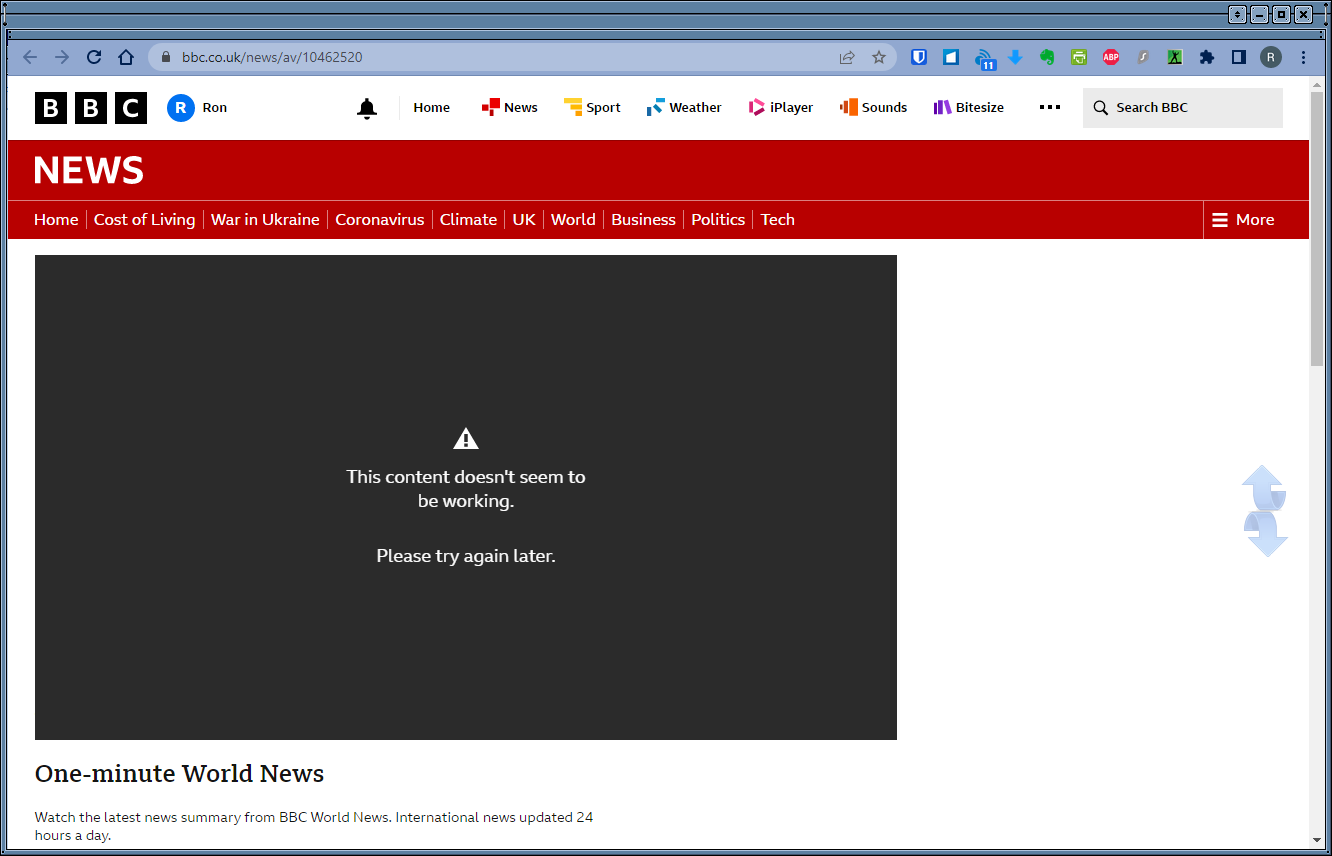
Embedded video

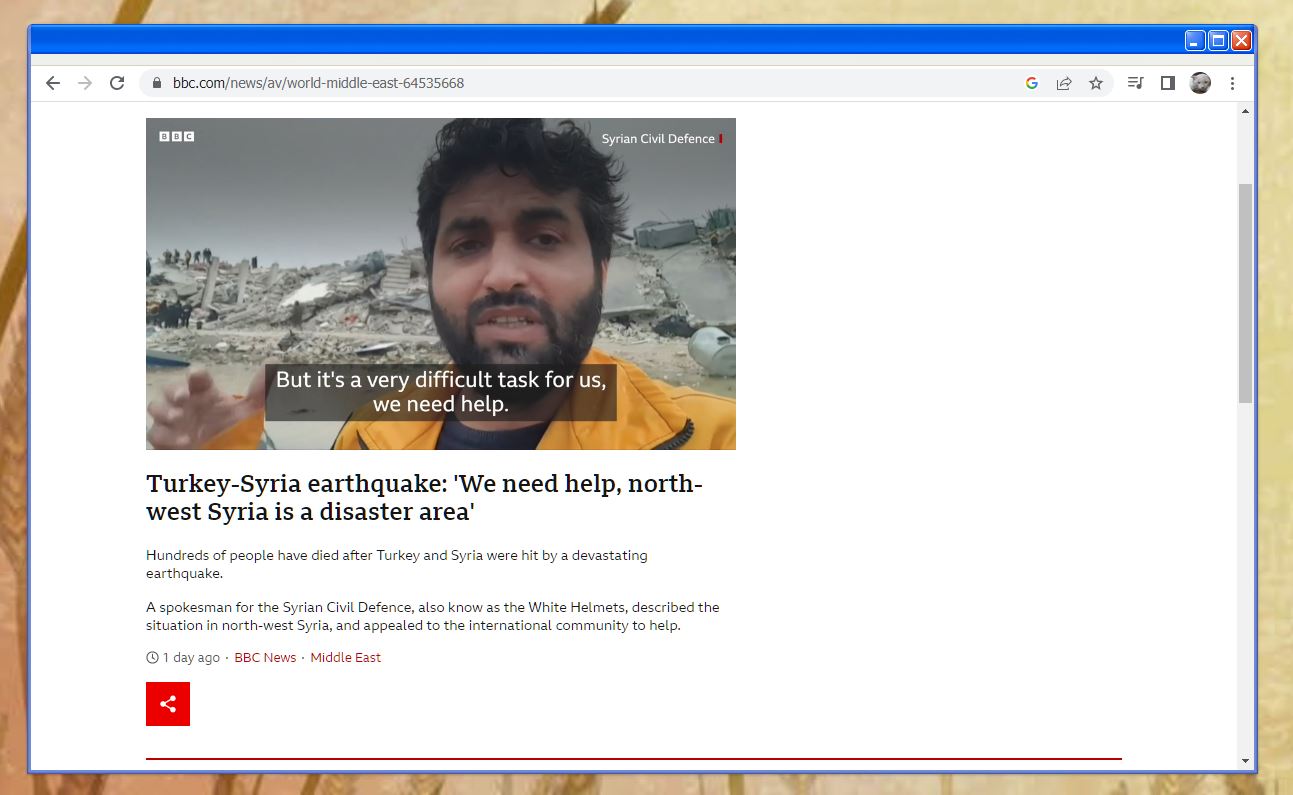
I have discovered that playing an embedded video on the BBC News website causes Chrome to crash when WindowBlinds 11 is active. Has anyone encountered the same problem? The same video will play perfectly if accessed via Edge, but sadly Edge does not skin properly, even with the required addition to the shortcut. It seems you cant win with WindowBlinds 11 at the minute.
6,635 views 6 replies
Reply #1 Top

Hello,
Sorry to hear you are having issues. I have forwarded your problem/question to Stardock Support Team for their assistance. Please keep an eye on this thread for any updates. We appreciate your feedback and patience.

Note: Video do play okay on my system with Chrome and BBC world

Thanks

Basj,
Stardock Community Assistant.

Reply #2 Top

Hi wrm,

I cannot reproduce your issue in any of the Chrome based browsers (Chrome, Edge, & Brave), playing video from the Video tab of the website (https://www.bbc.com/news/av/10462520)

The videos are playing fine for you if you disable WB11?


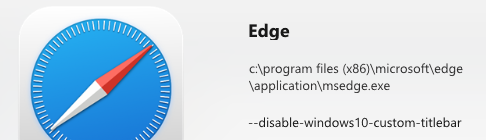
On the skinning Edge note, it does skin Edge, a couple of things to check, is to make sure you have the shortcut typed properly and your are starting Edge from that shortcut.

https://support.stardock.com/space/SHC/1326219294


Paul Scroggins
Associate Technical Support Analyst


Reply #3 Top

When I click the link you have used my screens flash black three times and I then get the screen as in the attached image. Chrome also generally freezes and has to be restarted. It works fine if Windowblinds is not loaded. As I mentioned it also works in Edge, except that the Edge title bar does not skin. I have set the shortcut up properly - text as described including preceding space .

Reply #4 Top

[removed]

Reply #5 Top

Bit of late reply, but maybe it's helpful (or maybe not :) )


As the new Edge uses the Chromium Engine even as Chrome does, the Chrome parameter "--disable-windows10-custom-titlebar" although works with Edge like a charm.


So my Shortcut for Edge with skinned Frame simply looks:

Reply #6 Top

Have got Edge to work OK - just make sure it is not running - even in the background - when you apply a skin.  Still have not resolved the Chrome crashing problem though.