Repeated / glitched edges with some applications

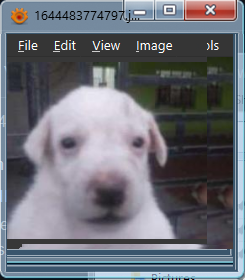
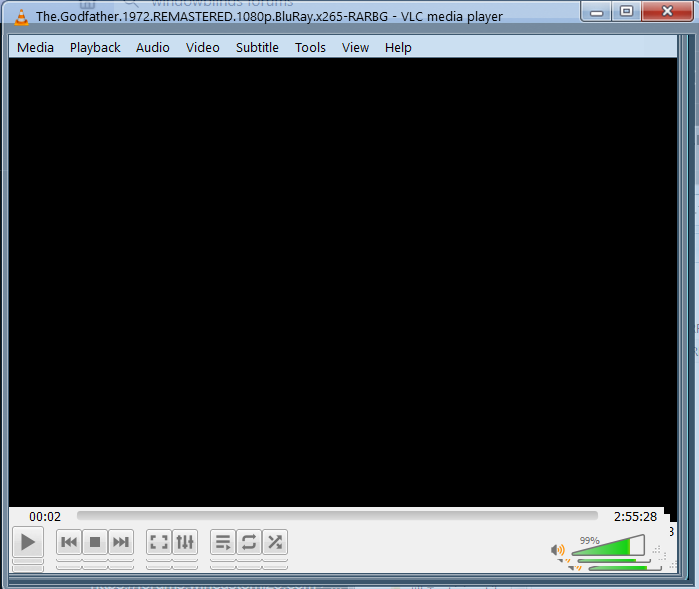
Some applications' content appears smaller than the actual window. If I resize, the edges glitch and repeat as in the pictures below (Xnview-MP and VLC):


xnview mpVLC


This doesn't happen for most applications, but where it does it's really annoying. The issue is present with all themes I've tried.

Is there a fix?

18,963 views 44 replies
Reply #1 Top

Hello,
Sorry to hear you are having issues. But, it is known that some application don't work well with Windowblinds. What you can do is to set that application to be excluded by Windowblinds.

Thanks
Basj,
Stardock Community Assistant.

Reply #2 Top

Yeah I'm aware of that option. I was hoping there'd be a way to keep those applications skinned without the glitching. They're not UWP apps and don't skin themselves, so it's a bit weird seeing that.

Reply #3 Top

Actually VLC do have its own skin engine https://www.videolan.org/vlc/skins.php And searching a little on  Xnview-MP and I found out it too skinable.

Thank you,

Basj,
Stardock Community Assistant

Reply #6 Top

Quoting mengqian, reply 5

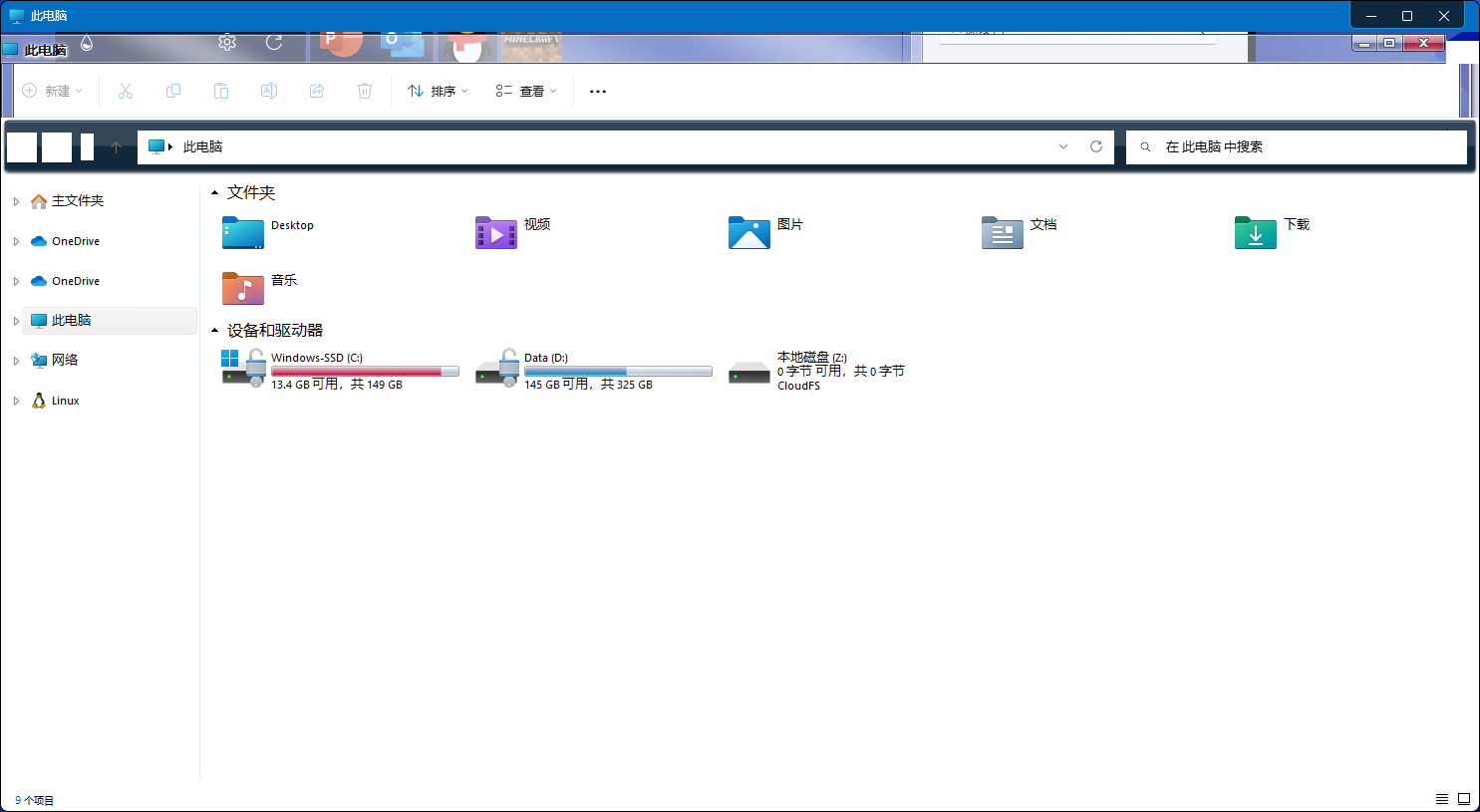
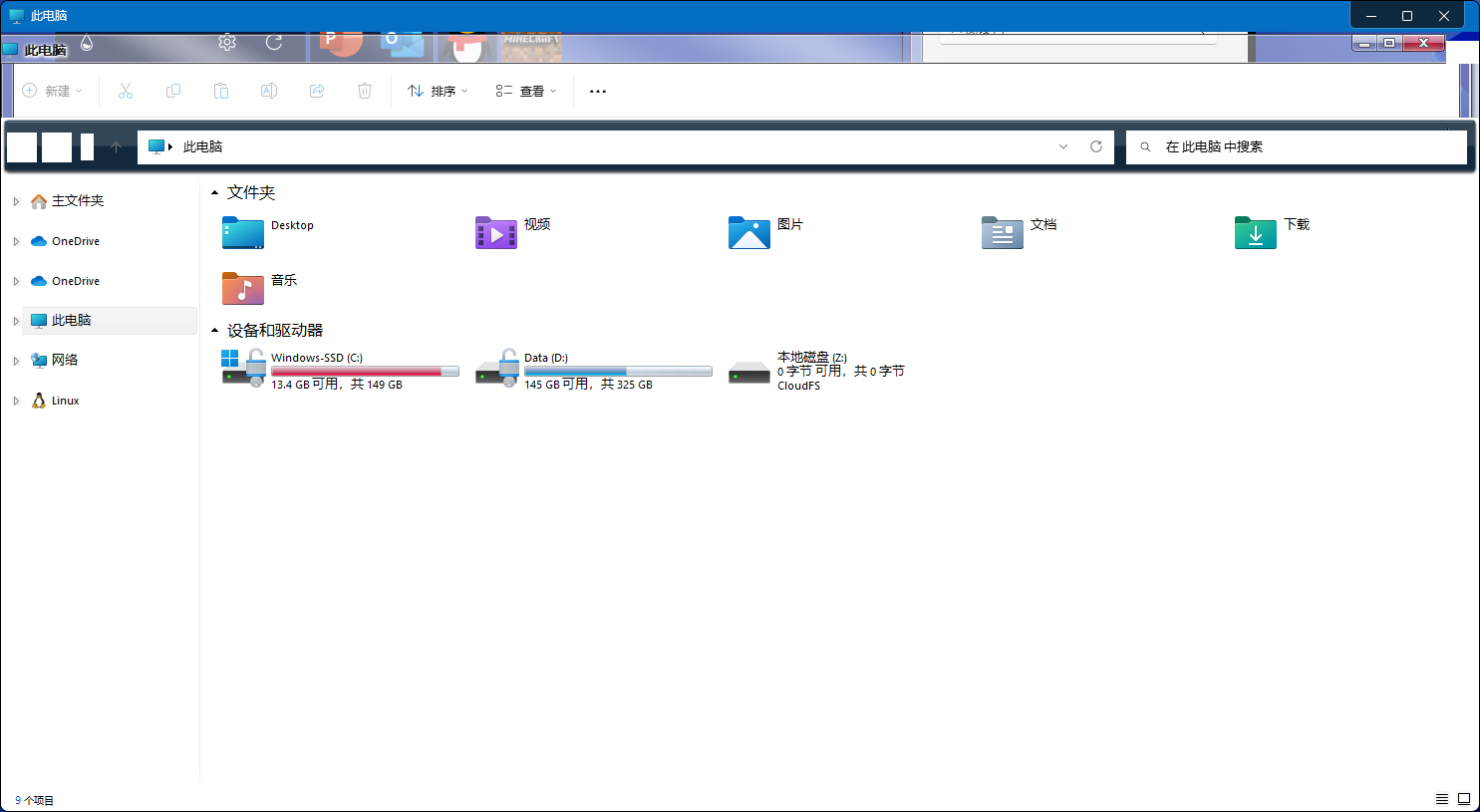
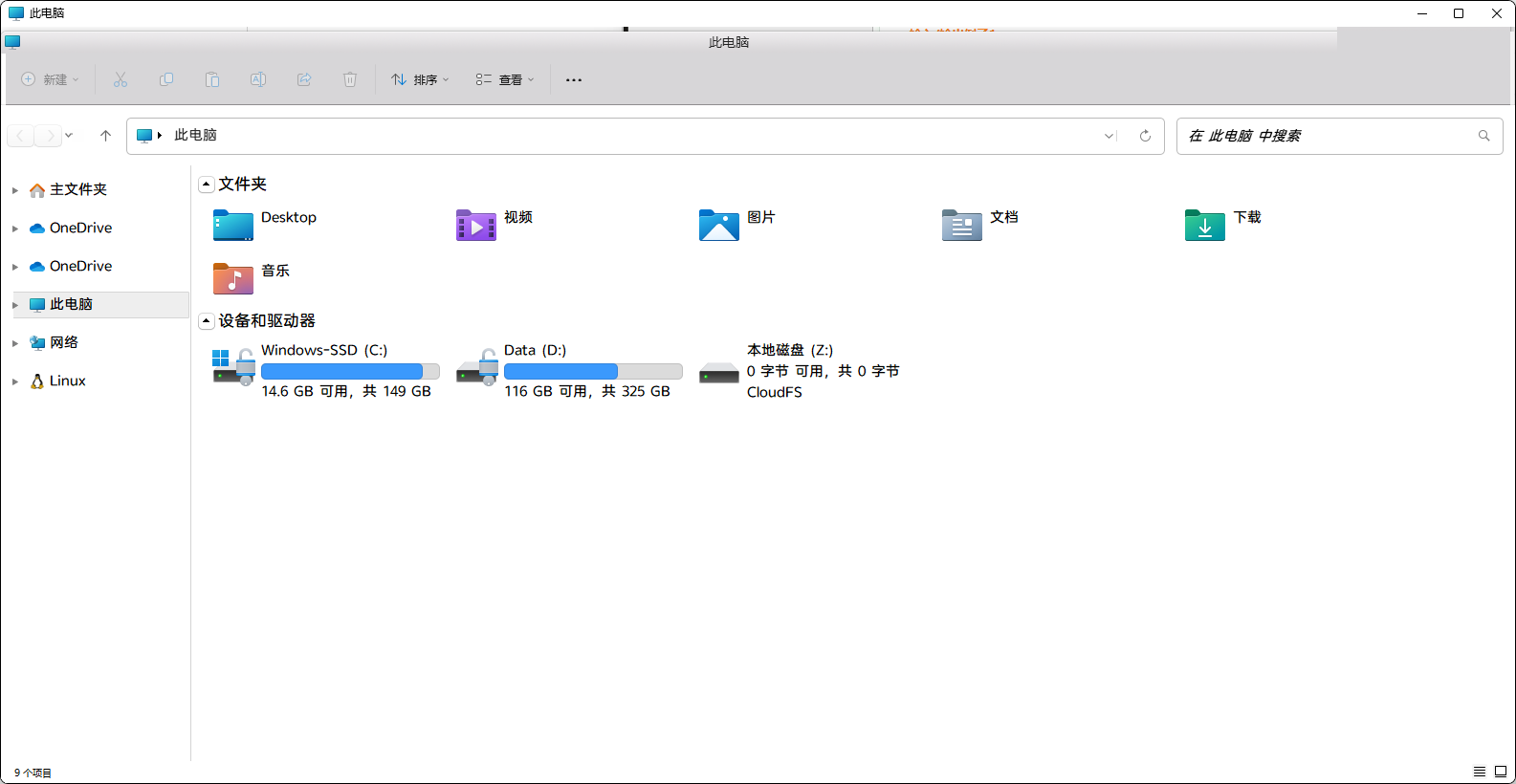
The file resource manager also has problems
End of mengqian's quote

Hello,
Sorry to hear you are having issues. But, need to know more on your system. Please review this guide and supply us with information require mentioned in there: https://support.stardock.com/space/SHC/1387134987/Contacting+Stardock+About+WindowBlinds+Issues

Thank you.
Basj,
Stardock Community Assistant.

Reply #8 Top

Quoting mengqian, reply 7


End of mengqian's quote

Hello,
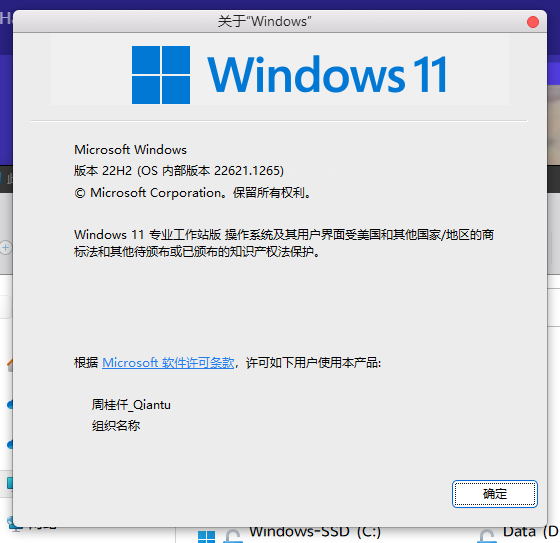
Sorry to hear you are having issues. I don't see the issue on my Win11 system. Please update to latest Win11 version and retest it.

Thanks
Basj,
Stardock Community Assistant.

Reply #11 Top

Quoting mengqian, reply 9


End of mengqian's quote

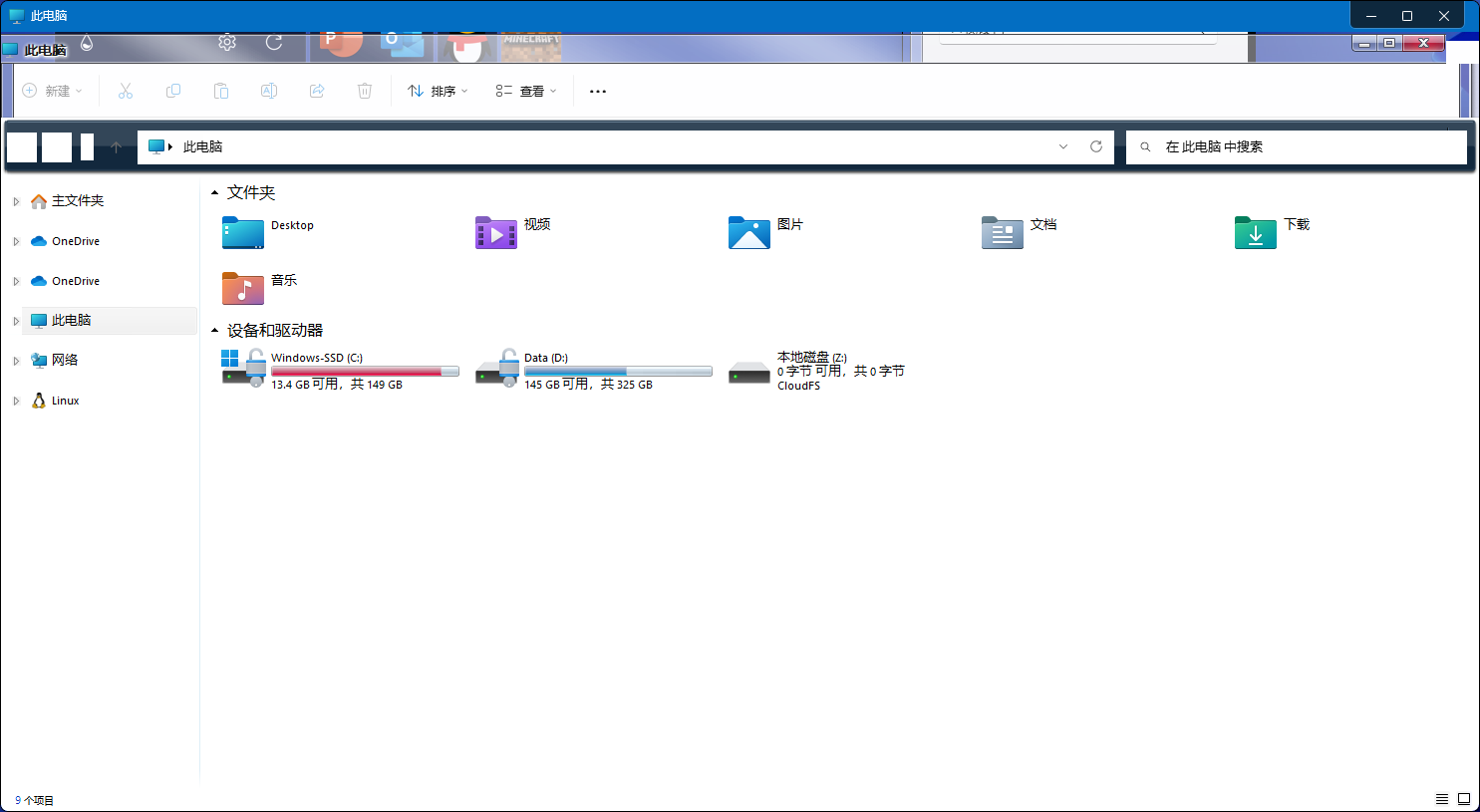
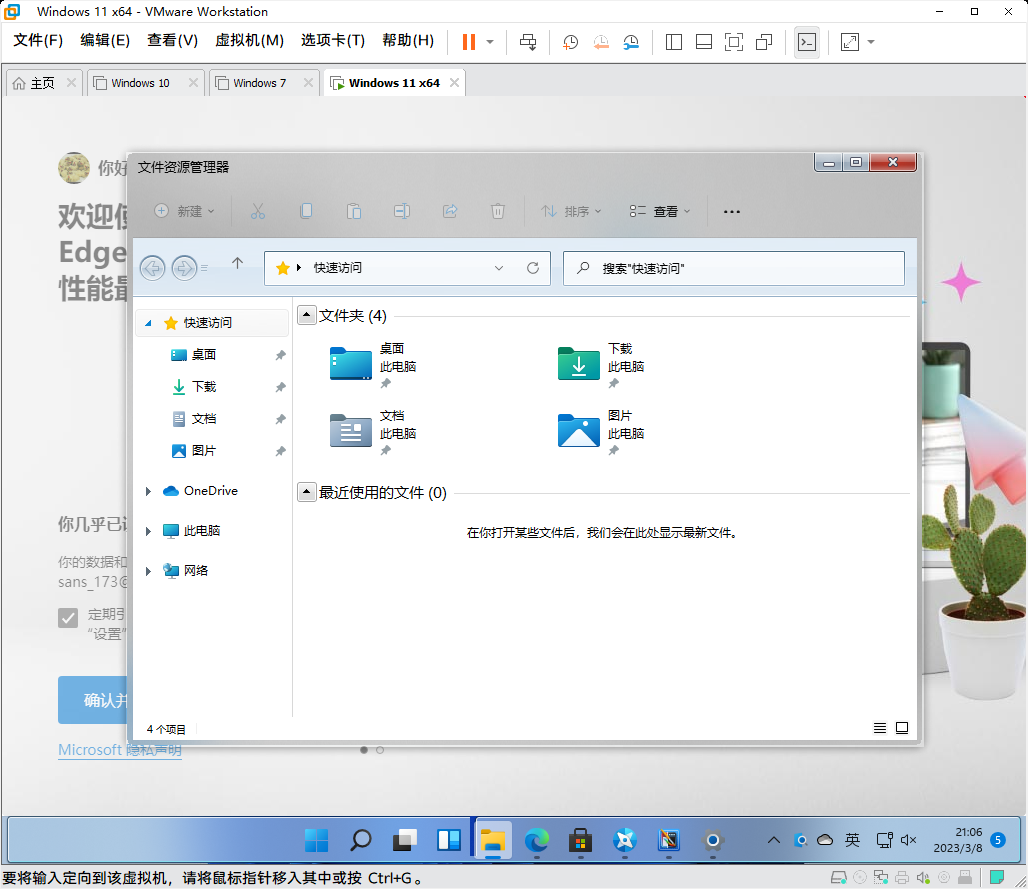
Can you post a screenshot of file explorer without Window blinds running please as your explorer seems to have an extra title bar?

Reply #12 Top

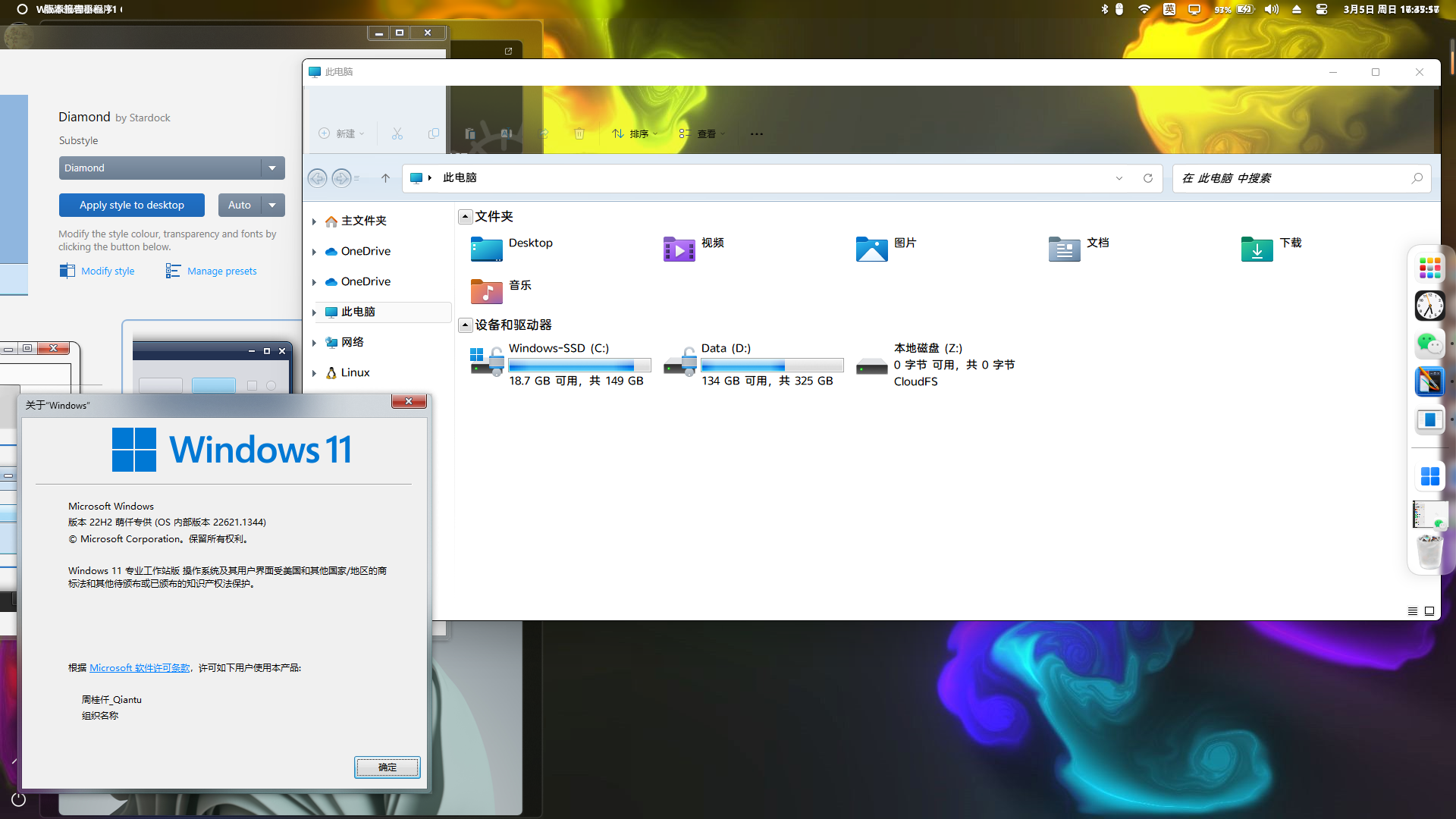
Look like something conflicting with Windowblinds. What other software you have install to alter your Windows explorer? Please disable those or revert back to default Windows explorer setting. What you can do is try Windows Sandbox. https://forums.stardock.com/486023/windowblinds-support-faq#FFskin

Thank you,

Basj,
Stardock Community Assistant

Reply #14 Top

Quoting mengqian, reply 13


End of mengqian's quote

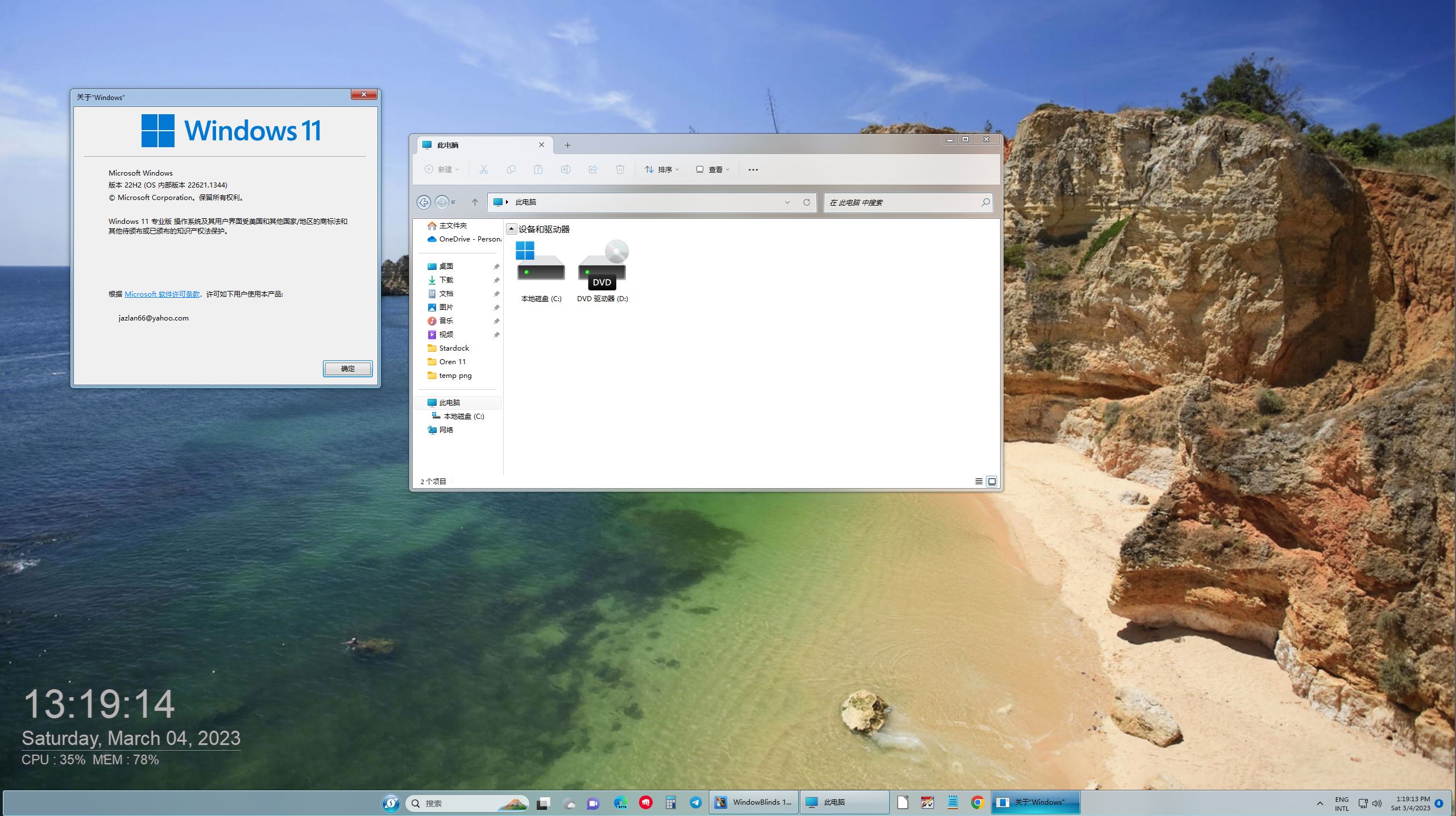
That doesn't look like without WB.

Set it to default skin and sign out and in again.

What does explorer look like?

Reply #18 Top

I come from China, and English is translated from translation software, so it may not be consistent with the original sentence

Reply #19 Top

Quoting basj, reply 12

Look like something conflicting with Windowblinds. What other software you have install to alter your Windows explorer? Please disable those or revert back to default Windows explorer setting. What you can do is try Windows Sandbox. https://forums.stardock.com/486023/windowblinds-support-faq#FFskin

Thank you,

Basj,
Stardock Community Assistant
End of basj's quote
I used UltraUXThemePatcher_ 4.4.0, but it is the same before it is useless

Reply #20 Top

Quoting mengqian, reply 19

I used UltraUXThemePatcher_ 4.4.0, but it is the same before it is useless
End of mengqian's quote

That software is the reason the new Start11 1.4.11 is not helping. Remove that software and from an elevated cmd prompt (right click on the cmd and choose "run as administrator") and then type sfc /scannow to fix any system files that software might have changed. 

Google translation:

該軟件是新的 Start11 1.4.11 沒有幫助的原因。 刪除該軟件並從提升的 cmd 提示符(右鍵單擊 cmd 並選擇“以管理員身份運行”),然後鍵入 sfc /scannow 以修復軟件可能已更改的任何系統文件。

From the internet:

"UltraUXThemePatcher_ 4.4.0 enables system file modification allowing you to utilize and activate third-party themes by patching Uxtheme.dll, Themeui.dll, and Uxinit.dll...."

Those files must be repaired for Windowblinds and Start11 to work correctly. They will not change your system files.

Google translation:

來自網絡:

“UltraUXThemePatcher_ 4.4.0 啟用系統文件修改,允許您通過修補 Uxtheme.dll、Themeui.dll 和 Uxinit.dll 來使用和激活第三方主題......”

必須修復這些文件,Windowblinds 和 Start11 才能正常工作。 他們不會更改您的系統文件。

Reply #24 Top

Did your sfc /scannow report corrupt system files?

您的 sfc /scannow 是否报告损坏的系统文件?