Strange, the link work for me, just tested it.
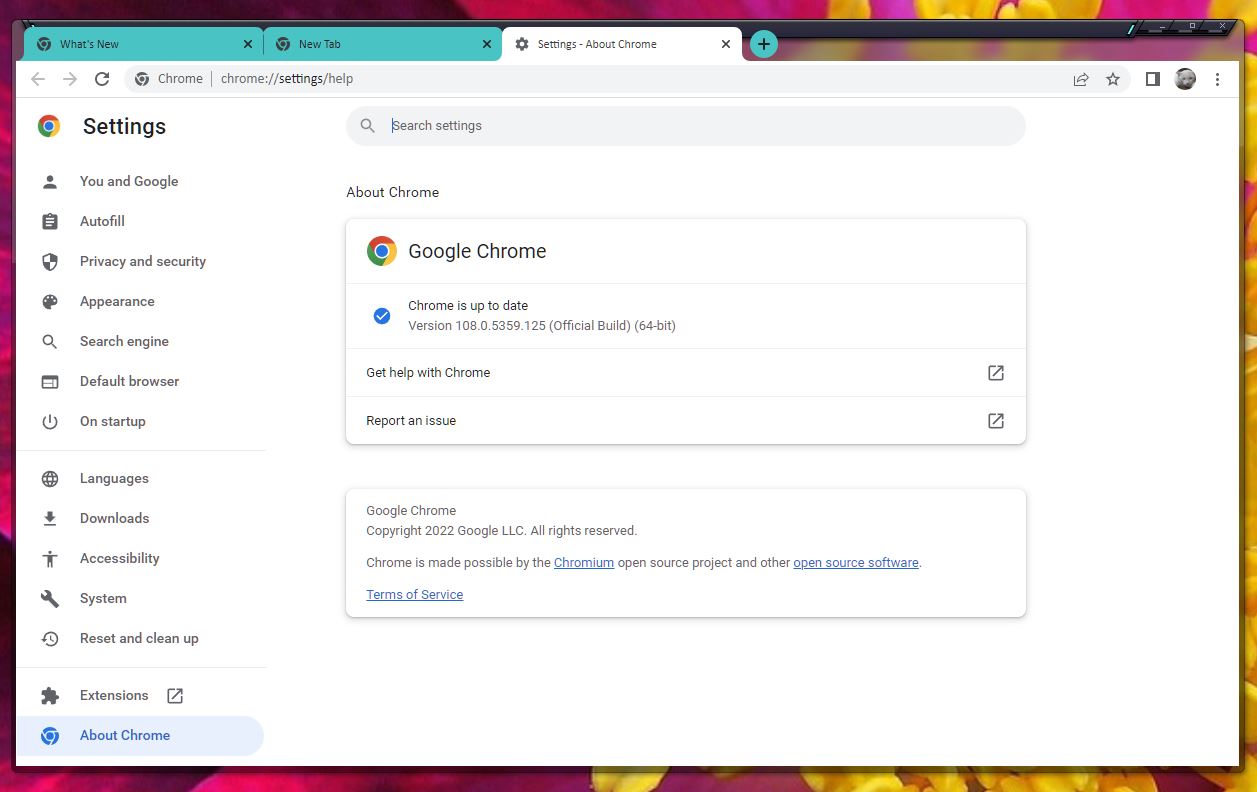
Chrome does not skin in Windows 10
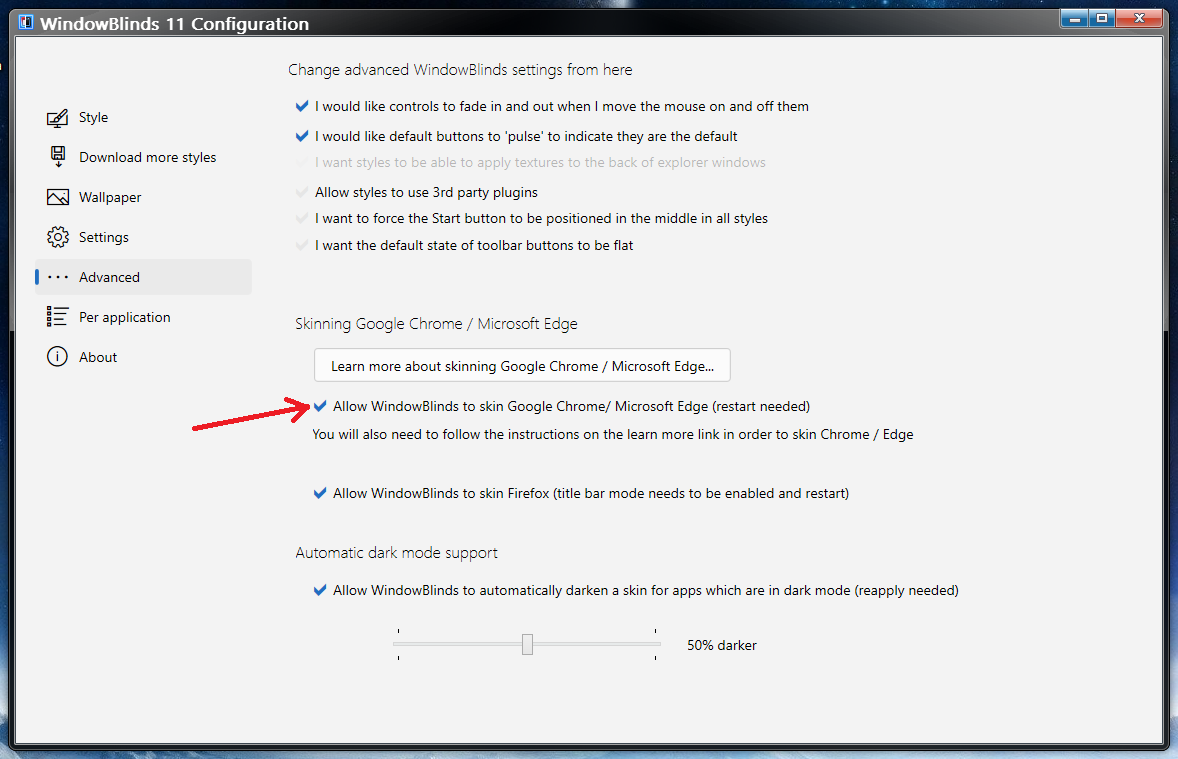
Google has changed the way Windows 10 title bars are skinned in Chrome. With that, certain attributes must be added to the target of any shortcut to Chrome.
The easiest method would be to download this shortcut, unzip it, and run it. Please make sure Chrome is not running at all when you do (check task manager to ensure it is not). Also note that this link only works if you installed Chrome in its default location:
https://cdn.stardock.us/support/uploads/Google%20Chrome.zip
That then would be the shortcut you use to open Chrome each time.
What was done to that link was adding the following attributes (bolder here to illustrate) to the target:
"C:\Program Files (x86)\Google\Chrome\Application\chrome.exe" --disable-windows10-custom-titlebar

Cut and paste it here for you.
Thank you,
Basj,
Stardock Community Assistant


 Stardock Forums

 WinCustomize Forums