Can't upgrade to 22H2

It says I must update Start10

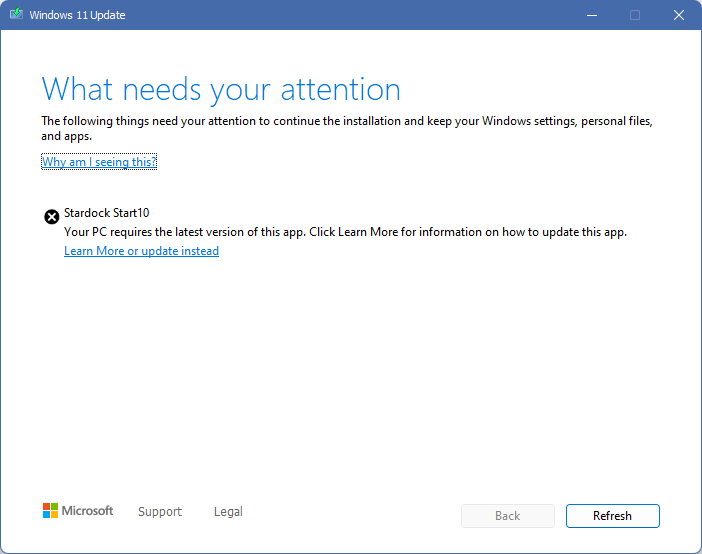
I am running Win11 22H1. Windows update says 22H2 is available, downloads okay but when about 35% installed it halts with an error saying I must update Start10. Ony thing is, I am running Start11, beta 1.27.

9,148 views 24 replies
Reply #1 Top

Same here, I had Start11 1.25 installed, got the same error while installing 22H2, cancelled it, uninstalled Start11, reboot but got same "update Start10" error although no Start1* SOftware is installed anymore

Reply #2 Top

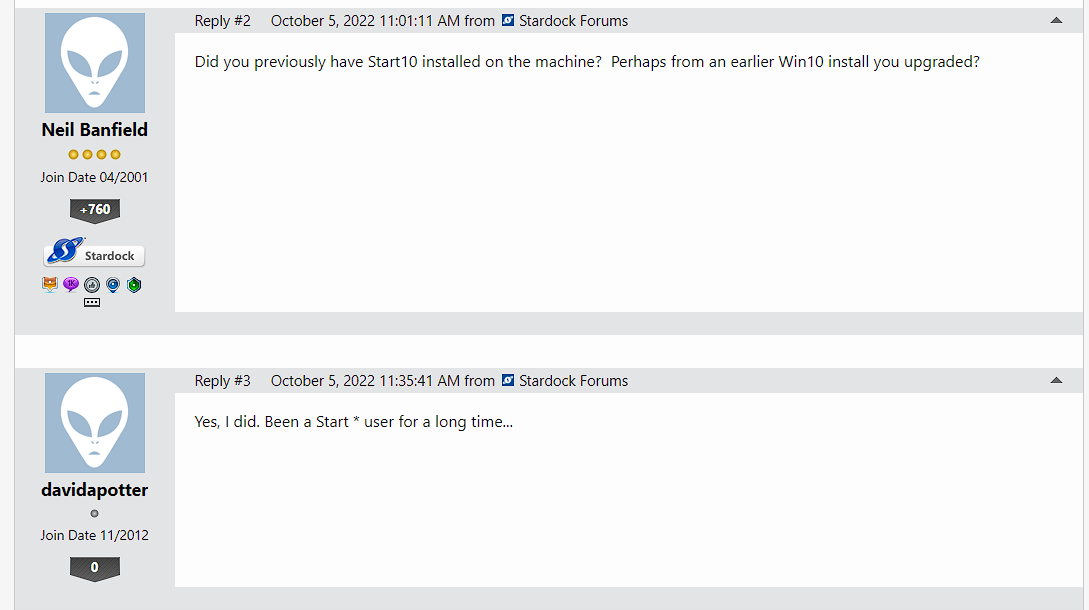
Did you previously have Start10 installed on the machine?  Perhaps from an earlier Win10 install you upgraded?

Reply #5 Top

I'lll give it a try a little later... Thanks! It looks promising. I wonder -- maybe instead of deleting the whole Stardock folder I could just move it somewhere safe, and then move it back? Gotta be a bunch of settings in there...

Reply #6 Top

Just installed 22H2 and did not get this issue. Had Start 10 updated to Start 11. Also running WindowBlinds 11 beta.

Other than taking a longer time to download and install (big update) all went normal. 

Reply #8 Top

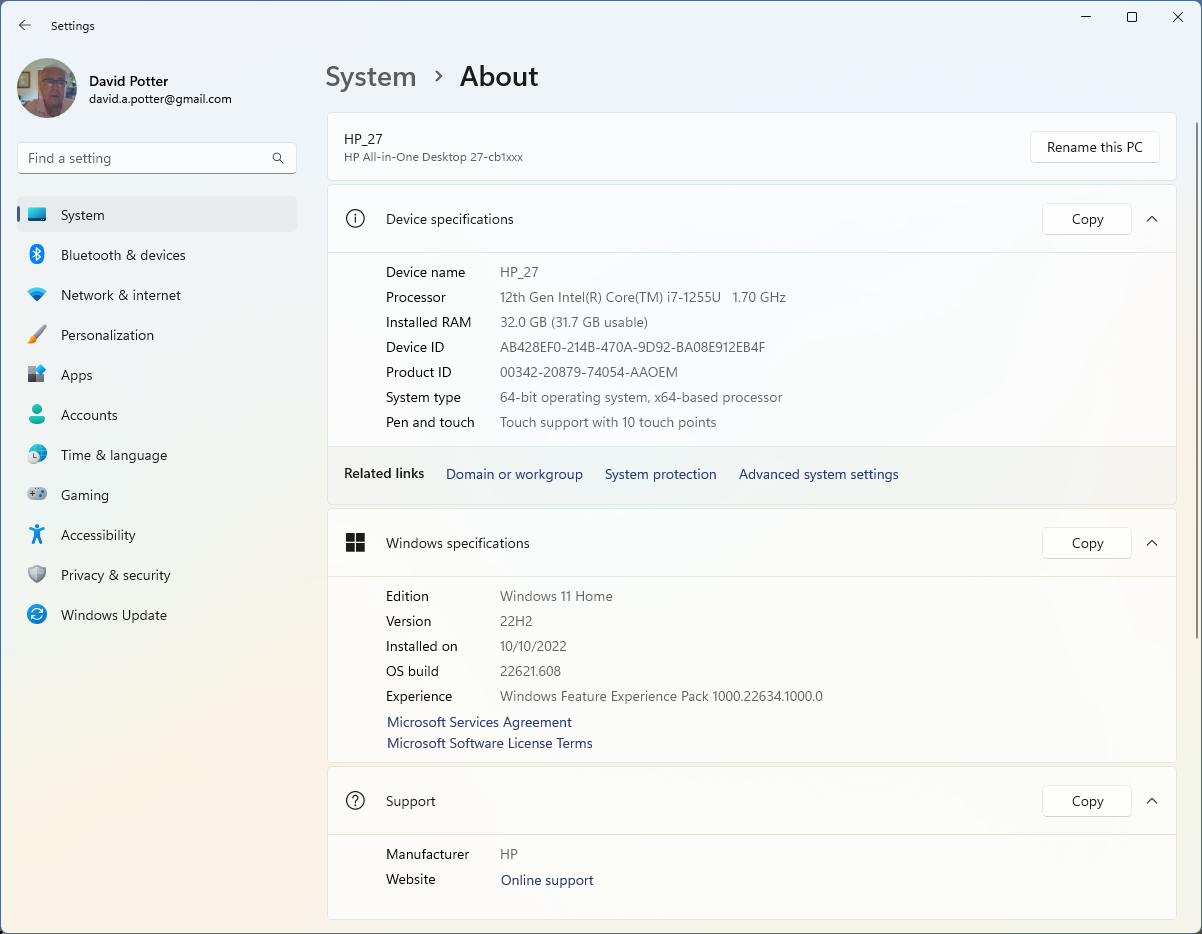
It IS worse. I am actually running Windows 11 version 21H2.j NOT 22H1 as I previously stated. My apologies...

Reply #9 Top

Quoting davidapotter, reply 8

It IS worse. I am actually running Windows 11 version 21H2.j NOT 22H1 as I previously stated. My apologies...

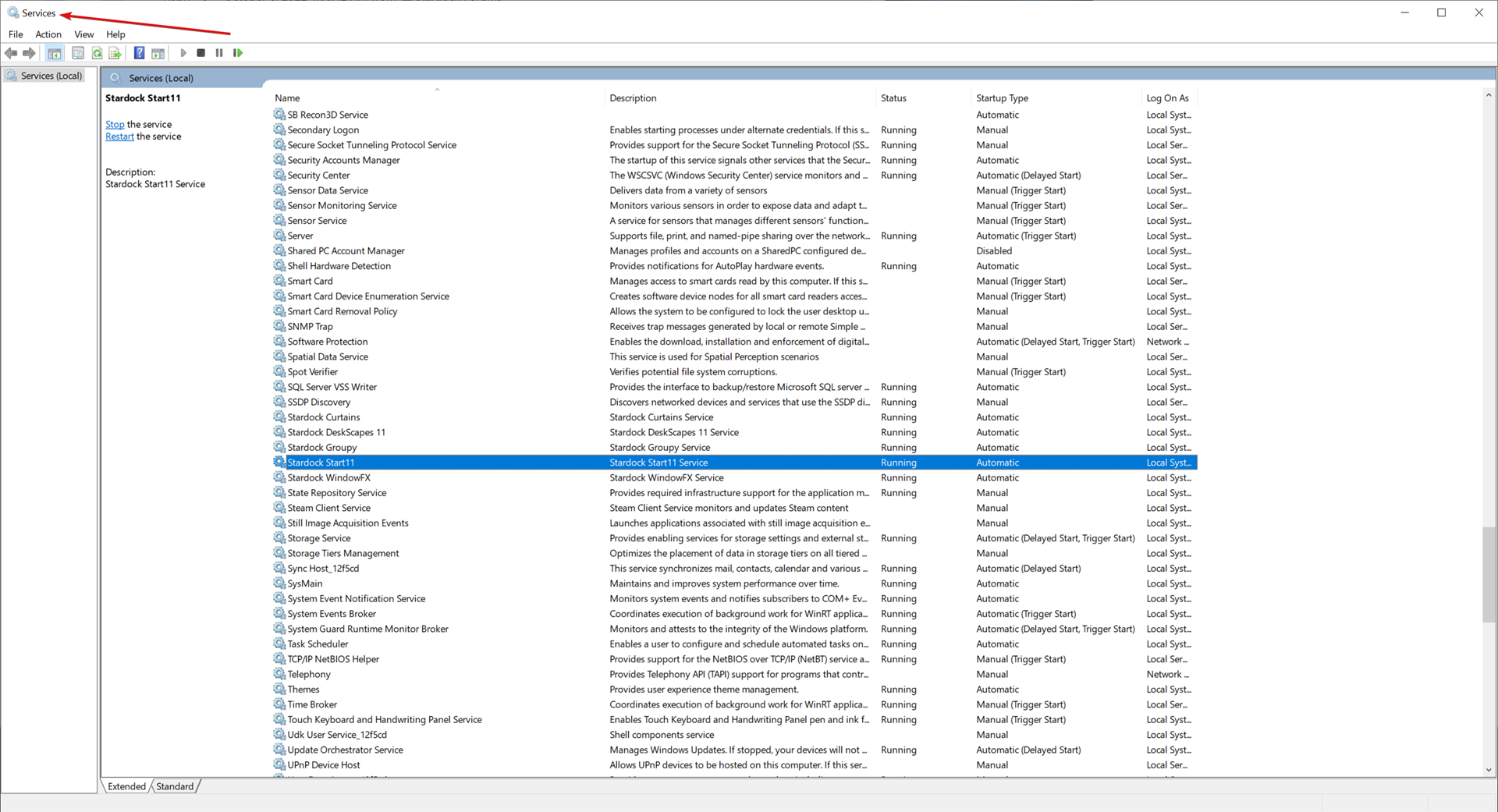
In Services on that PC, what does it have for Start, 11 or 10?

Regardless, if you set the service to 'Manual', reboot, then try to install the update, does it work then?

If so, and you re-enable the service (Auto), reboot, does everything work?

Sean Drohan
Stardock Product Lifecycle Manager

Reply #10 Top

No, it doesn't. I set the Start11 service to Manual, stopped it, and rebooted. Checked and confirmed that it was not running. Tried the update again -- still didn't work...

Reply #11 Top

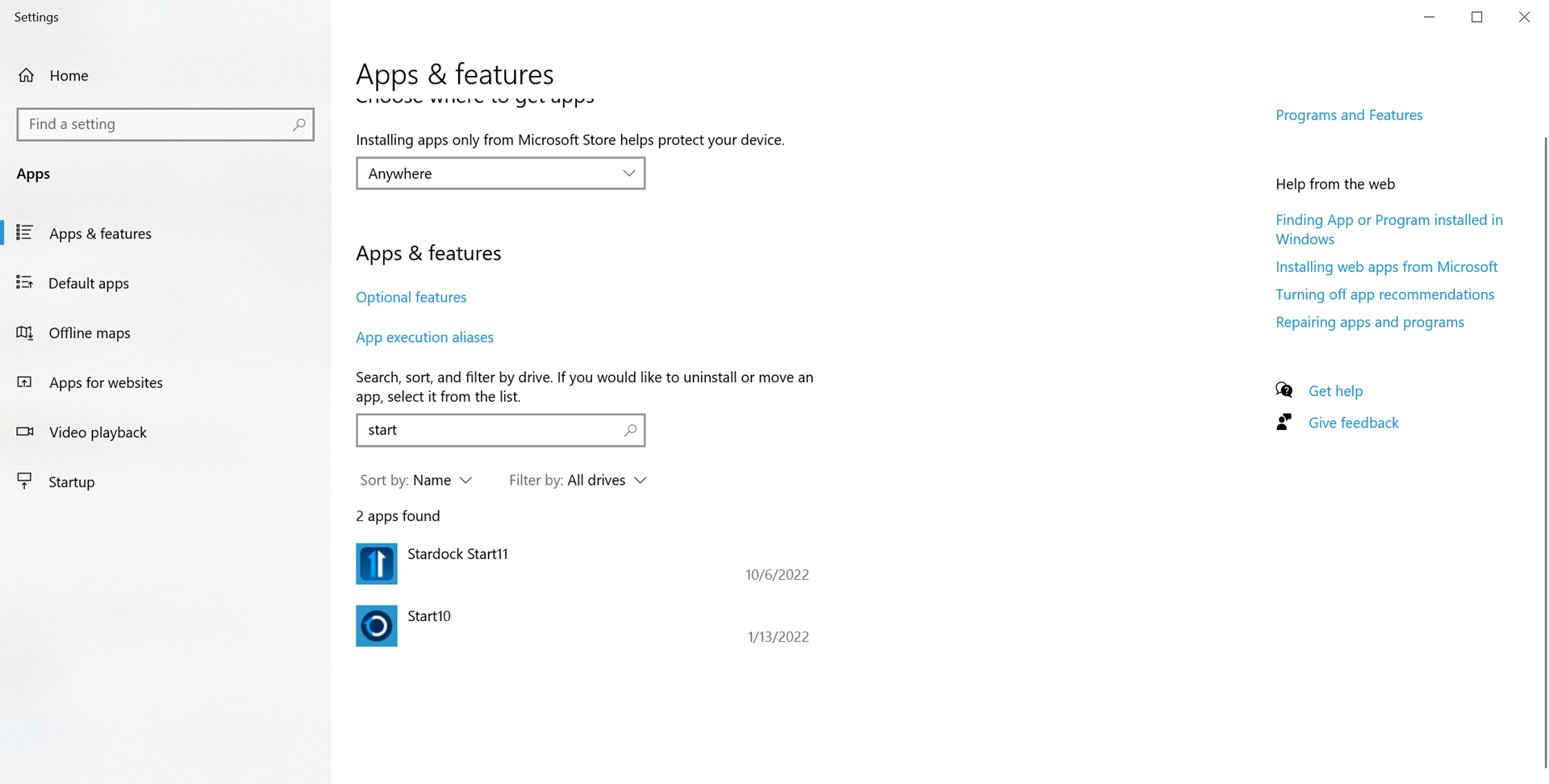
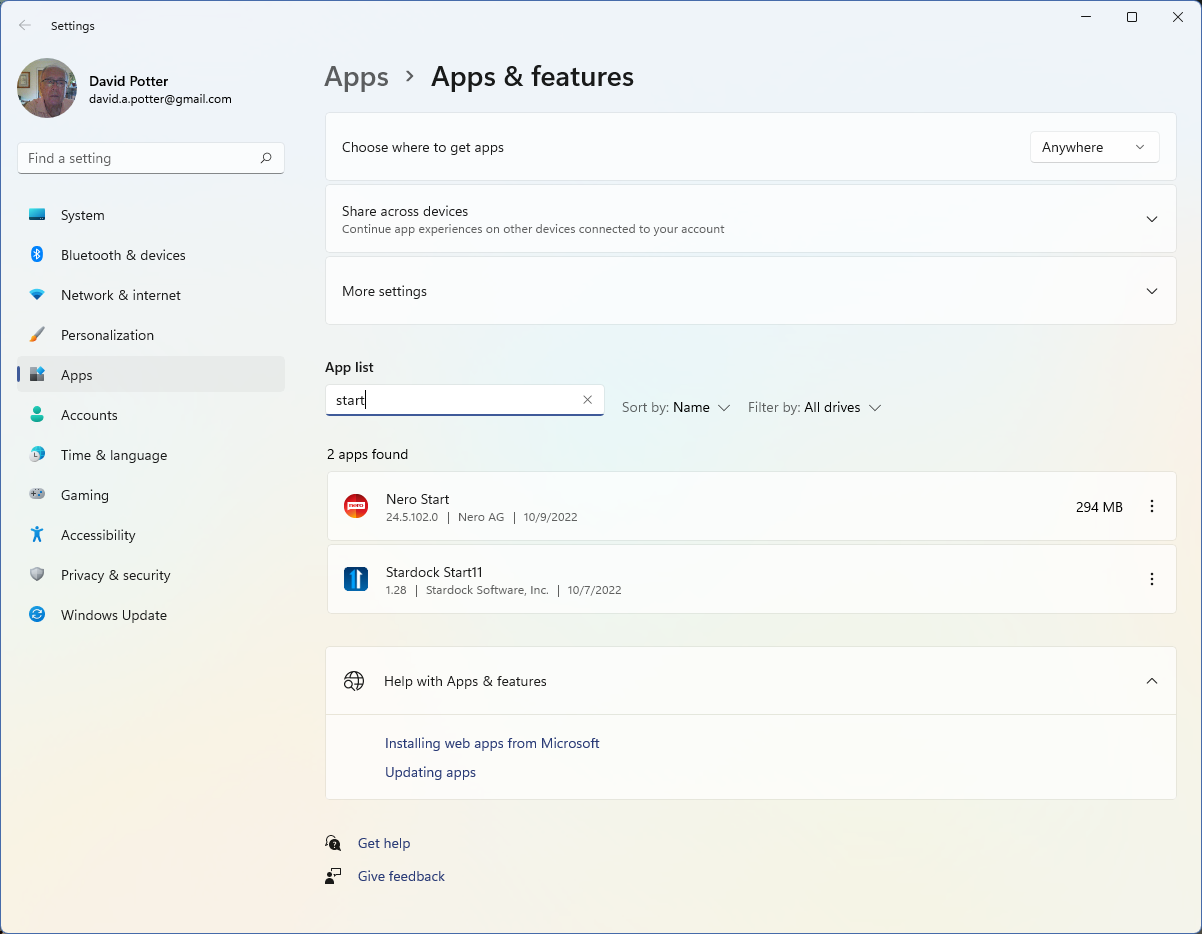
When you search Add \ Remove, do you have two instances of Start, 10 and 11 or one or the other (what one if so)? Example:

Also, did you once have Start10 installed via Steam?

Sean Drohan
Stardock Product Lifecycle Manager

Reply #12 Top

Just one -- Start11. Also, no, I never had Steam -- All installations from Win10 (old computer) or Win11 (new one). Installed Beta 1.28 via download from Stardock...

Reply #13 Top

Quoting davidapotter, reply 12

Just one -- Start11. Also, no, I never had Steam -- All installations from Win10 (old computer) or Win11 (new one). Installed Beta 1.28 via download from Stardock...

Ok, I thought this was the same PC from your statement:

So this 'new one' never had Win10 \ Start10 - its always had Win11 \ Start11, yes?

Sean Drohan
Stardock Product Lifecycle Manager

Reply #14 Top

Hard question to answer. I migrated from10 to 11 by cloning my previous C drive to the one on my new computer. Old one had had Start10 -- and I obsessively keep everything up to date. Could I have been running Start11 on Win10 on my old PC? If that is possible, then it is probably true...

Reply #15 Top

Quoting davidapotter, reply 14

I migrated from10 to 11 by cloning my previous C drive to the one on my new computer.

I feel a tear forming... 😉

Quoting lutzmarini, reply 4

I used this https://forums.stardock.com/486022/start10-support-faq#reinstalling https://cdn.stardock.us/support/uploads/Purge_StartALL.zip   but also manually deleted the Stardock folder in ProgramFilesx86, rerun the 22H2 update and this time it worked. I'll try to install now the Start11 Beta (1.27)
update: installed Start11, all good.

Quoting davidapotter, reply 5

I'lll give it a try a little later... Thanks! It looks promising. I wonder -- maybe instead of deleting the whole Stardock folder I could just move it somewhere safe, and then move it back? Gotta be a bunch of settings in there...

Quoting davidapotter, reply 7

Still no joy here. Think I will be sticking with 22H1 for a while... Could be worse!

Can I assume you did what lutz did, purge \ uninstall \ reboot, and you still could not update Windows?

If not, that is indeed what we would like you to try.

If that still fails, reinstall Start11 and try again.

If it still fails, and you do a computer-wide search for Start11Config.exe, does it only find 1?  If it finds more, where are they?

Do another search for Start10Config.exe and does it find one?  If so, and you rename it to Start10Config.OLD, does it then work?

Sean Drohan
Stardock Product Lifecycle Manager

Reply #16 Top

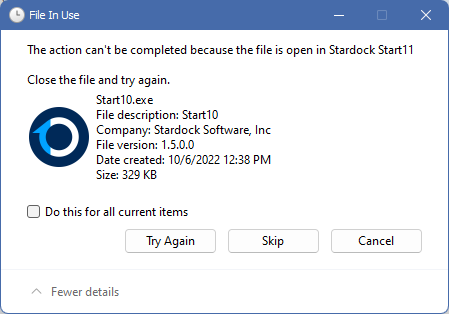
I will try and try again. Just found several start10 directories and files, even though it doesn't show up as an existing app... So I have been trying to delete them all (brute force, hit it with a hammer approach) and things got interesting -- look at this:

Why is Start10.exe open in Start11?  Anyway I am going to keep trying -- will let you know -- and thanks very very much for your support...

Reply #17 Top

Quoting davidapotter, reply 16

I will try and try again. Just found several start10 directories and files, even though it doesn't show up as an existing app... So I have been trying to delete them all (brute force, hit it with a hammer approach) and things got interesting -- look at this:

Why is Start10.exe open in Start11?  Anyway I am going to keep trying -- will let you know -- and thanks very very much for your support...


Please do not delete that file as that is part of Start11 which is why that file is locked from deletion.  It is there for legacy support of older shortcuts.  It is not why Windows is detecting Start10.

Reply #18 Top

OOkay, up and running with 22H2 and Start11 1.28. deleted everything having to do with Start10 before I saw your message. Windows update then worked with no problem. Restarted, restarted service, set to automatic, and to be on the safe side I reinstalled 1.28... So far as I can tell it's all working fine. Thanks again!

Reply #19 Top

One year after this topic, I'm still in the same situation : impossible to update Windows to 22H2. I have tried everything that was writtent here and it continues to detect a Startdock10 issue (see Reply10 above). What I gave tried so far :

- uninstall/reinstall startdock 11

- be sure I have the last version of Startdock11

- clean the registry manually for everything related to Startdock10

- try to install Windows update when Startdock was totally uninstalled and registry cleaned

- made a research on "Start10Config.exe" and "Start11Config.exe" : doesn't find anything.

I don't know what I still can try.... :/

Reply #21 Top

Quoting basj, reply 20

Hello,
Sorry to hear you are having issues. I am confused, you're the same person as "davidapotter"? Have you tried purge as stated here? https://forums.stardock.com/505872/start11-support-faq#reinstalling

Thanks
Basj,
Stardock Community Assistant.

In addition, try this if it fails but without restarting any Start11 service

https://forums.stardock.com/505872/start11-support-faq#cleanboot

Sean Drohan
Stardock Product Lifecycle Manager

Reply #22 Top

Hello, No I'm not the same person. I just arrived here because I was looking for some solution. 


Yes, I tried the purge, restarted, and then created a new fresh admin account and tried to do the windows update.
Still the same message about Startdock10....

Reply #23 Top

Quoting jfremy, reply 22

Hello, No I'm not the same person. I just arrived here because I was looking for some solution.


Yes, I tried the purge, restarted, and then created a new fresh admin account and tried to do the windows update.
Still the same message about Startdock10....

To be clear, there is no Stardock product name Startdock10. There is Products such as Start10, Start11 and ObjectDock. Which product are you referring to?

Thank you,

Basj,
Stardock Community Assistant

Reply #24 Top

Quoting jfremy, reply 22

Hello, No I'm not the same person. I just arrived here because I was looking for some solution. 


Yes, I tried the purge, restarted, and then created a new fresh admin account and tried to do the windows update.
Still the same message about Startdock10....

What folders do you have here

C:\Program Files (x86)\Stardock

If there are any that are 'Start10' or 'Start11', delete them and try again.

Sean Drohan
Stardock Product Lifecycle Manager