4.0.7.2 Clean Install - Not Enabled
Win 11 Home 21H2
from  Stardock Forums
Stardock Forums
Hi team
Have just installed fences on my new Win 11 PC.
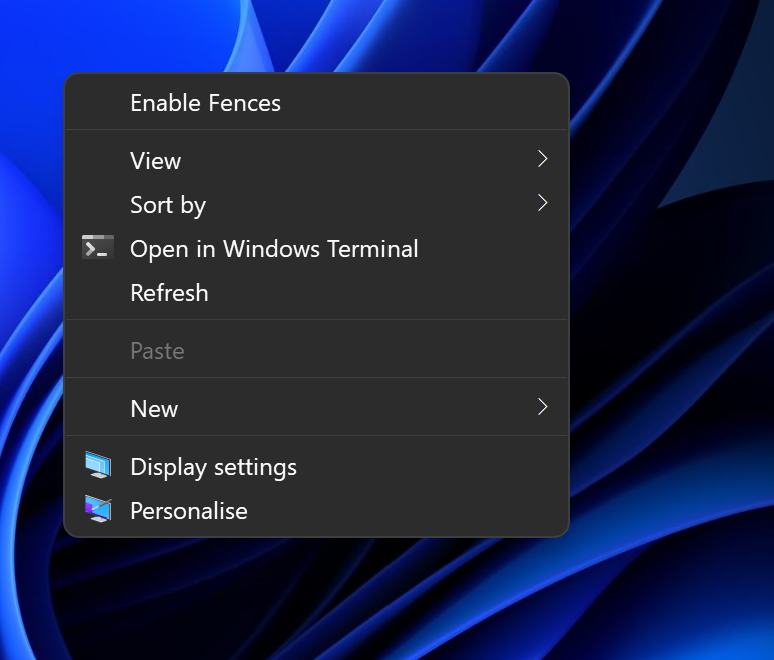
Post-restart, Fences startup services are running in Task Manager, but clicking and dragging doesn't create a fence. Nothing in the default Win 11 Context menu, "show more options" gives the Win-10 style context menu with an option to "Enable Fences", but clicking this doesn't change the behaviour.
Have tried the Purge Fences file, reboot x 2 and another install but behaviour is the same.