Control Panel

Quick Access Side Shortcuts not working

Start11 v.1.25 on Dell Inspiron 5379,  8.00Gb RAM, Intel core i5, Windows 10 Home, version 21H2OS, build 19044.1889. 

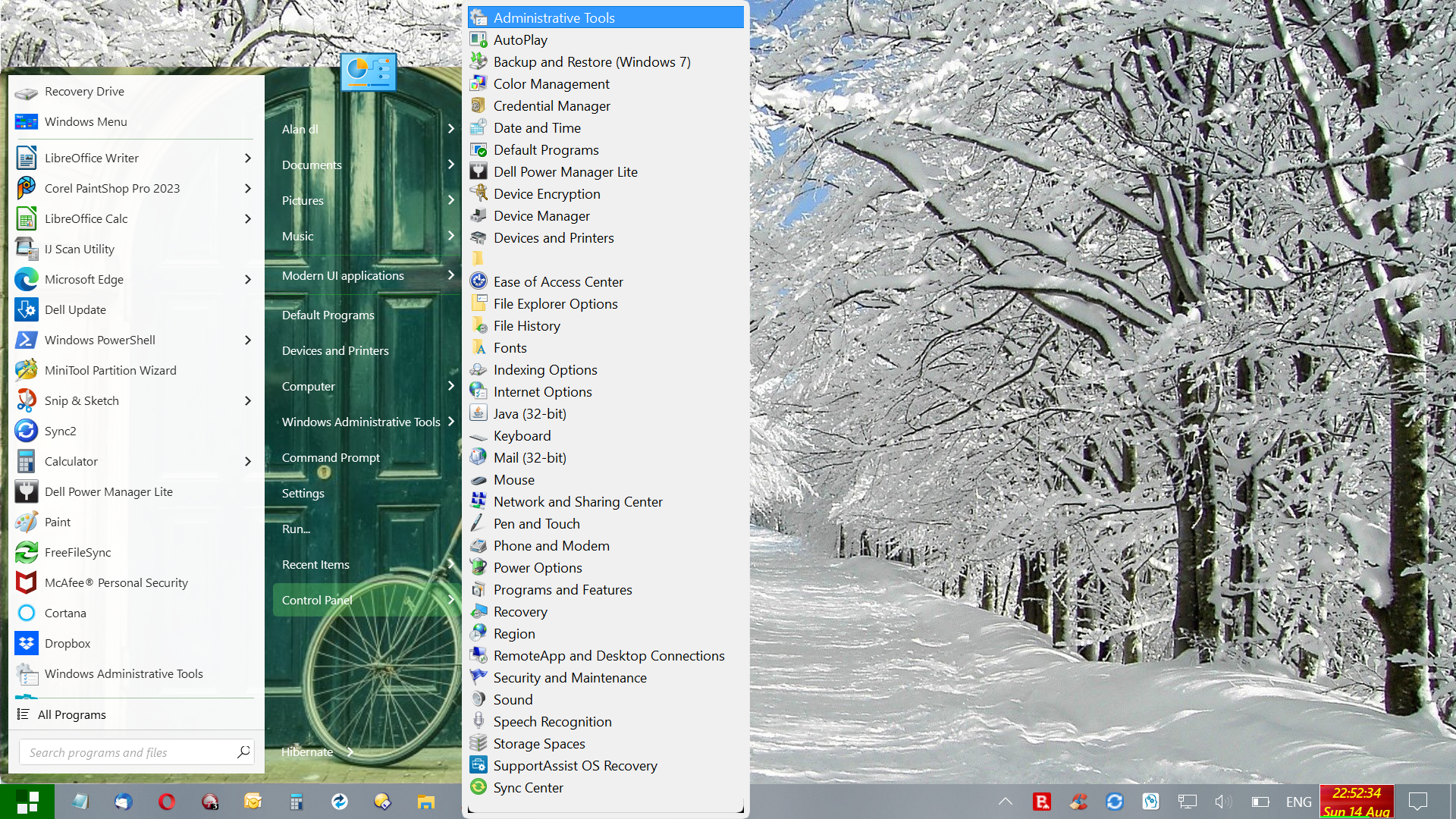
I have added Control Panel to the quick access side shortcuts in the right hand panel. When added as a menu, it will only open about half of the items - eg Date and Time, Keyboard, Taskbar and Navigation - can provide a full list of 20 items if necessary. The remaining c.20 items will not open through the menu. When Control Panel is added as a link, it will not open at all.

Also Devices and Printers is added as a link, but this will not open either.

This is the only problem I have had with Start11, which I will probably buy - was using Open Shell, but it was causing the taskbar and start icon to freeze occasionally.
2,212 views 4 replies
Reply #1 Top

Try uninstall reboot and reinstall reboot

Test and report back.

AzDude

Reply #2 Top

Hello,
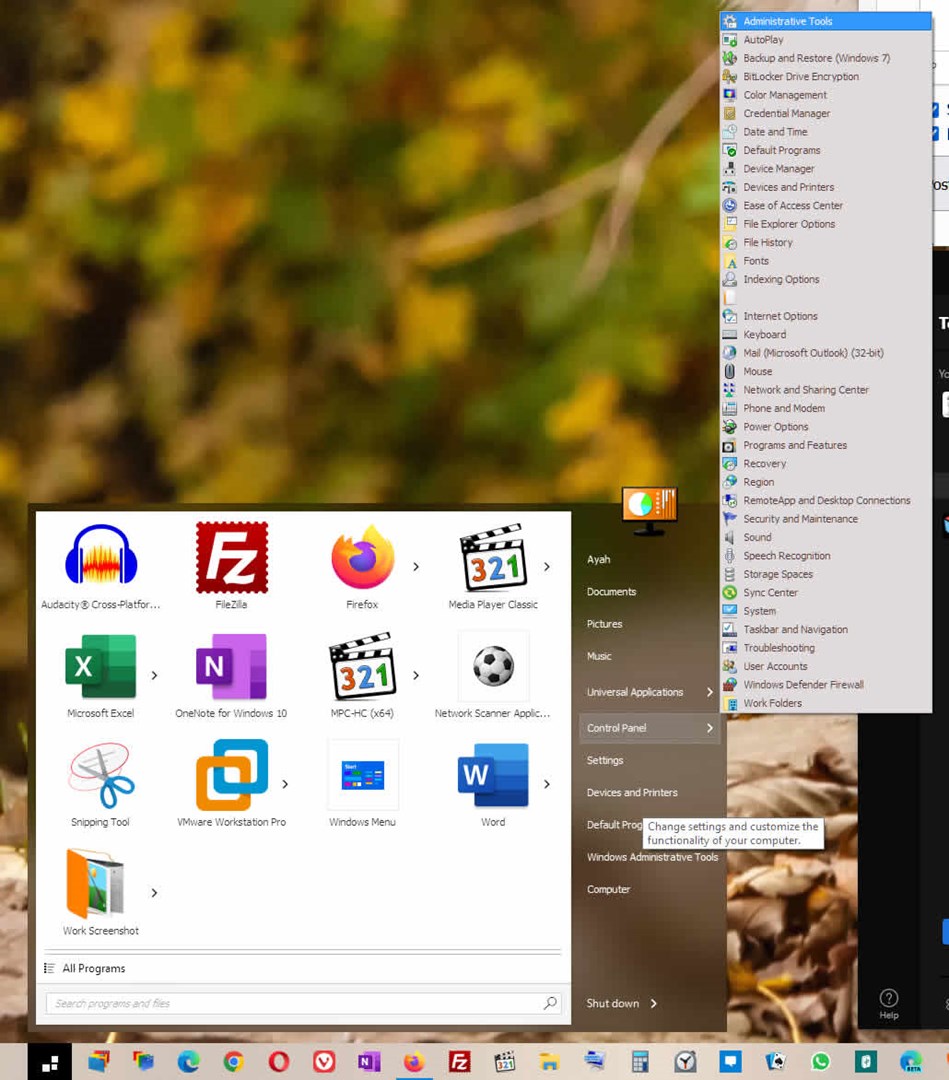
Sorry to hear you are having issues. I can't reproduce your issue on my Windows 10 system with same Windows version numbers and Start11 1.25. Here is the screenshot for my control panel with its full listing. Can you post screenshot of what you have on your system.

Thanks
Basj,
Stardock Community Assistant.

Reply #3 Top


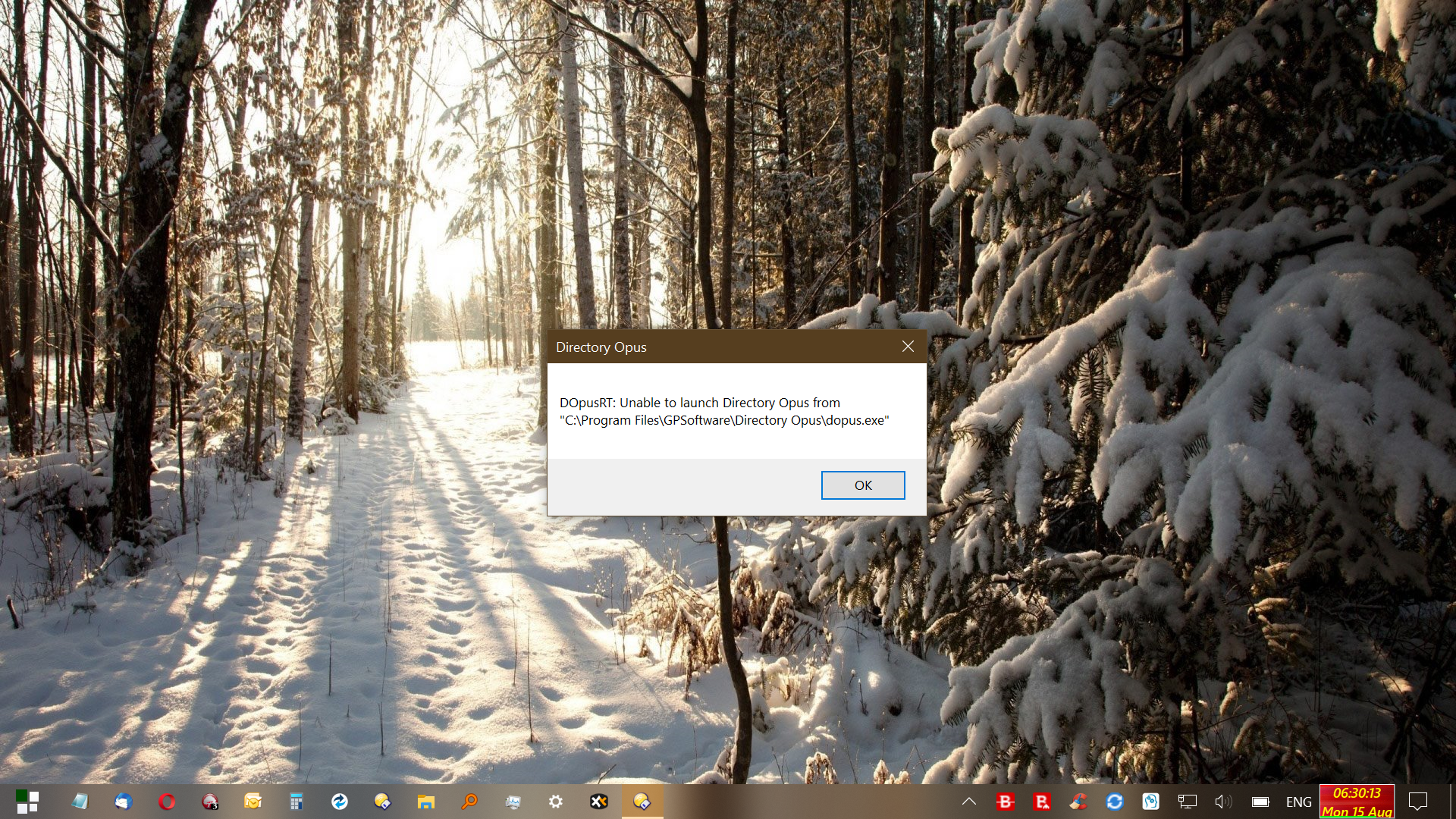
I uninstalled, rebooted, reinstalled, rebooted - still the same problem. I think it's got something to do with a Windows Explorer/File Explorer/explorer.exe replacement I'm using: Directory Opus - see image showing error message about Directory Opus when I try to open, eg Network and Sharing Centre, from the Control Panel menu in Start 11. Other image shows Control Panel menu as requested by basj .

Reply #4 Top

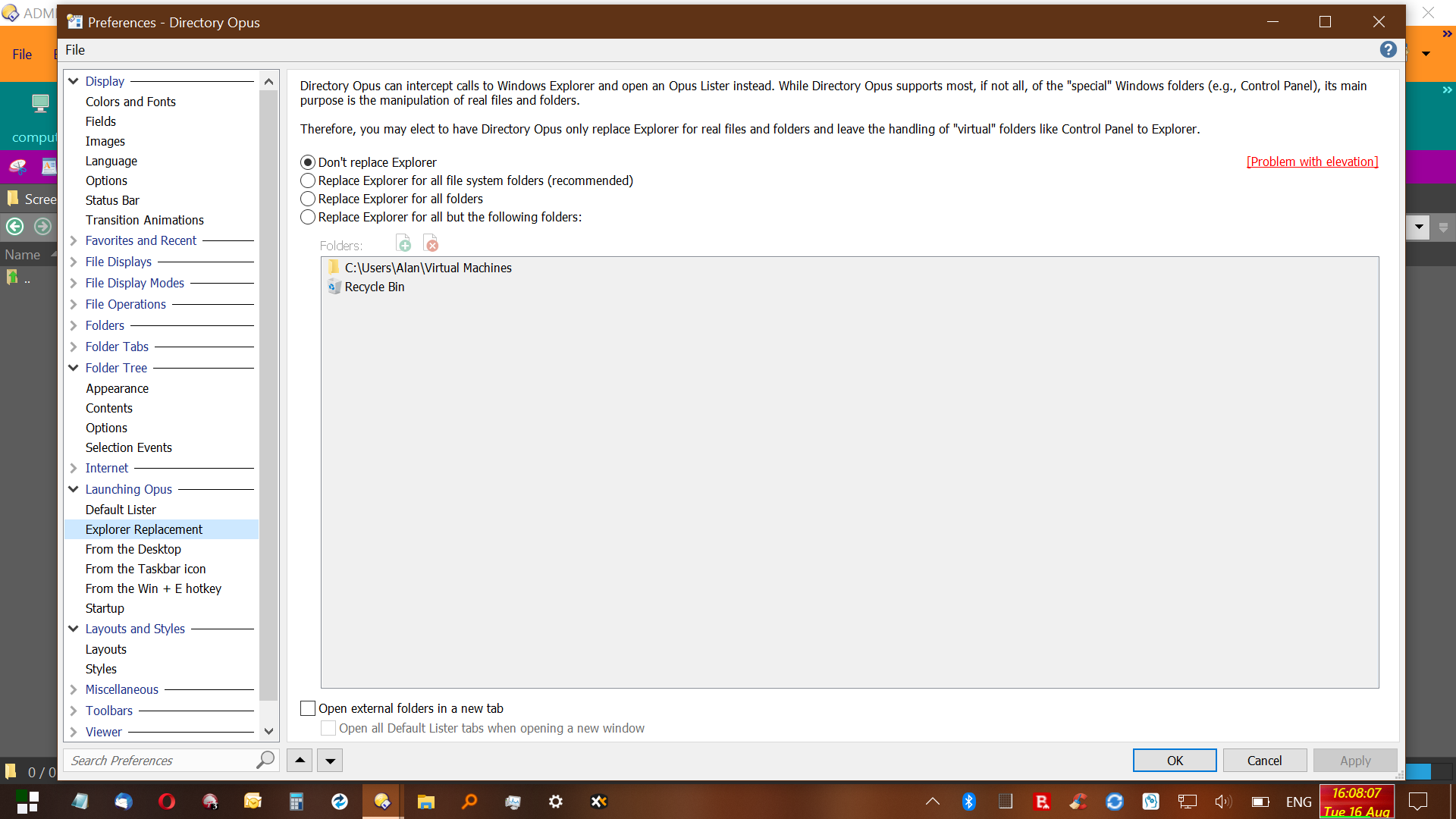
For anybody else using Directory Opus with the same problem you have to select "Don't replace Explorer" in the Preferences menu - none of the other options allow Control Panel to work. I tried the fourth option "Replace Explorer for all but the following folders" and adding Control Panel folders as exceptions but it still didn't work.