from  Stardock Forums
Stardock Forums
Is there a way to restore the clock to the task bar?
 Stardock Forums
Is there a way to restore the clock to the task bar?
Hello,
Sorry to hear you are having issues. Can you post your Windows full version numbers please. And which version of Start11 you having on your system? Also, you on Single, dual or more monitor system?
Thanks
Basj,
Stardock Community Assistant.
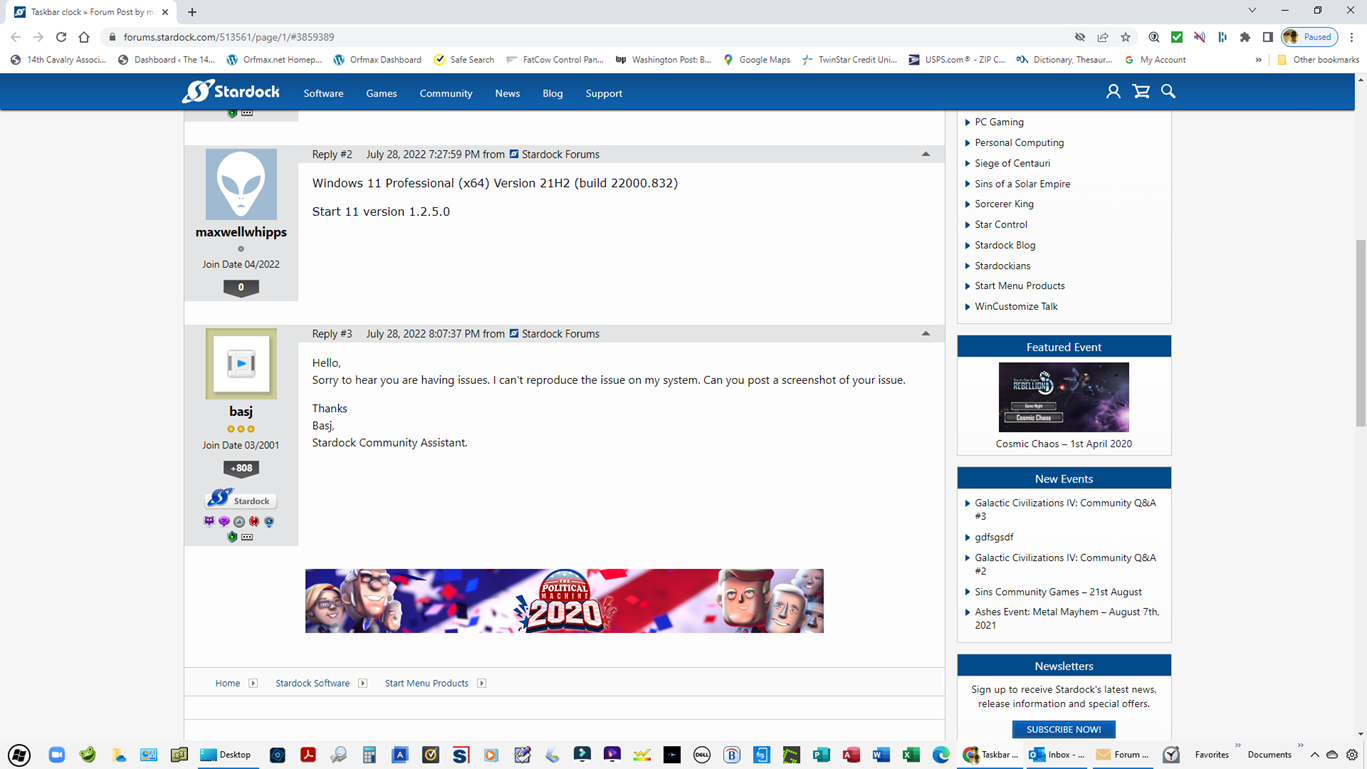
Windows 11 Professional (x64) Version 21H2 (build 22000.832)
Start 11 version 1.2.5.0

Hello,
Sorry to hear you are having issues. I can't reproduce the issue on my system. Can you post a screenshot of your issue.
Thanks
Basj,
Stardock Community Assistant.
How do you have taskbar "Toolbars" on Windows 11?
Are you using another app to modify the taskbar in addition to Start11?
I do not have Windows 11, but I am pretty sure there is a configuration screen for turning system icons on or off. Try searching for "Turn system icons on or off" and see if it's turned on like you want. This is how it looks on Windows 10:
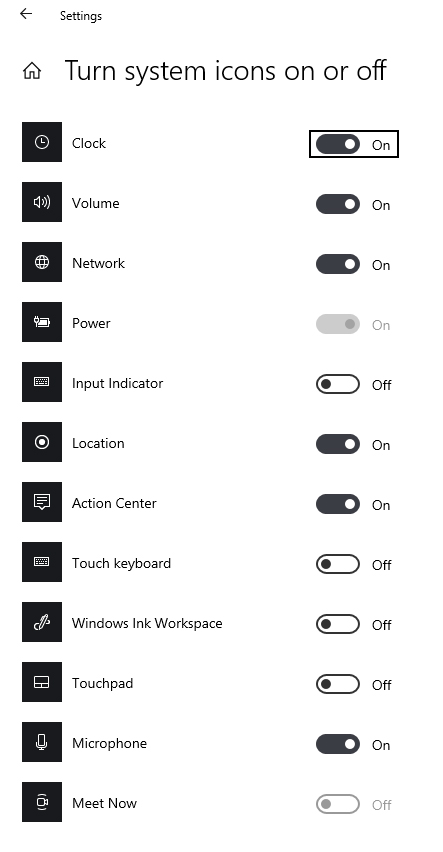
Windows 11 doesn't have this feature for the clock. The clock and date are actually a button that opens the calendar and notifications. It can't be turned off.
That might be the issue here. Conflicting Start11 with other application that mod taskbar. Please turn those off or better yet, uninstall them. Reboot and retest. Report back.
Thank you,
Basj,
Stardock Community Assistant
I have the same problem, I don't have any mod, I just installed Start 11.
Company laptop, they just update to Windows 11. I only need to not combine icons...
I also don't get the contextual menu from the start button.
Hello,
Sorry to hear you are having issues. Can you post more details on your system please.
Thanks
Basj,
Stardock Community Assistant.
OK, I think I fixed it after a restart...
Before Start11 I tried a registry fix from here but it didn't work:
https://techcommunity.microsoft.com/t5/windows-11/how-to-enable-never-combine-taskbar-buttons-windows-11/m-p/2904783/highlight/true#M1016
I thought I reset everything, but I tried to disable the keys anyway, restarted and now everything works.
Welcome Guest! Please take the time to register with us.
Select a reason for giving karma:
You're about to visit an external site:
Sign up here to get the latest news, updates, and special offers delivered directly to your inbox.