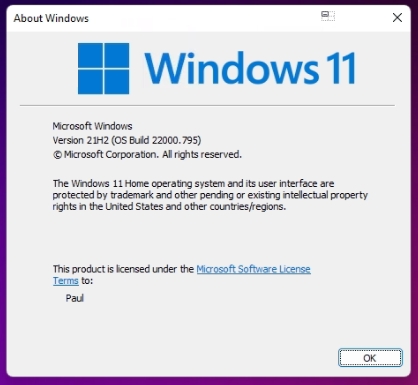
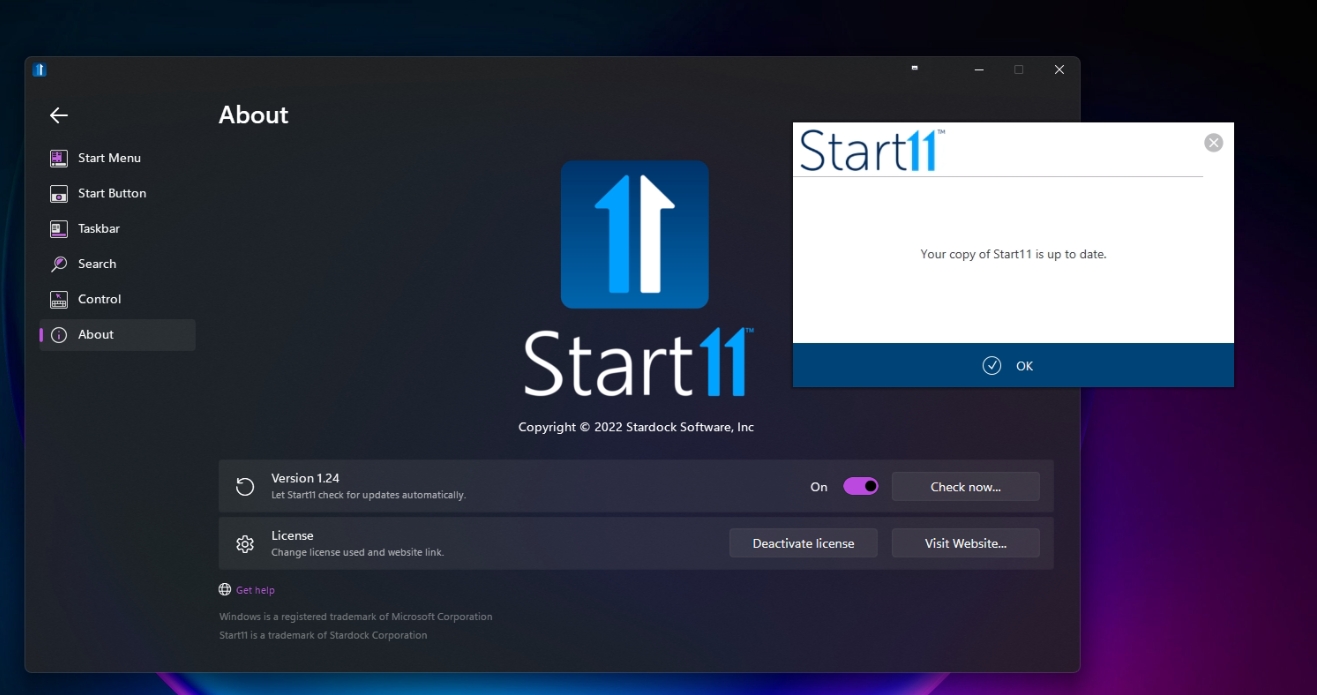
I've installed it, and while I appreciate it's beta, it did work, then it didn't, then it did again. 
Let me explain, first, there was my normal, Command Prompt and Windows Menu, and there was a separator line between my recently used and the two pinned, so I added 'Task Scheduler' by typing it in the search box, then right clicking and choose 'pin' it pinned it, but it pinned it as it's name that would be in the System32 folder, taskschd.msc, so I unpinned it. Then the separator disappeared and I couldn't then add anything else to the top, so I tried Epic Games Launcher, and it did it, and the separator re-appeared, so I went via the menu of 'Administrator Tools' and right clicked on Task Scheduler, and was able to pin it. Then I went to remove Epic Games Launcher, as I didn't want that, and even though the separator was there, when I right clicked on Epic, I only got the option to 'Pin' NOT 'unpin', so I clicked the start button, and it flashed open and closed a couple of times. Then it opened, then the separator had gone. I left it for about 2 mins, then the separator returned and I was able to unpin Epic.
Figured I'd let you know all this, as it's beta, it's 'feedback' to allow you to maybe look as to what would cause this issues shown above.
For now, I'm happy to stick with the issues, and the beta, as it's allowing me to pin, and I'm guessing as the beta gets updates the app will try to update too?
Thanks for your time.
Regards
PJ

 Stardock Forums