Taskbar disappears in Enhanced mode with fullscreen app
 Stardock Forums
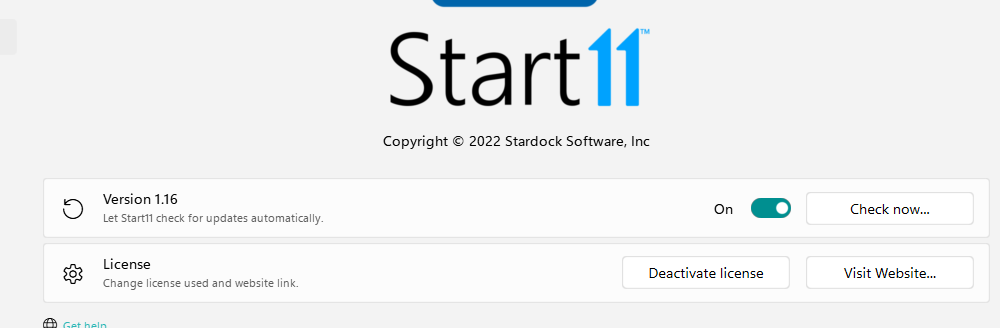
I'm using Windows 11, and Start 11. And since the last update, it seems like the taskbar disappears when you have "Let Start11 enhance the taskbar" when using a fullscreen app or game. While I like the enhanced features it seems like this is either a bug, or if its intended, should be optional and not on by default. I cannot find anyway to fix this other than to turn it off entirely which restores functionality of the taskbar as intended by Microsoft when you are in a fullscreen app.
I have multiple monitors and often play games or use the primary monitor in a fullscreen way, while simultaneously watching a movie or doing something else on the second monitor, I need to be able to switch between apps and also use the apps I have on the taskbar while I have something fullscreen open. With this enhancement on, this becomes impossible or at least a struggle, for really no apparent reason I can discern.
I have recorded a camtasia, and uploaded it to youtube that shows you exactly what the problem is.
https://youtu.be/ZmvrhSsSRkI
Hopefully this is either a bug, or again if it was intentional we can get a checkbox to turn that on or off without losing all the other features you want to include in the enhanced taskbar option. And again a feature that breaks a core function should not be enabled by default, so if you intend on fixing it by making it something you can turn on and off with a checkbox or switch, it should not do this by default.
Thanks in advance,
John Saucier