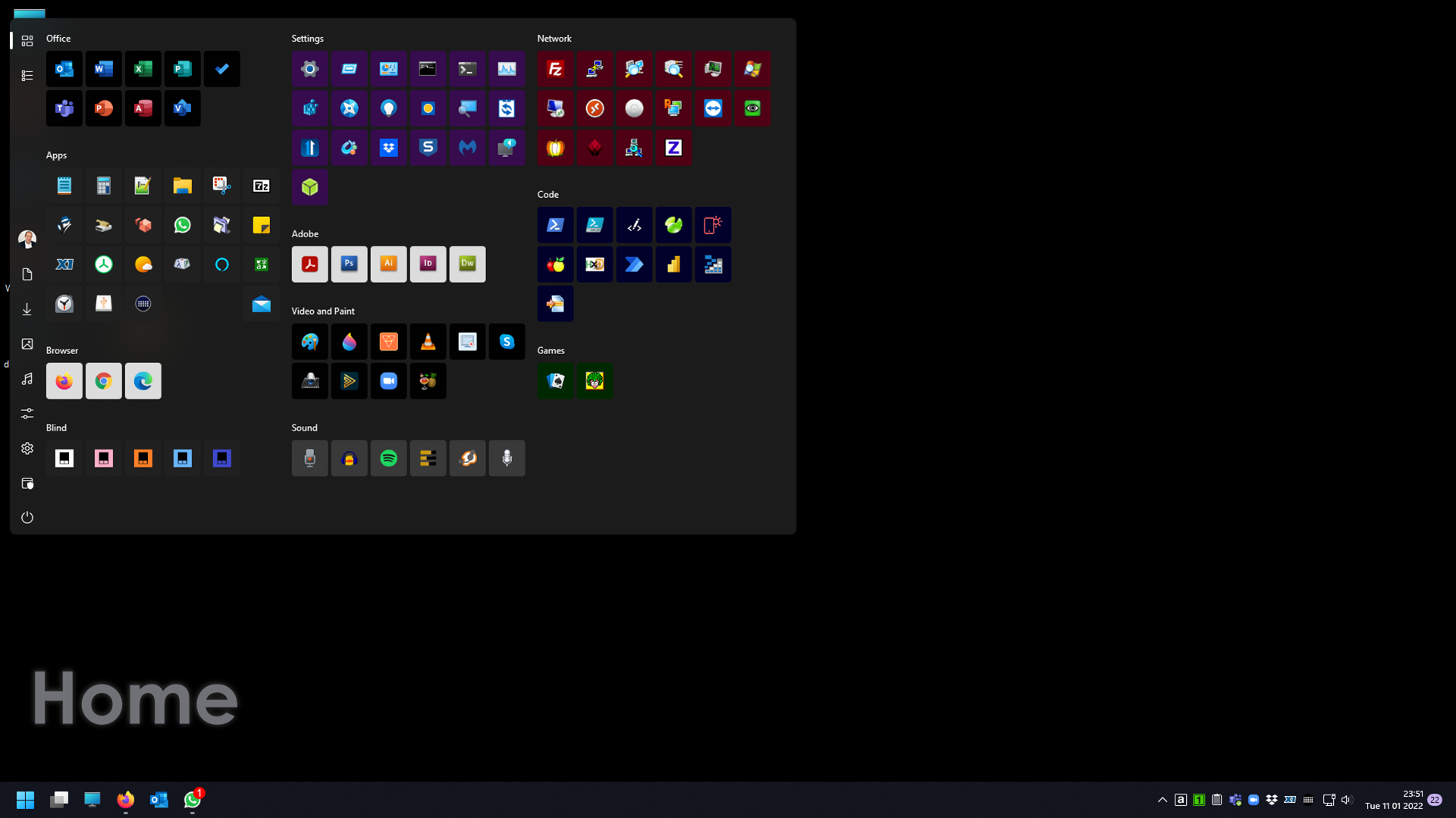
Start11 1.1 Beta Release Thread
from  Stardock Forums
Stardock Forums
With the Start11 1.1 beta release today, we are creating this thread so that users can report any observed issues.
Obtaining the beta:
Object Desktop members can get the beta from within Object Desktop Manager with 'show beta downloads' enabled:

Individual purchases (as well as Object Desktop Members) can also be obtained from your account page:
https://store.stardock.com/myaccount/products
Reporting an issue:
Please include the following for anything found:
- Exact Windows version \ build (winver.exe)
- Detailed steps to recreate the issue seen
- Screenshots and videos are very helpful. Videos can be uploaded to a cloud drive services (GoogleDrive, DropBox, OneDrive, YouTube) and link included in your post. Images can be directly added.
- If there are specific apps that the app does not work (well) with, please note what apps and their exact versions. If any app is not common, a link to a trial version would be appreciated.
Thank you for your interest and any time you put into making Start11 a better product.