Start11: Taskbar size on secondary monitors

Hello all!


When I change the taskbar size to 'small' within Start11, it changes the size on the primary monitor. But the second and third monitor still show the taskbar in the default size. This is true after restarting explorer.exe.


Any idea how to make all task bars match the primary?


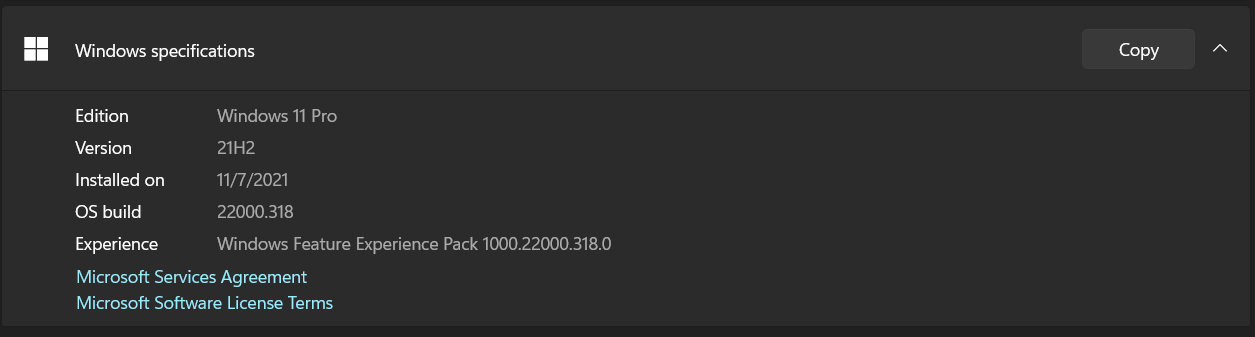
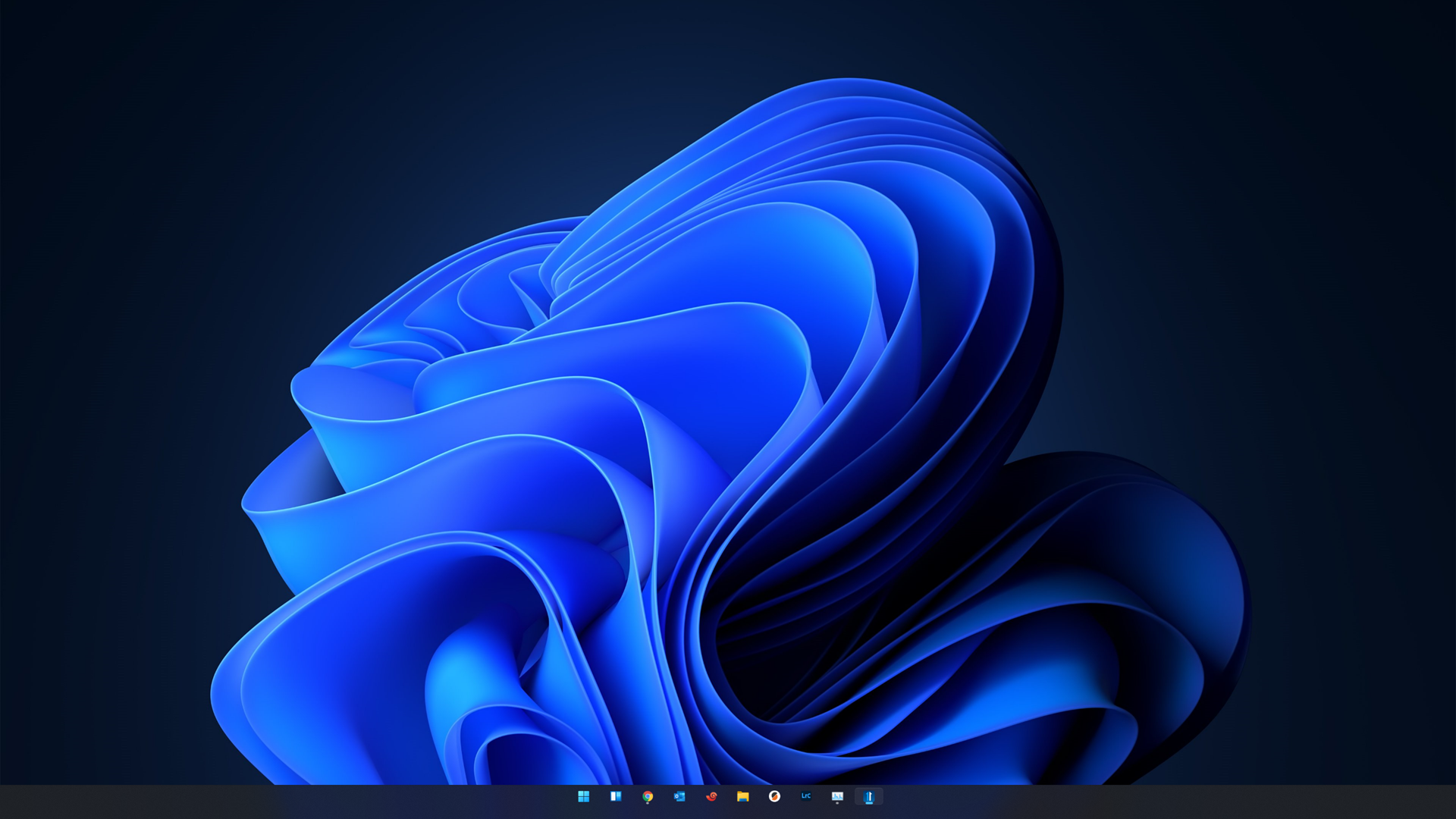
Here are my versions and screenshots of the difference between taskbar sizes:


Versions:


Primary display:


Secondary display:
2,330 views 4 replies
Reply #1 Top

Hello,

I have forward your problem/question to Stardock Support Team for their assistance. Please keep an eye on this thread for any updates. We appreciate your feedback and patience.

Basj,

Stardock Community Assistant

Reply #2 Top

Quoting basj, reply 1

Hello,

I have forward your problem/question to Stardock Support Team for their assistance. Please keep an eye on this thread for any updates. We appreciate your feedback and patience.

Basj,

Stardock Community Assistant
End of basj's quote


Thank you!

Reply #3 Top

Just to update, the taskbars all are now the same size. I have not done any thing but reboot windows a couple of times sicne creating the thread. Not sure what happened.

Reply #4 Top

Hello,

Sorry to hear you are having trouble.

Unless I am doing something wrong (or if you are just seeing a size difference because the monitor resolution is different), I cant see what you are:

https://cdn.stardock.us/support/uploads/2021-11-15_11-51-39.mp4

Sean Drohan
Stardock Support Manager