Setting up
 Stardock Forums
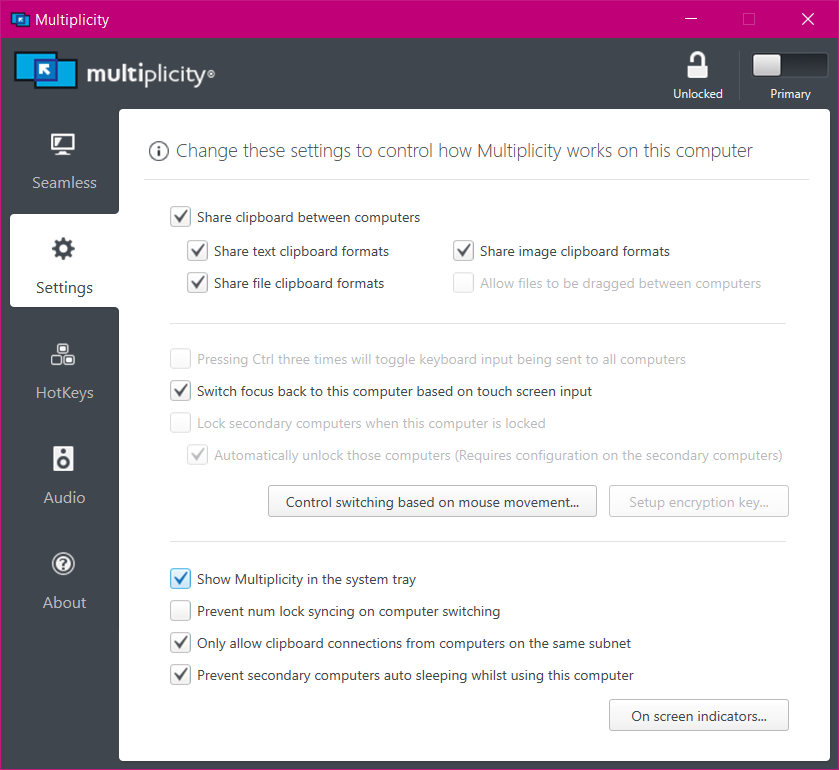
I have installed Multiplicity (version 3.57 Build 00103.km) in two computers and have successfully tested the secondary computer for connectivity. (Both computers have Windows 10 OS.) However, I am unable to access and control the secondary computer, in other words, the secondary device is not showing up in the primary one. Only the Multiplicity window is showing up in each device. I have searched the Internet for solutions, including watching some videos – no go.
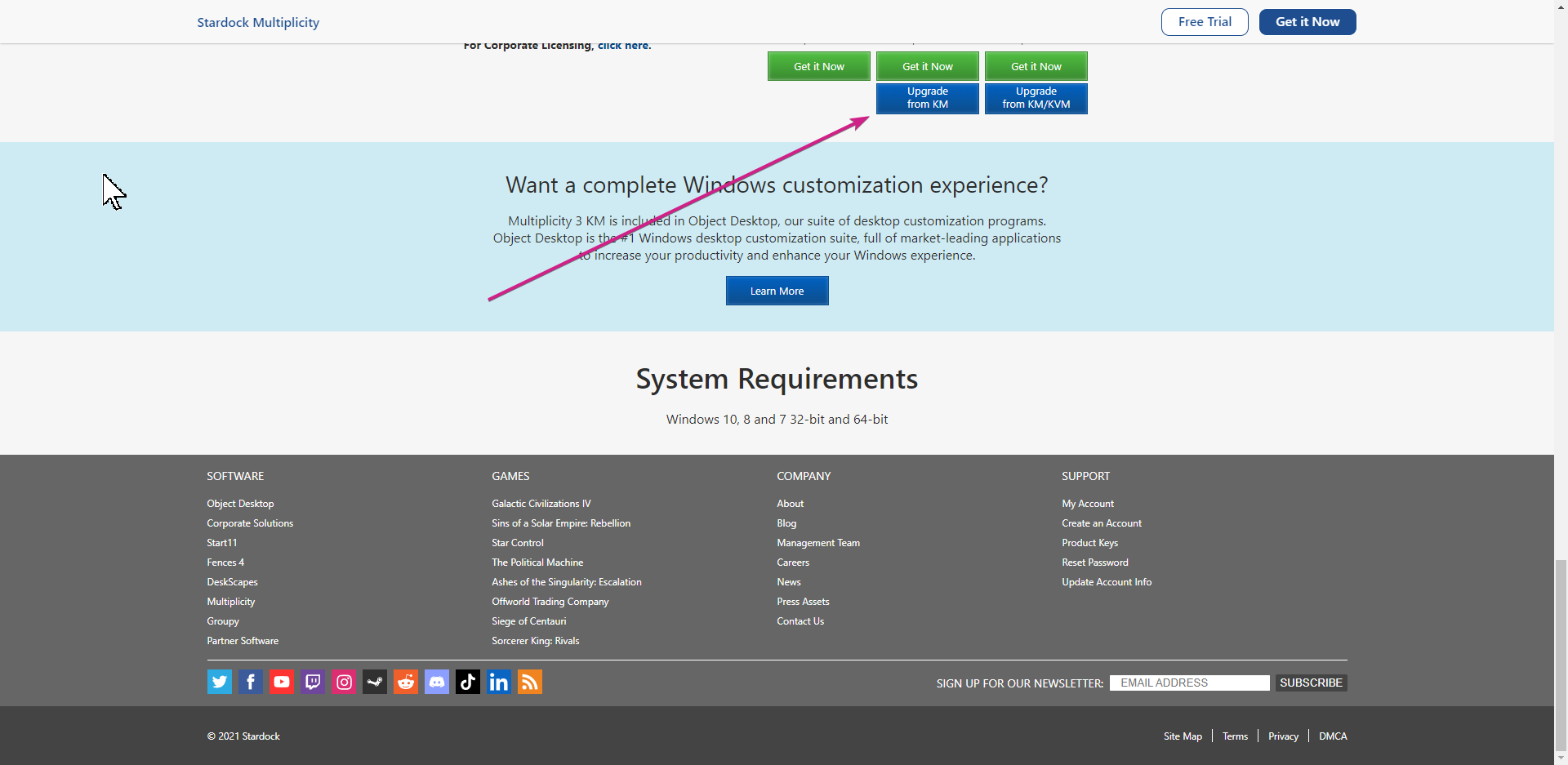
The online user guide shows how to configure the settings. Some of the recommended options cannot be checked (or are blocked out). Additionally, there is no KM option available.
Please advise how I can accomplish “seamless” connectivity between the computers, i.e., work on the secondary computer from the primary computer. Let me know if you have any questions and/or require anything else. Thank you.