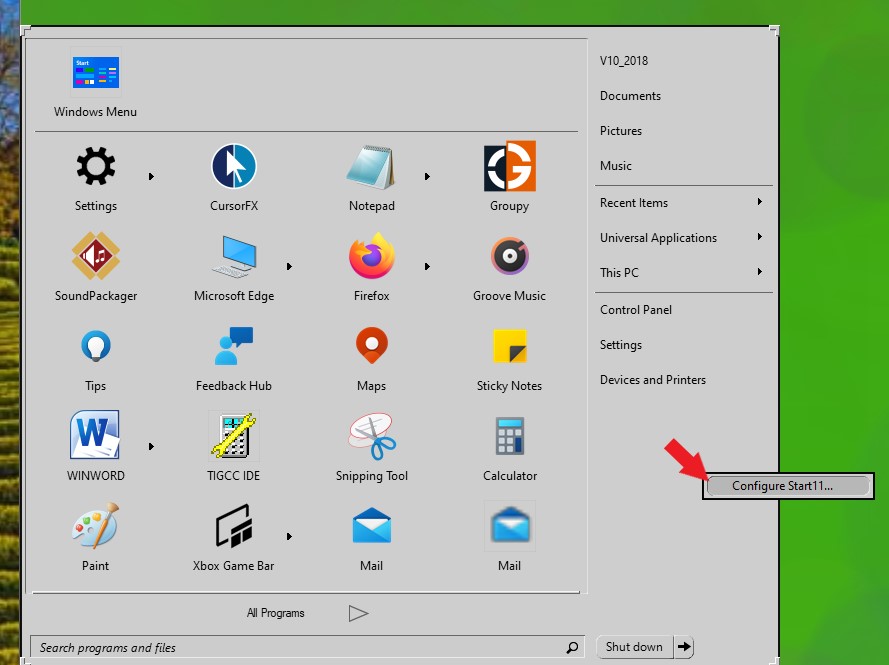
Start 11 Config menu
How to display
from  Stardock Forums
Stardock Forums
I uninstalled Start 10, keeping the configuration settings, then installed Start 11.
Start 11 is working OK, except when I right-click on the Start button I don't get the Start 11 config menu, but a minimal Windows start menu.
How do I get to the Start 11 config settings?