Screen Alignment

I have set up four screens adjacent from one another. the two screens to the far right are connected fine, however, when I move my mouse from one to the other, the mouse always appears at the bottom  of the far right screen (no matter what level I move it through the previous screen).

6,559 views 7 replies
Reply #1 Top

Hello,
I have forward your problem/question to Stardock Support Team for their assistance. Please keep an eye on this thread for any updates. We appreciate your feedback and patience.

Basj,
Stardock Community Assistant

Reply #2 Top

Edit: We also have a 5th display connected through the laptops not through Multiplicity (Above the primary monitor which is the second monitor from the left).

Reply #3 Top


I have set up four screens adjacent from one another. the two screens to the far right are connected fine, however, when I move my mouse from one to the other, the mouse always appears at the bottom  of the far right screen (no matter what level I move it through the previous screen).
End of quote

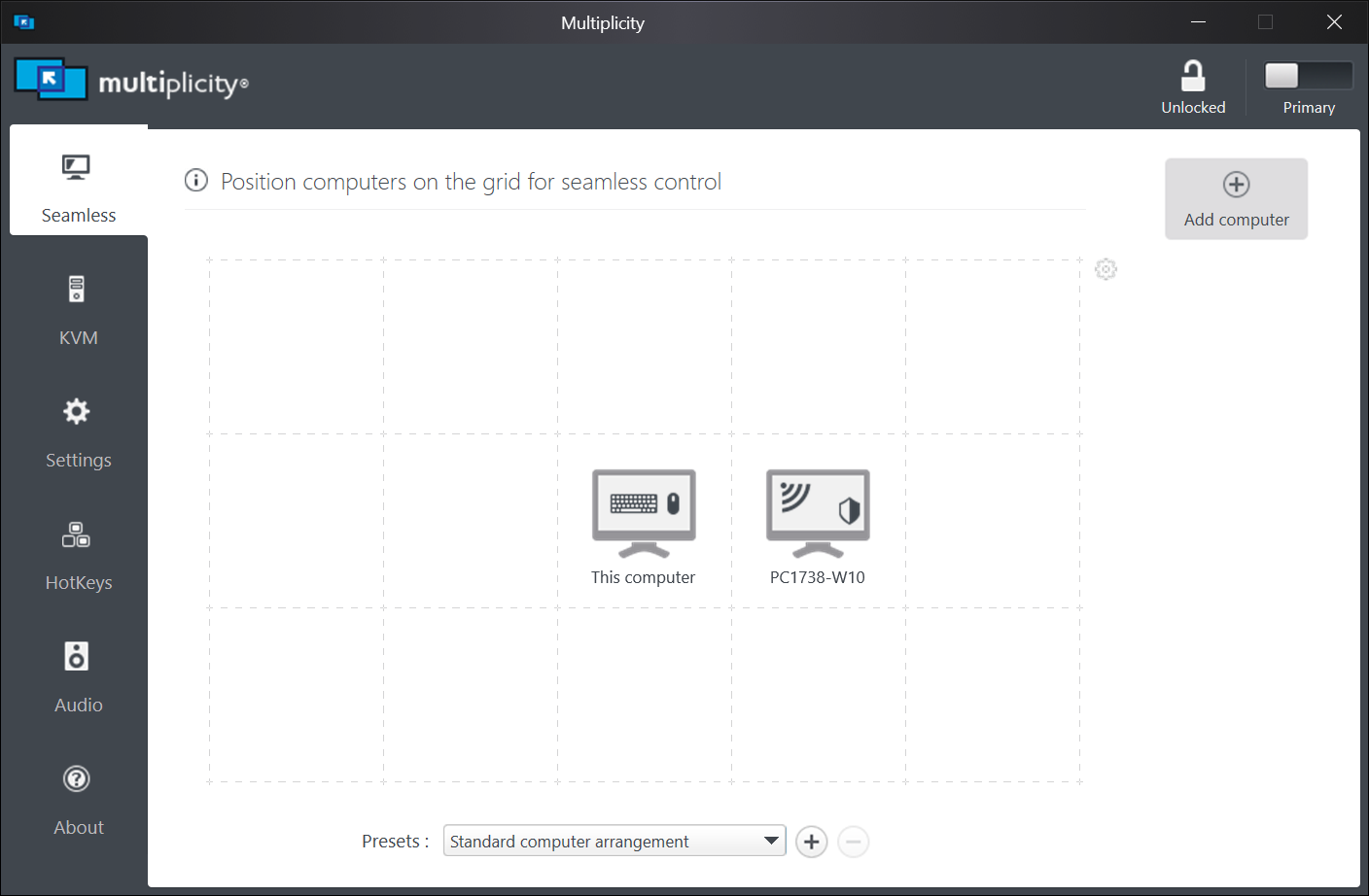
I would need a graphic representation of how the monitors are aligned, the orientation (landscape \ portrait), what PCs they are connected to, how the PCs are aligned on the MP grid, and how they are aligned on each PC.

Example:

MP:

PC1:

PC2:

Physical monitor location:

Sean Drohan
Stardock Support Manager

Reply #4 Top

Was this ever resolved? I'm having the same issue. I have three PCs. When the two secondaries are on either side of the primary (S1PS2, see first image below), it works fine. But when I move the right secondary (S2) to the left of the left secondary (S2S1P, see second image below), the cursor is always at the bottom of the destination screen when moving from S1 to S2 (or vice versa).

After playing with it a bit, I find that cross-screen mouse cursor alignment only works between primary and secondary. If two secondaries are placed side by side, the problem occurs between them.

I'm using Multiplicity Version 3.57 Build 00103.

Reply #5 Top

iirc, the resolution has to be the same (or close) on all displays for the mouse cursor to maintain the same relative position.

Reply #6 Top

If this were the cause, the problem would still happen when the (slightly) smaller secondary is next to the primary (as in image 1). However, in this case it works fine.

Besides, when two secondaries of the same resolution are side by side, the problem persists.

Reply #7 Top

Check the display scaling of both displays to make sure they match. That's the only other thing I can think of. I have 6 displays next to each other and 5 share the same resolution and the mouse cursor moves over in the same spot on each one.