
empty entry in control panel !
how to remove the empty entry in control panel ?
from  Stardock Forums
Stardock Forums
On "Start10 - Controlpanel (menu mode)" there's a empty icon ... How can I remove it ?
( And by the way : the sorting is confusing  A-P, R, N, P, R, S-W )
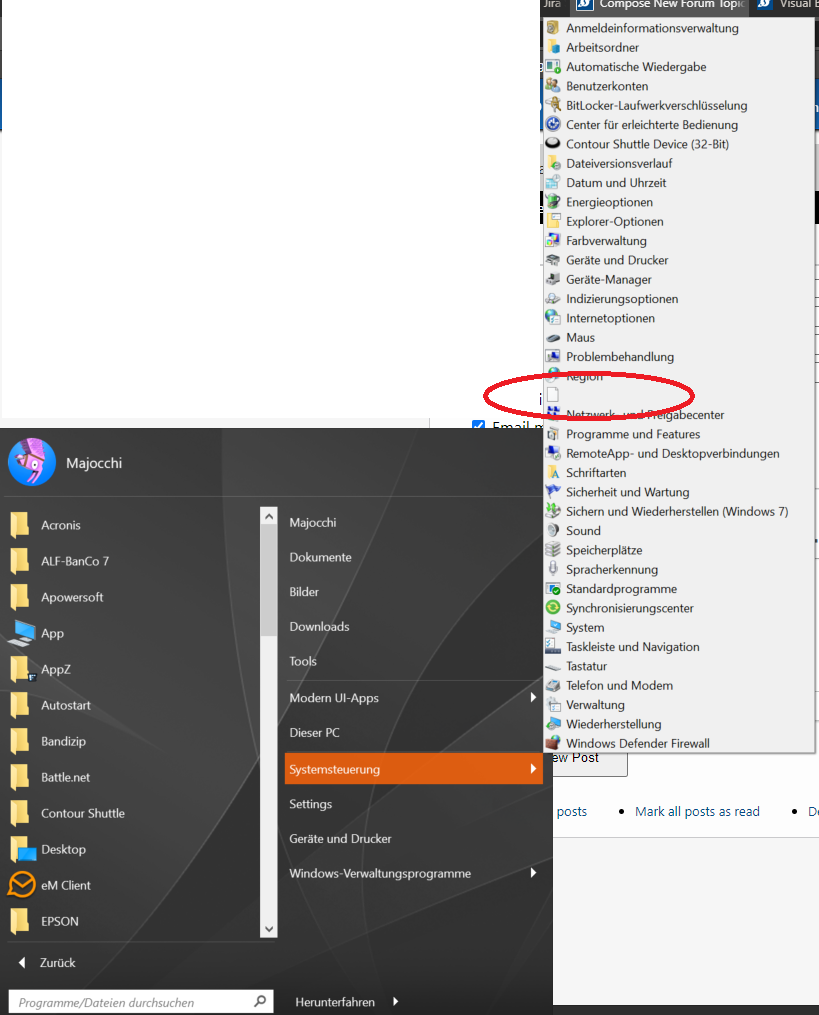
-> and (of course) there's no empty entry in Windows Control Panel !!!
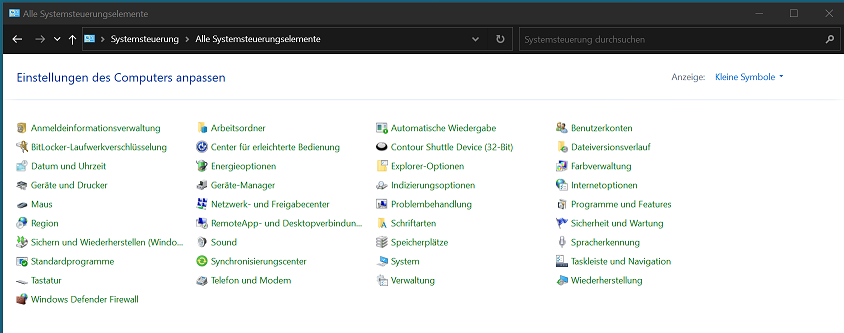
 Thanks. That worked for me ...
