Per Application Exclusion Not Functioning Properly

Version: WindowBlinds 10.4

I just discovered the Per Application settings in WindowBlinds. But I don't think it is functioning properly. In my mind, an application being excluded should produce the same result in the excluded application as if WindowBlinds wasn't running/loaded at all. Am I correct? If so, here are some screenshots to show you what I am seeing.

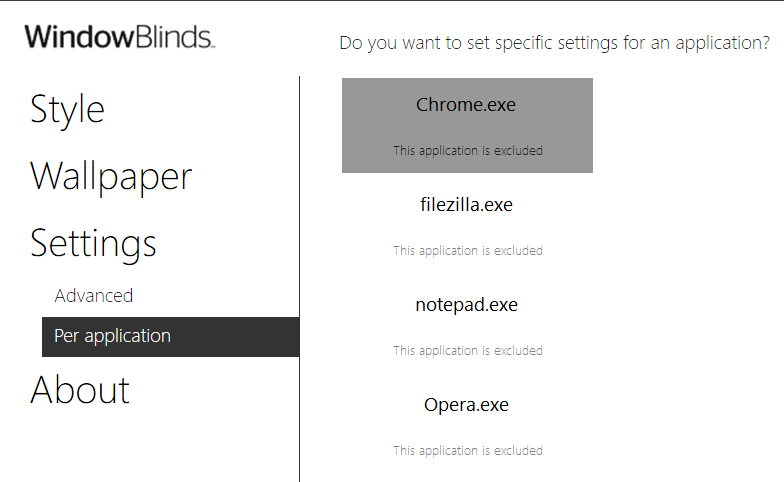
My theme of choice is (Golden Circle). The two programs I am testing functionality with are Filezilla and Windows Notepad. Here is my Per Application settings area:
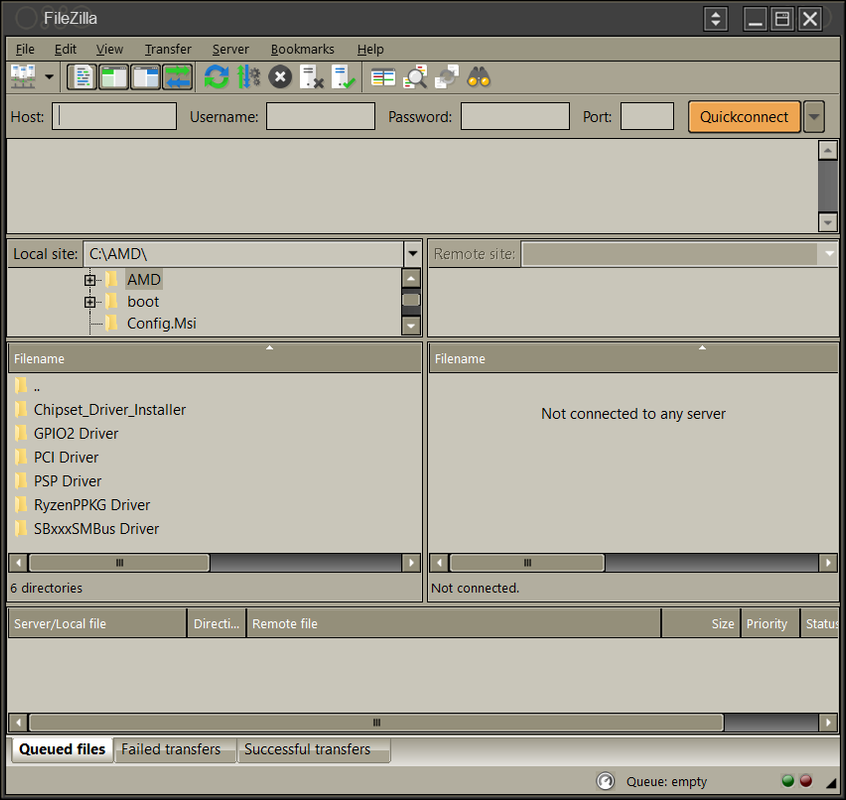
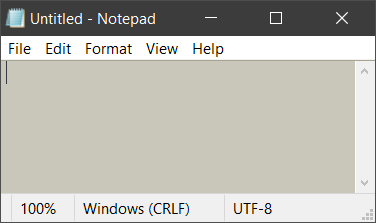
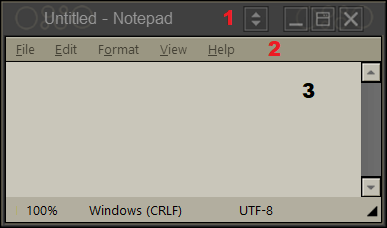
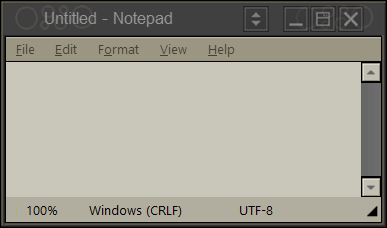
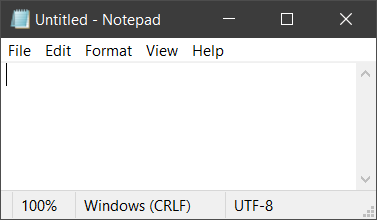
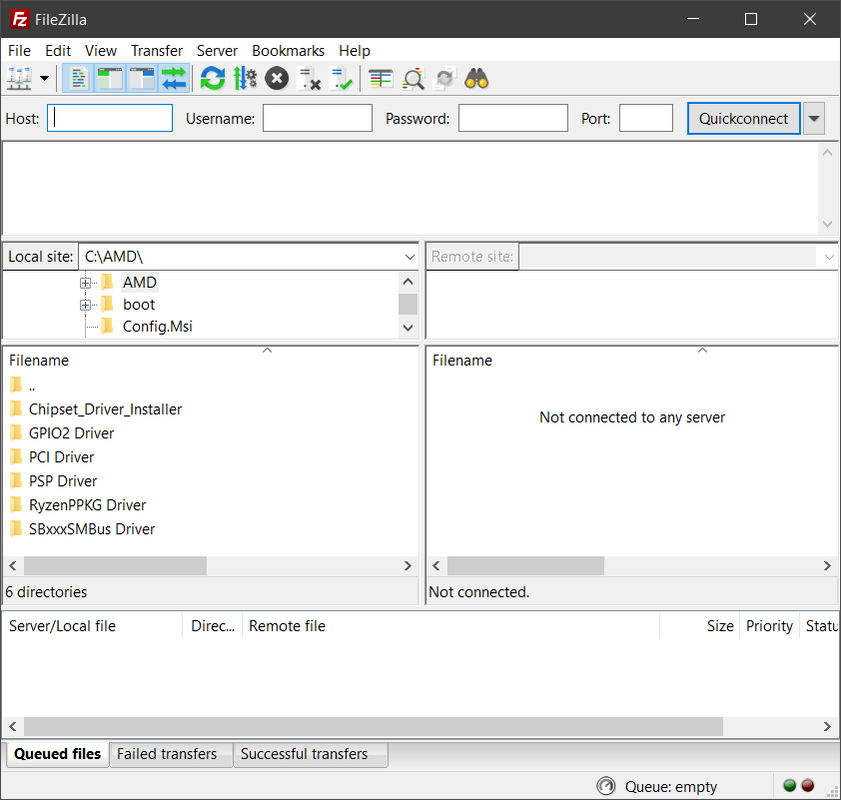
With "Ignore this application and do not skin it" disabled, the result of each window is this:

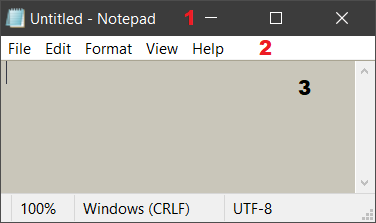
With "Ignore this application and do not skin it" enabled I see this:

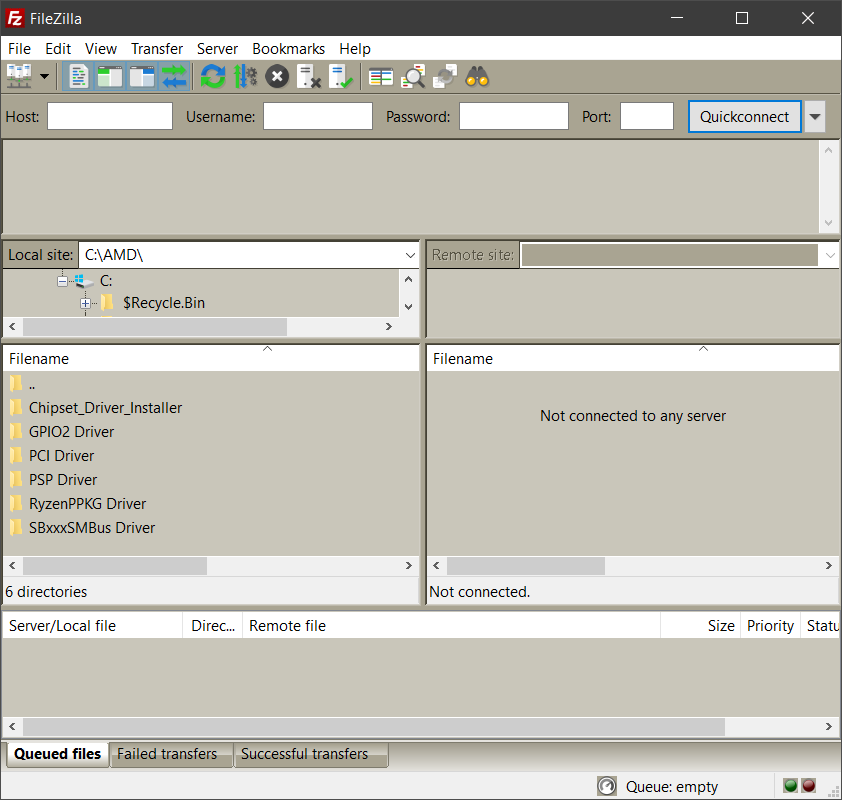
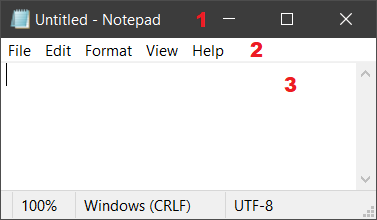
However, I would expect them to appear as if WindowBlinds wasn't skinning/changing windows at all, like below when WindowBlinds is unloaded.
9,062 views 5 replies
Reply #2 Top

Exclusion cannot stop system wide colour changes as they are by their nature system wide.

So if the background colour in the OS is set to say blue then all apps which query that colour will get blue.

+1 Loading…
Reply #3 Top

Quoting Gaspershooters, reply 1

However apps being excluded, colorization is not. 
End of Gaspershooters's quote

Quoting Neil, reply 2

Exclusion cannot stop system wide colour changes as they are by their nature system wide. So if the background colour in the OS is set to say blue then all apps which query that colour will get blue.
End of Neil's quote

I don't understand what you mean. Just to make sure we are on the same page, let me try explaining what I am interpreting in these three examples.

[A] With WB not excluding Notepad:

  1. Title bar has an image applied to it
  2. Buttons are stylized
  3. Background is colorized (Windows 10 does not apply this color without WB running)


[B] With WB excluding Notepad:

  1. Title bar has no image applied to it
  2. Buttons are not stylized
  3. Background is colorized (Windows 10 does not apply this color without WB running)


[C] With WB unloaded, Notepad:

  1. Title bar has no image applied to it
  2. Buttons are not stylized
  3. Background is not colorized (Windows 10 normal background color)


When I run WindowBlinds with a theme, I expect to see the results shown in section A above. When I exclude an app from WindowBlinds, I expect the results section C. Why am I seeing the results in section B? Can you explain what excluding an app does exactly?

Reply #4 Top

As Neil mentioned before, that light greenish/gray background is one of Windows 10 system colors. When Windowblinds theme that change system color, in this case Windows background color to greenish/gray. It will get change across the board. It will effect every programs that use Windows background color, including those that you excluded in the "Per application" list.

Thank you,

Basj,
Stardock Community Assistant

+1 Loading…
Reply #5 Top

I had misinterpreted what Neil was communicating. I understand how. Thank you all for your help.