Fences Black Background
 Stardock Forums
Hi fellow Fences Users,
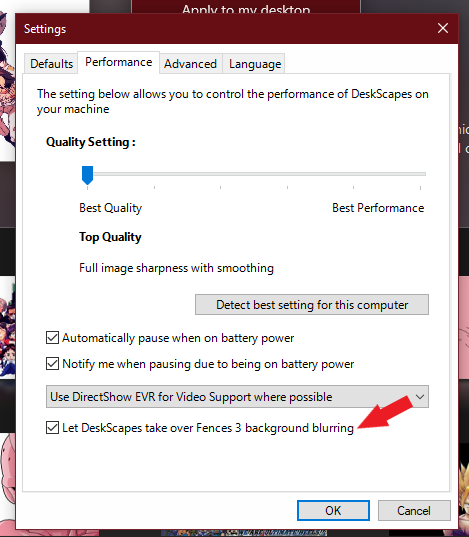
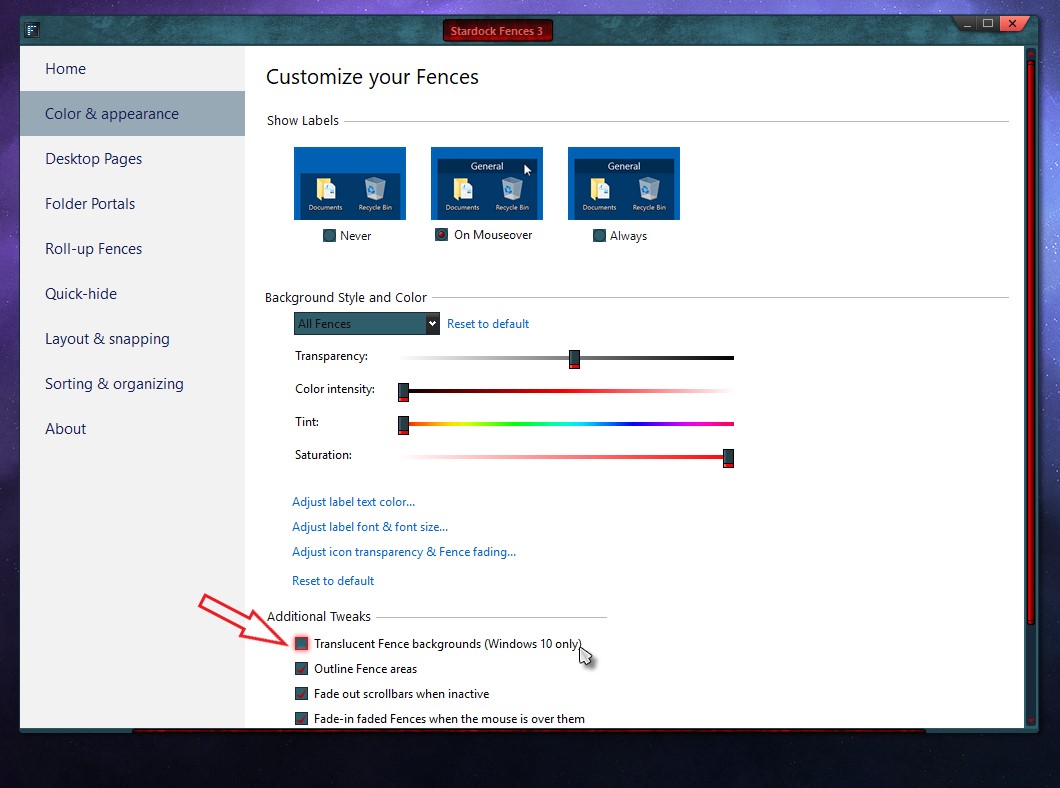
I formatted my system and have all latest graphics drivers installed but for some reason Fences makes the desktop background black around the Fences and I can't see the desktop picture I have set.
The fences themselves are fine but the area of the desktop around them become black and the only way to fix it is to go and set the background picture again(I actually have a background wallpaper changer so it loads a new picture automatically everyday).
Also, I noticed that the black background only happens when I press Windows + D, because i Multi-task when listening to music, browsing and opening games so I switch between the windows using Windows + D combination. However when simply using the Alt + Tab combo it seems alright but then supposing I want to open another application I simply have to press Windows + D to access the desktop but see this all black background.
I have tried purging and reinstalling Fences and Graphics Drivers to their newest versions and the issue still persists. Any help would be welcome, thanks.