Picture space program request
 Stardock Forums
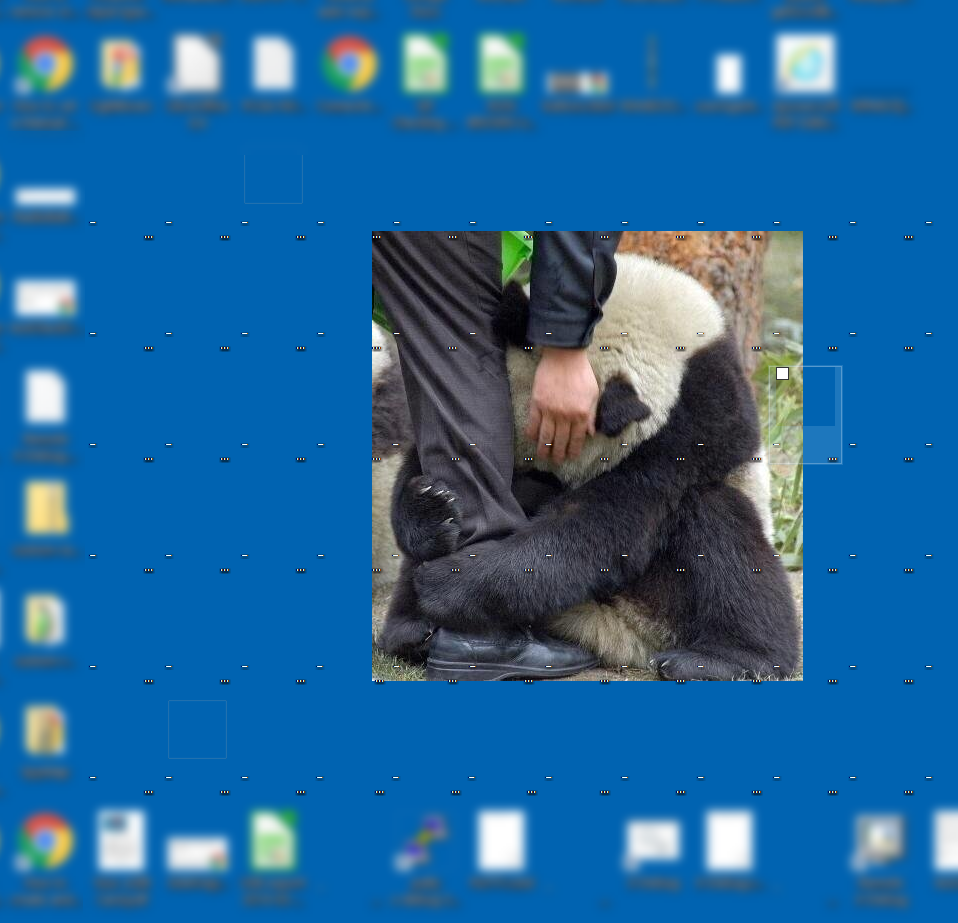
I'm using the Windows desktop background option to show images as a 'slideshow', and I'm using a bunch of transparent icons of the largest supported size, which I've placed in the middle of my desktop to creates an 'empty' space large enough to allow the largest sized background images to show without regular/normal icons to cover it. However, this isn't ideal because each of the transparent icons has a name, which shows over the background image, and each transparent icon can move should the desktop's size change for some reason and then I need to reposition the 72 icons back to where I want them.
It would be very nice if there was a desktop icon manager program that I could use to create this 'empty effect' without me needing to go though all of this and without the down-sides that I've described, say a program that displays the pictures and forces the regular desktop icons to be placed outside the desktop area that it floats over, something like a reverse Fences. The key issue is that the image area can still display images that are larger than the area without clipping them by letting the desktop background show the overflow edges under the icons like it normally does. This way if an image is really too big it still shows and the icons don't have to give up too much real estate or get pushed around.
Here is a picture of what I'm talking about, which clearly shows the naming and transparent icon selection problems: