Congratulations to the Windowblinds Development Team!
 Stardock Forums
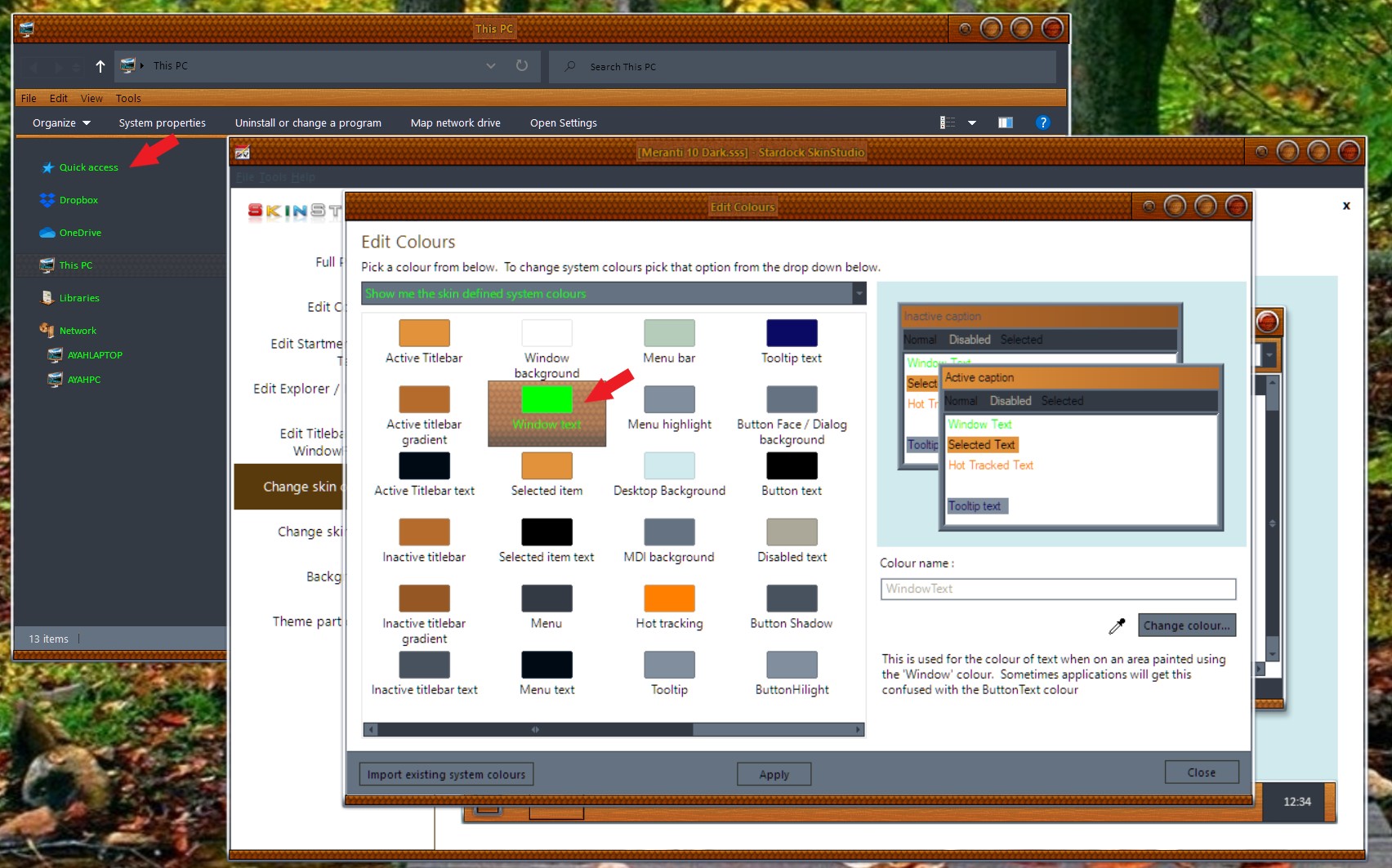
I am absolutely delighted. I hadn't updated Windowblinds for some time, because the newer versions didn't skin Firefox (I use the Diamond style to try to replicate the windows in Windows 7, a reason similar to why I use Start10). I read a comment somewhere that the Firefox problem was unlikely to be resolved, but a couple of days ago I thought I might try again anyway, so I installed the latest version. O joy! It skins almost everything, including File Explorer and VLC. I can even modify the File Explorer background to black, to match Windows dark mode, in the System Colours modification option.
This is great. I don't know why the window decoration is so important to me visually, but it is. Perhaps it's the slight impression of depth - I dislike the way the standard windows look like flat pieces of sharp-edged paper.
Anyway, well done, all of you, and I hope you get through the current awful period OK.
Best wishes,
Martin Ward
Minehead, UK
P.S. I can change the File Explorer window background to black and the text to white, but does anyone know how to do the same in the navigation panel? I can change its background to black, but not the lettering to white. Black on black makes folder navigation difficult. I've compromised with a purple background (!)