Dark Mode Skin needs a color change, but...
from  Stardock Forums
Stardock Forums
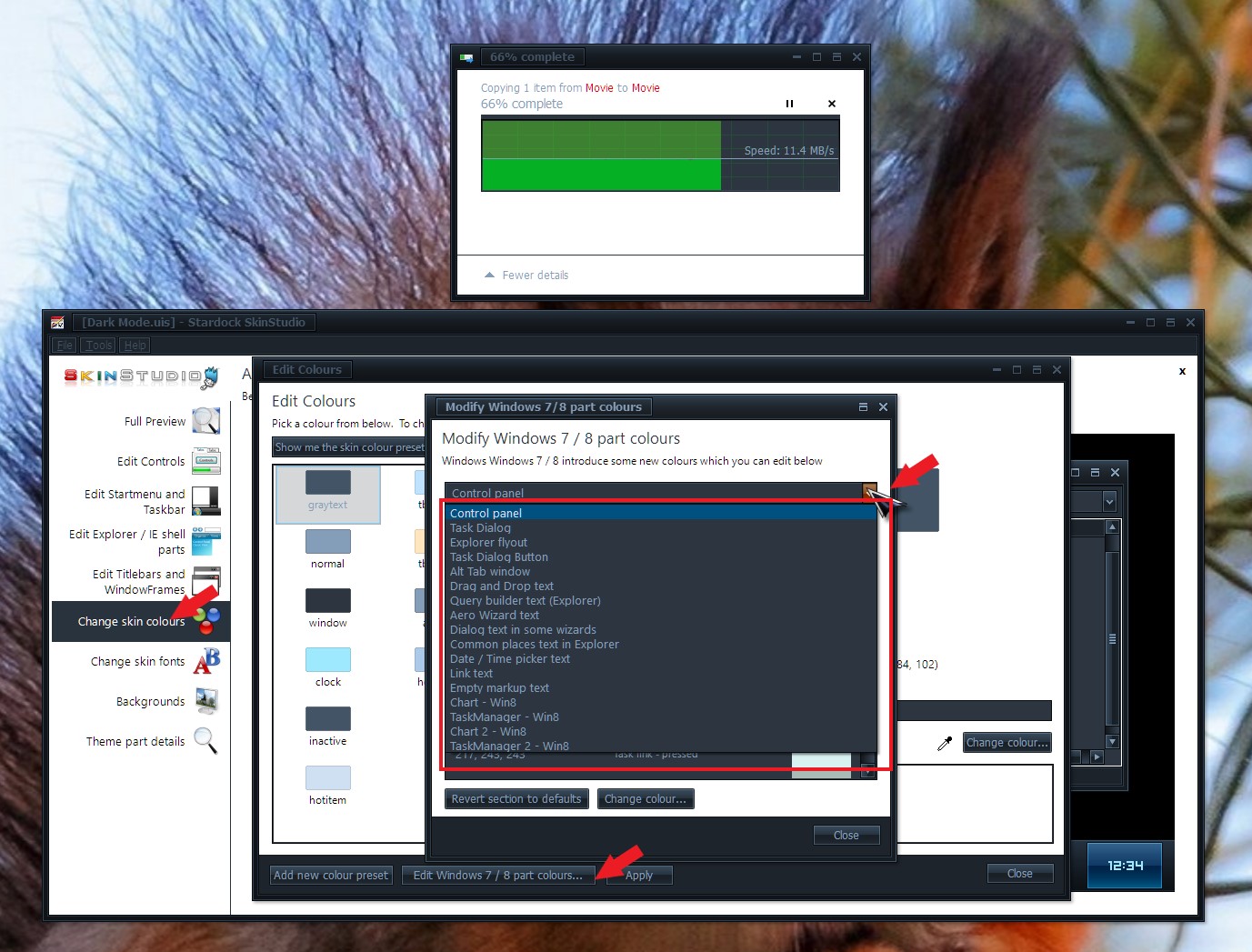
I just installed "Dark mode" on WindowBlinds, and love it except for one thing. On my Widows 10 machine, when I copy or move files, the pop up widget does not show the graph of the copy, I suspect this is because both the top and bottom colors are the same.
The problem is, I've been tweaking colors for a while and thus far have not been able to track down the proper ones. Might someone here know what needs to be tweaked to make the graph visible?
Thanks for your time.