Title bars not showing correctly (especially Thunderbird)
Groupy? Windowblinds?
 Stardock Forums
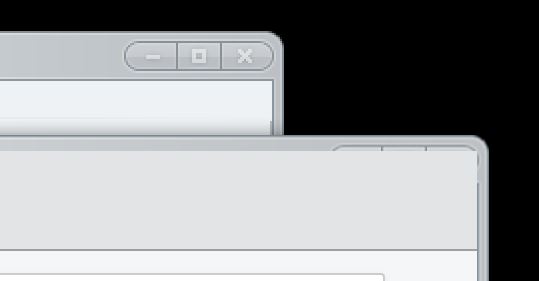
I have tried several themes, but continue to have trouble with titlebars not rendering correctly. In many of my windows, only a small sliver of the title bar is displayed. That makes it extremely difficult to grab and move the window or to click the X and close it, as I have to be accurate within a couple of pixels.
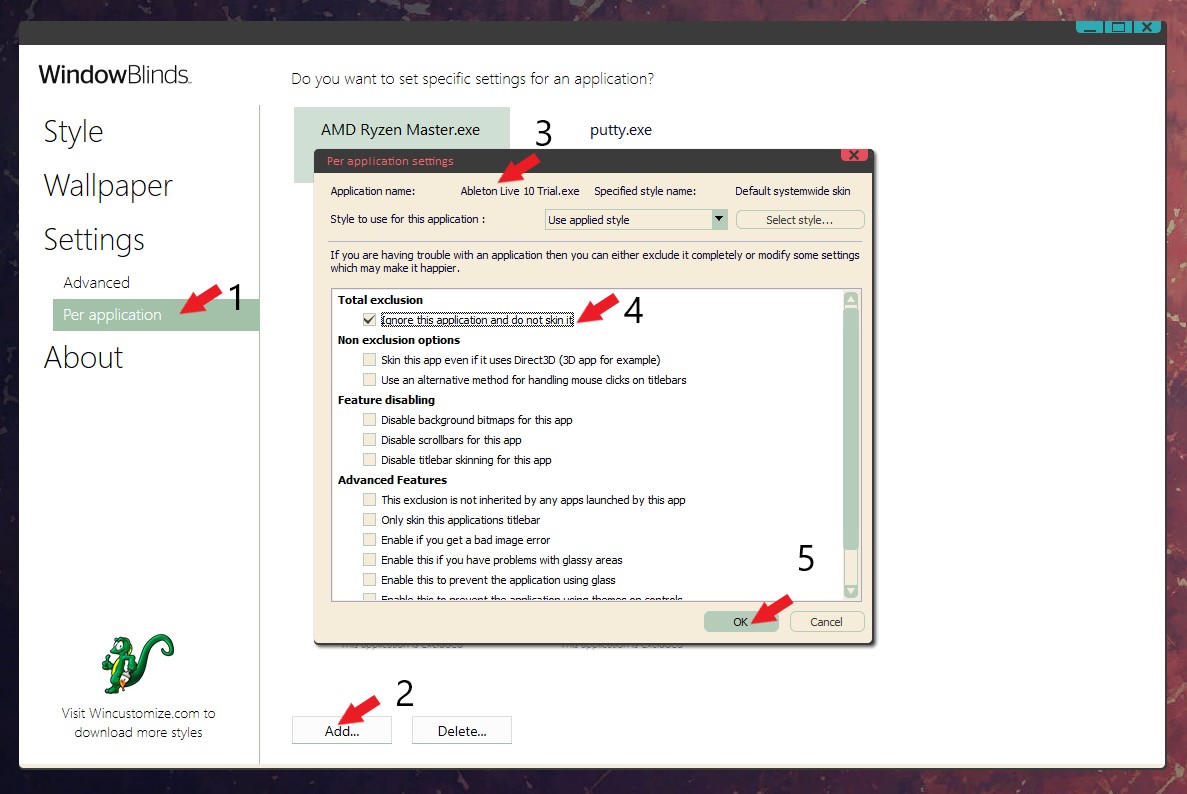
I did have problems with Chrome, but understand that's an issue with it drawing the bar itself. I read through the forums, followed suggestions, and Chrome is fine. But Mozilla Thunderbird seems to do the same thing. I think it's drawing its own bar as well. With Windowblinds installed, there are no controls in the upper right corner at all (I have to just guess where to click to minimize) and trying to turn on the dropdown menus or work with additional tabs just doesn't work I'm attaching a screenshot. You'll see there are no min/max/close buttons and the "Options" tab is still showing even though I actually just closed it.
I am only running Windowblinds, Groupy, and Start X. I did check to ensure I had the latest versions installed. Windows 10 Pro. I'm currently using the Corporate theme by Danioc.