Google Chrome will not load

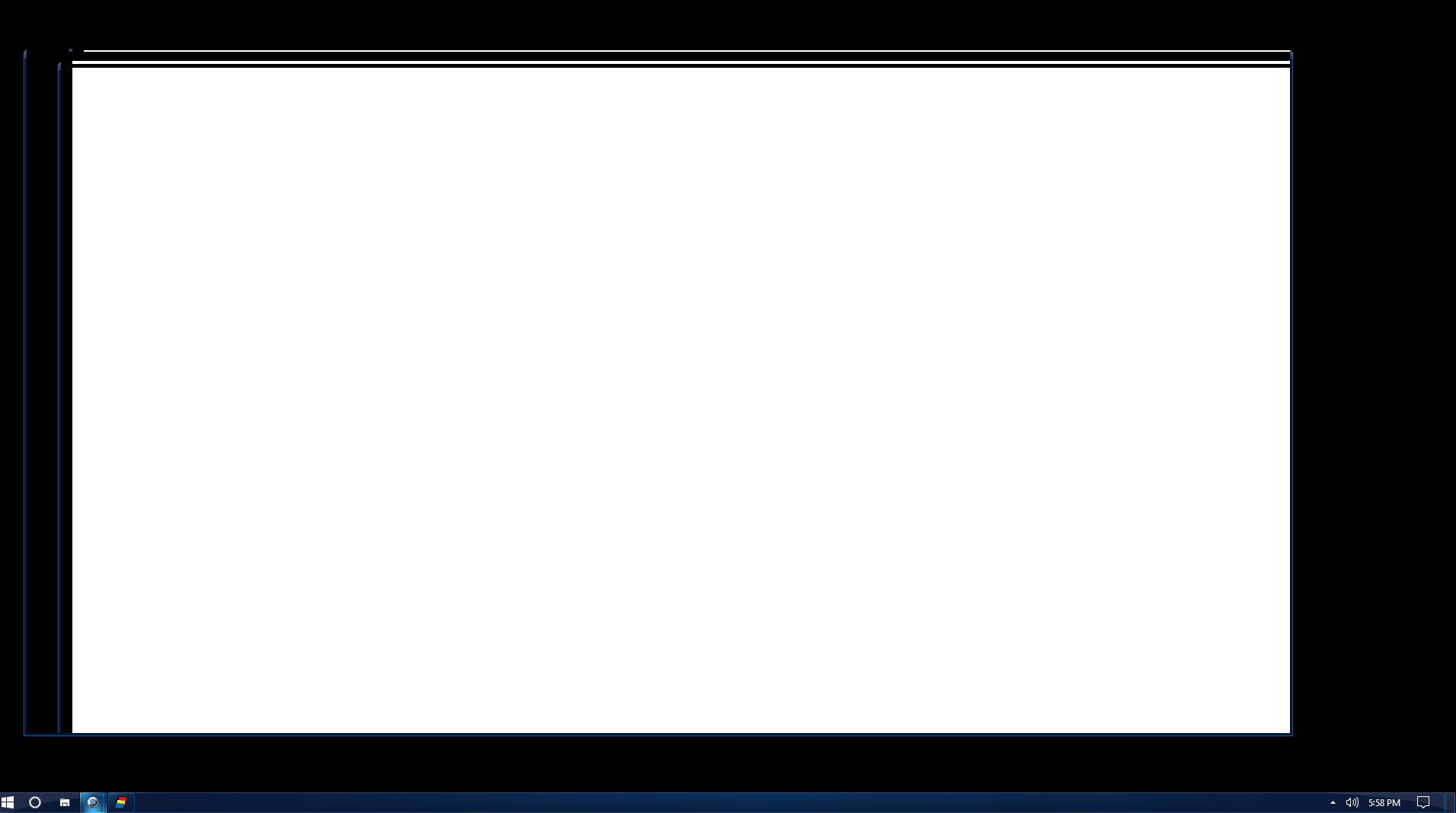
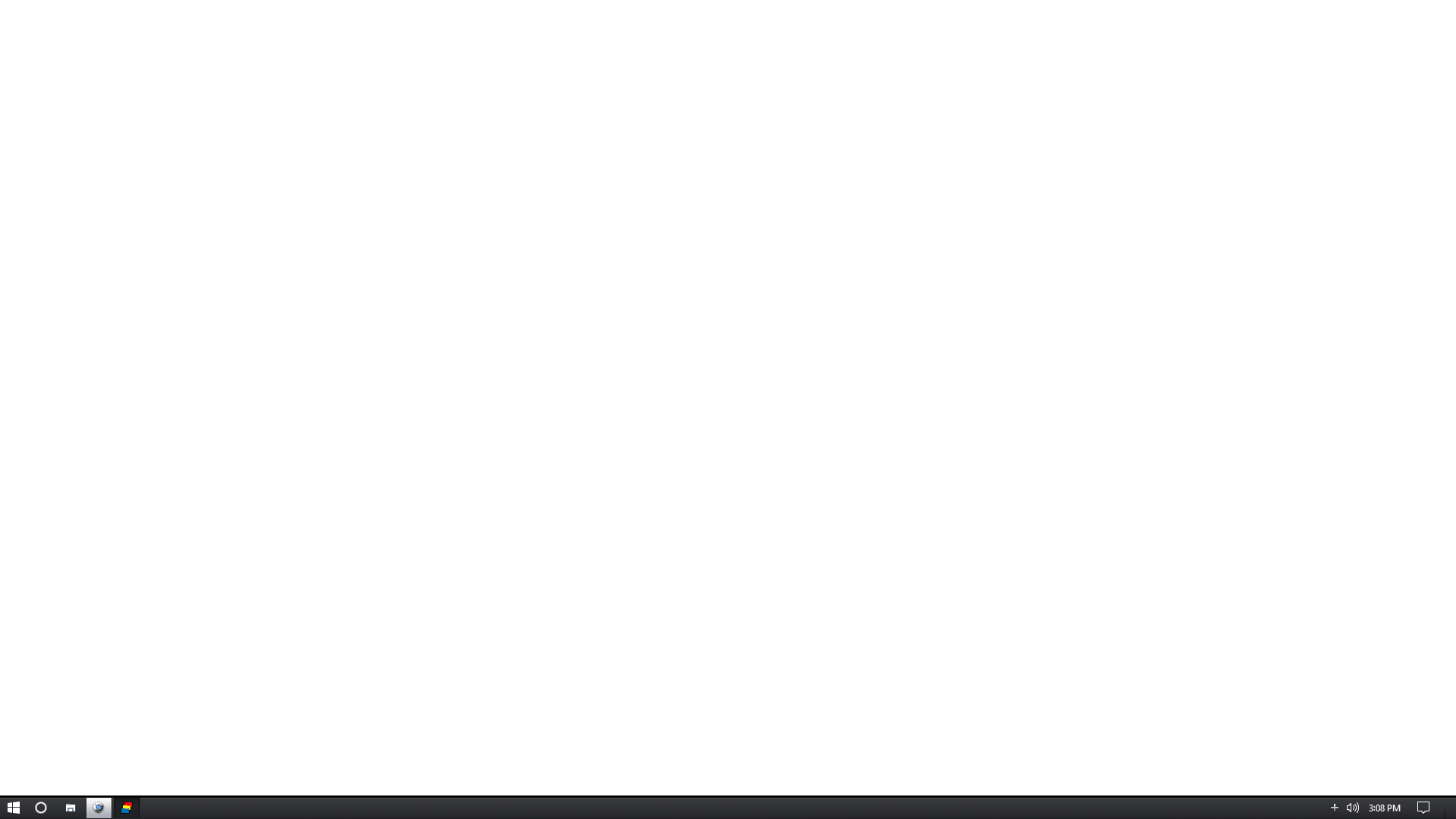
Google Chrome will not load after trying to use any skin other other than default.  I did follow the directions, and downloaded the edited shortcut.  I get the same results with the downloaded shortcut. Restarting did not change the issue.  I believe Chrome did load, but the whole screen is just blank.
7,304 views 9 replies
Reply #2 Top

Had you used a previous version of Windowblinds?

Reply #3 Top

Hello,

Sorry to hear you are having trouble.

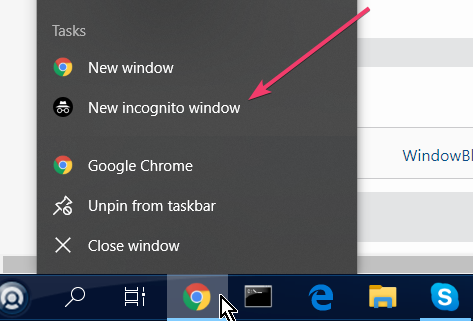
If you attempt to open an incognito Chrome instance, does it load then?

Sean Drohan
Stardock Support Manager

Reply #4 Top

Chrome 74.0.3729.157 is working just fine here with Windowblinds 10.8 installed on Windows 10 v1809.

Reply #5 Top

Works fine here too.  Same as Tom.

Reply #6 Top

I had not installed a previous version of Windowblinds,..  Just installed it, had issue minutes later,.. Im not sure what is an incognito instance of chrome?

Reply #7 Top

Quoting jvulte, reply 6

Im not sure what is an incognito instance of chrome?
End of jvulte's quote

Its a way to stop some (not all) extensions from running:

----------------
Sean Drohan
Stardock Customer Service Manager

Reply #8 Top

Ok,. I tried opening a New Incognito Window,.. same results,... I took a screenshot.

Reply #9 Top

Quoting jvulte, reply 8

Ok,. I tried opening a New Incognito Window,.. same results,... I took a screenshot.
End of jvulte's quote

If a purge / reinstall does not help:

https://forums.stardock.com/486023/windowblinds-support-faq#reinstalling

A clean boot is really the next step I believe:

https://forums.stardock.com/486023/windowblinds-support-faq#cleanboot

----------------
Sean Drohan
Stardock Customer Service Manager