Fix the display of icone into fences

Hello,

Into my fences, I selected "list" into the display, but when I reboot my computer, the icone are back into "medium icons". I've tried to lock fences, but nothing, and I don't find a way to fix for ever into "list".


Thanks and sorry for the english.

4,316 views 3 replies
Reply #1 Top

Hello,

Sorry to hear you are having issues. Need more information. Your fences Version. Windows? and version? and that portal you mentioned, is that normal fence or portal fence.

Thanks

Basj,

Stardock Community Assistant.

Reply #2 Top

Thank's for answering so quickly !

I'm using windows 10 17134.191 and fences 2.13. But, I don't have the difference between portal fence and normal fence.


But may be this will be clearer

what I want to be 

and what it become after a reboot  

Reply #3 Top

Hello,

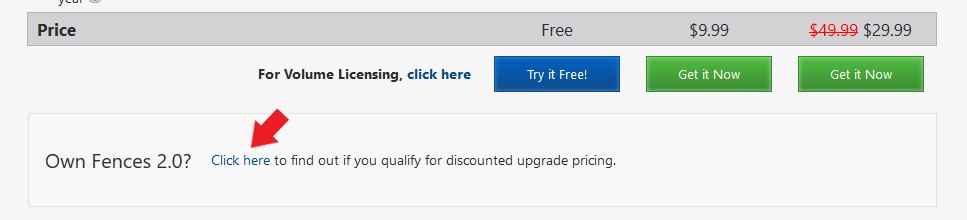
I think you need to upgrade your fences 2 to version 3. We are now on Version 3.0.9.11. On my system once I change to list view it stay list view after I reboot. From what I understand Fences version 3 work better on Windows 10 specially on the latest Windows 10 1803 update. If you have Fences 2, you can get Fences 3 at a special discount, Just follow this link and there is a button at the bottom for the discount : https://www.stardock.com/products/fences/download

Thank you,


Basj,

Stardock Community Assistant