WindowBlinds 10.71 now available

WindowBlinds 10.71 update is now available. You can download the update here: https://www.stardock.com/products/windowblinds/update

Changelog:

  • Adds: Blur is now acrylic blur for recent versions of Windows 10
  • Fixes: Some Explorer windows not being sized correctly
  • Fixes: Taskview on Apr build of Win10
  • Fixes: Firefox skinning
  • Fixes: FF not resizing correctly after a fullscreen video
  • Fixes: VS2017/2015 crash issues
  • Fixes: Some QT5 based apps not sizing correctly
  • Fixes: Perforce client
  • Fixes: DXDiag sizing issue
  • Fixes: Secondary taskbar not showing the clock
  • Fixes: Incorrectly positioned left aligned titlebar text on settings app on Win 10


2,809 views 7 replies
Reply #1 Top

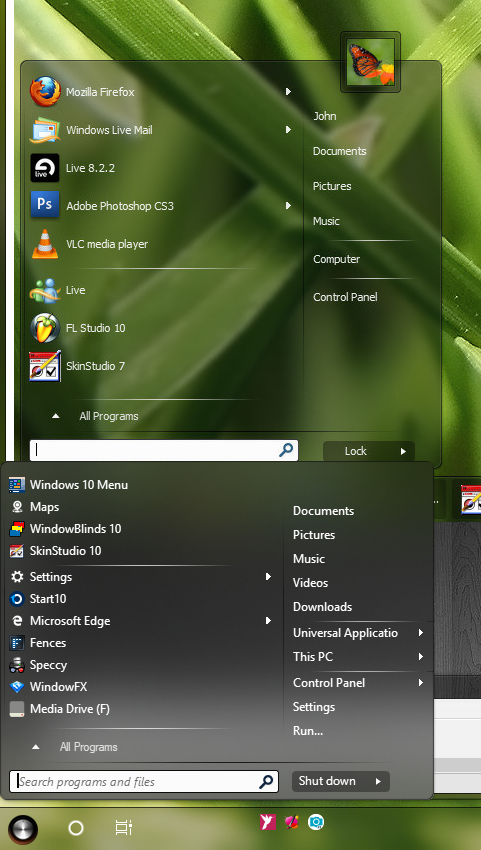
How do you turn off acrylic blur? The top start menu is the screen shot of Naked Noir, the bottom start menu is what I am getting.

Reply #2 Top

I found that if I turn down the transparency on the start menu takes away the blur effect and turning down the  transparency for the taskbar and title bar does nothing.

Reply #3 Top

I cant install the update!


Installer:


Object Desktop Mananger:


Reply #4 Top

If you have problem updating using Object Desktop Manager. Please download it directly from https://www.stardock.com/products/windowblinds/update and Install it.

Try that and let us know if you still need our help.

Thank you,


Basj,

Stardock Community Assistant


Reply #5 Top

I just upgrade mine. I switched to Naked Noir and checked the transparency. I was able to get rid of the blur in the start menu and the taskbar was unaffected, still can see through it.


Reply #6 Top

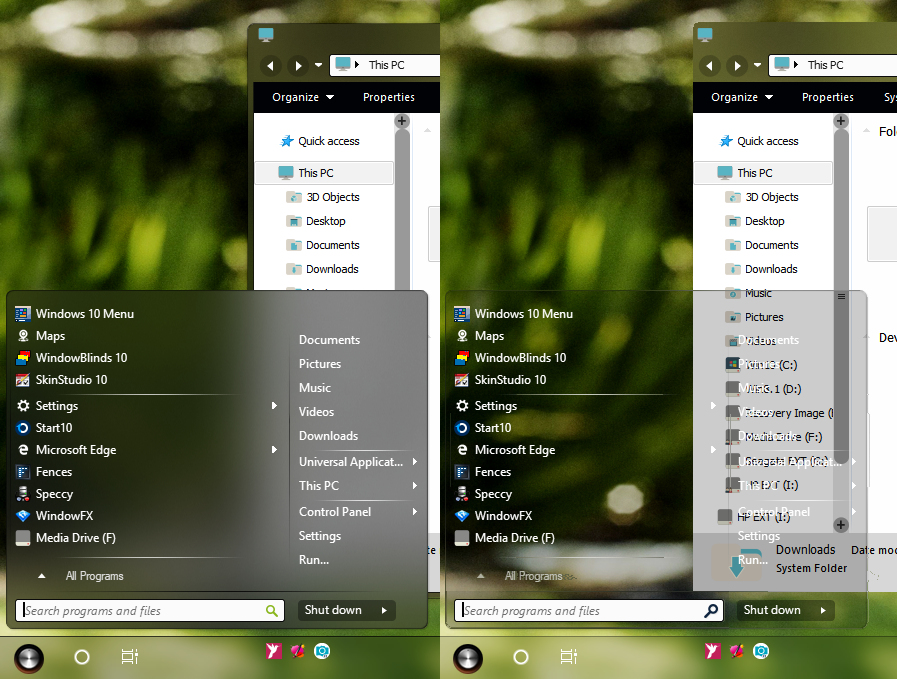
The first one is Naked Noir loaded with no modifications. The second is modified with just the transparency sliders. The start menu and the taskbar are adjusted to about a 1/4 way to the left and the titlebar is set with full transparency. 

Reply #7 Top

Installed it on Windows 7 Ultimate 64-bit. There does not appear to be any issues.