WindowBlinds not returningto default or clenly uninstalling.

Hi All,

Basically, been using WB for a few months and really like it, except now I want to uninstall it on a single machine, and herein lies the problem.

I uninstalled in and noticed that a number of apps, specifically those related to Office 365 are not reverting to default.

I tried the purge - No Good Apps still partially in Default and partially in Skinned mode...

I tried boot under separate Admin - Apps as they should be and 

I tried "Clean Boot" - No Good Apps still partially in Default and partially in Skinned mode...

I've disable the sync function under W10 Setting to avoid Windows trying to sync across my computers, but, this also has not helped...

Any further ideas as I don't want to reset the PC as this will take forever as it's very slow....


Thanks


Guy

3,960 views 3 replies
Reply #1 Top

Hello,

Sorry to hear you are having issues. Please try these. Reinstall Windowblinds. Apply default theme. (The very first theme on your Windowblinds theme list). Which should be back to normal Windows 10 theme. Reboot. Check and see if all the is back to normal.

Than uninstall Windowblinds. or if your prefer do the purge.

Reboot and report back.

Basj,

Stardock Community Assistant.

Reply #2 Top

Hi Basj,


Thanks for the reply. Unfortunately tried this and it didn't work.

Like I said it seems only to apply to the Universal Apps, and the general W10 Apps such as Calculator, calendar etc...


Thanks 


Guy

Reply #3 Top

Could you show us a screenshot of your desktop with Windowblinds purged. Show us the Windows Explorer and Office 365. 

As far as I know, Windowblinds never capable of Skinning MS Office suite.

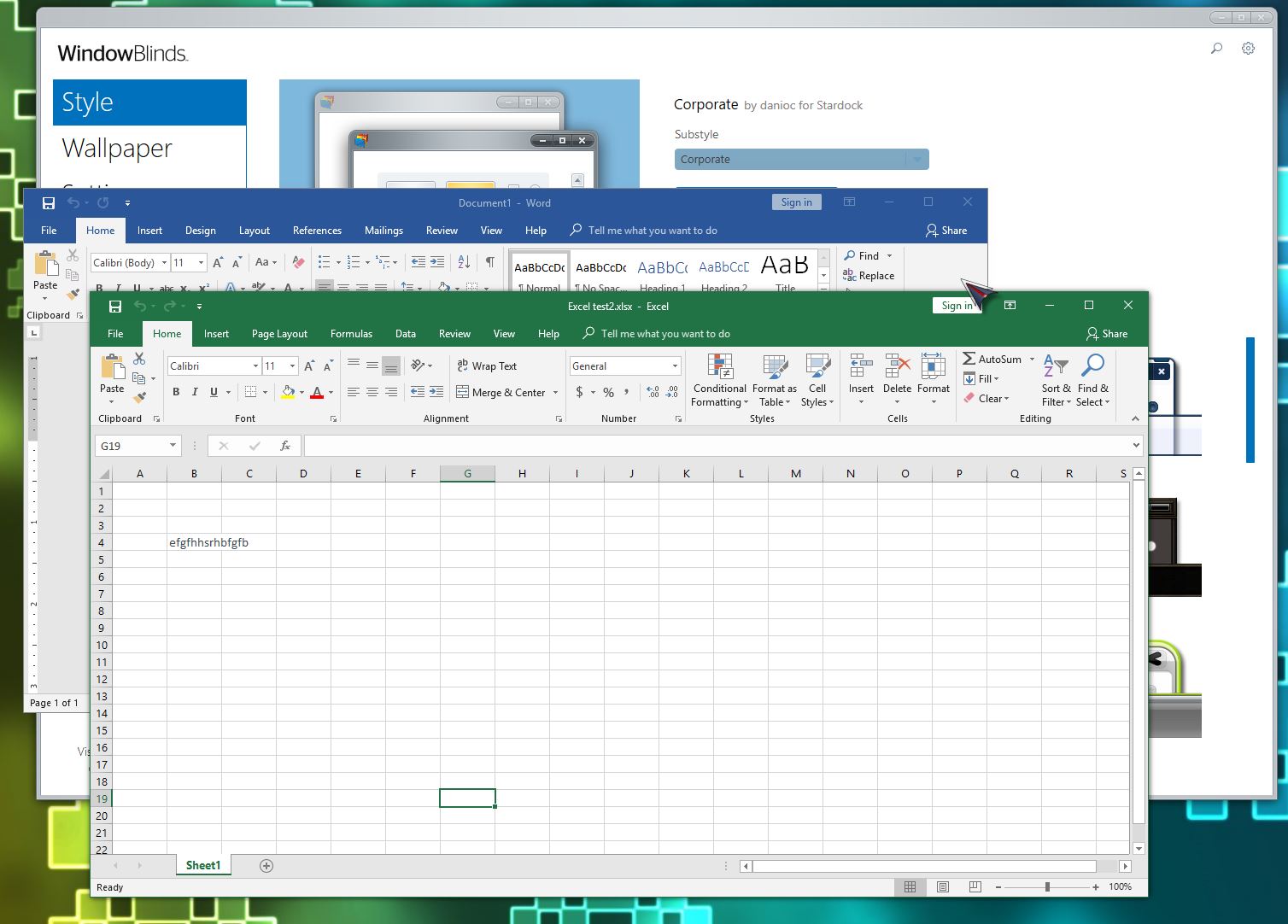
Here a s/shot of my desktop with "Corporate" theme applied. Yet, MS office not effected.

Would interested to see how its effected your Ms Office when its already uninstalled.

Thank you,


Basj,

Sardock Community Assistant