Chinese characters

The connected computer name does not support Chinese characters.
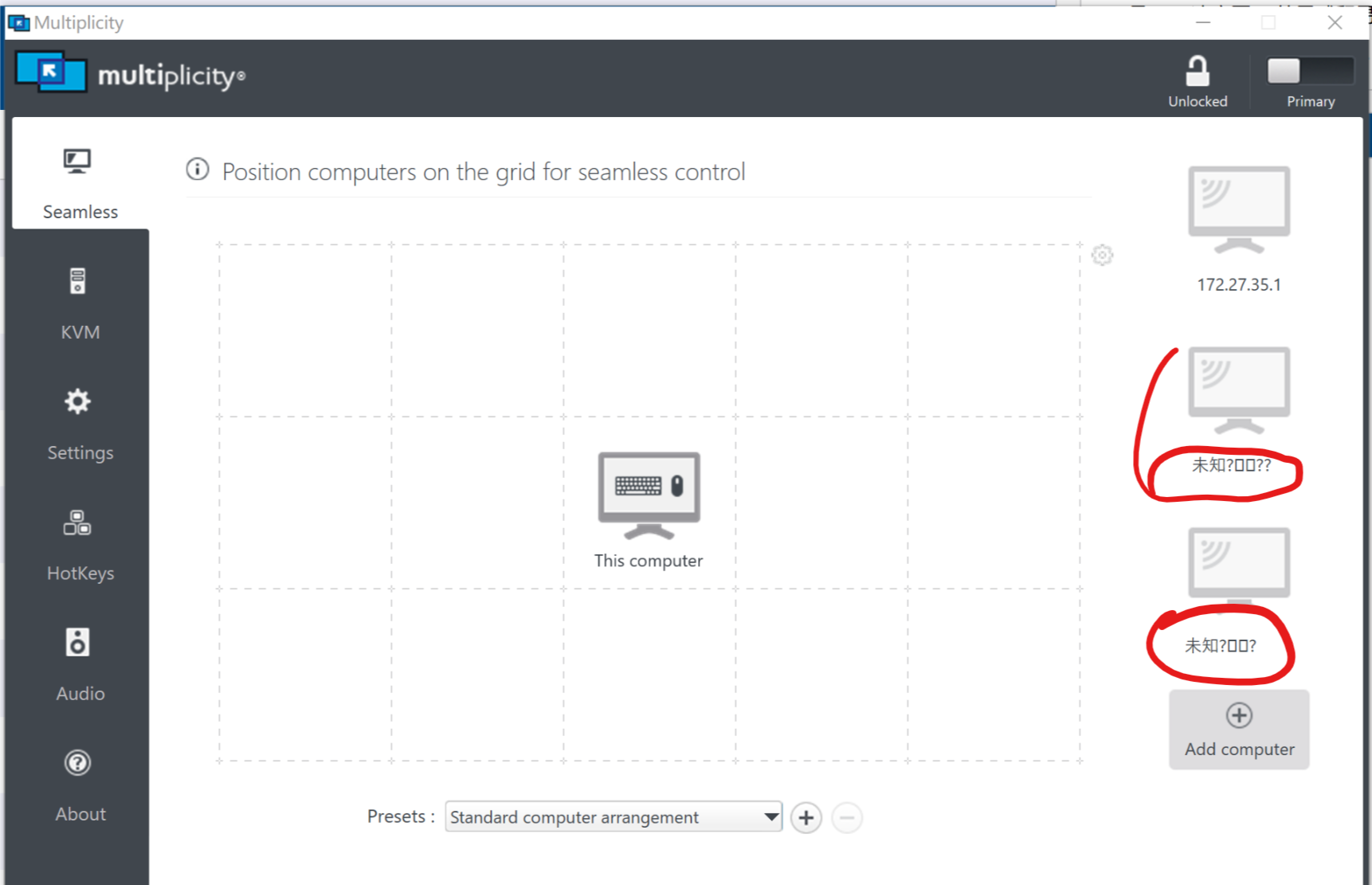

I can't connect after adding it now, and I can't even delete it.
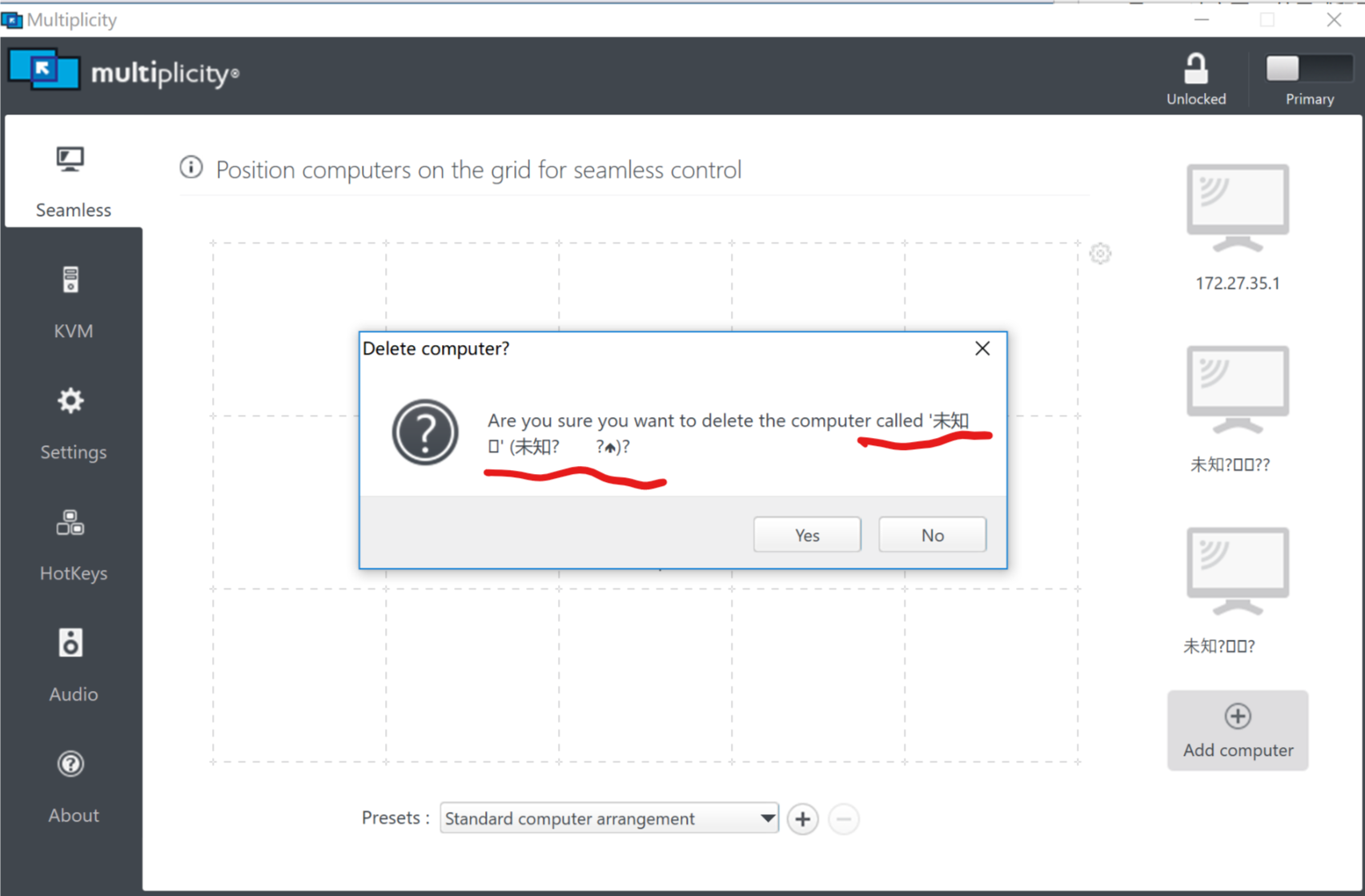
Click on "yes" and it's gone, but just click on the other tabs and then click back. It's still there.
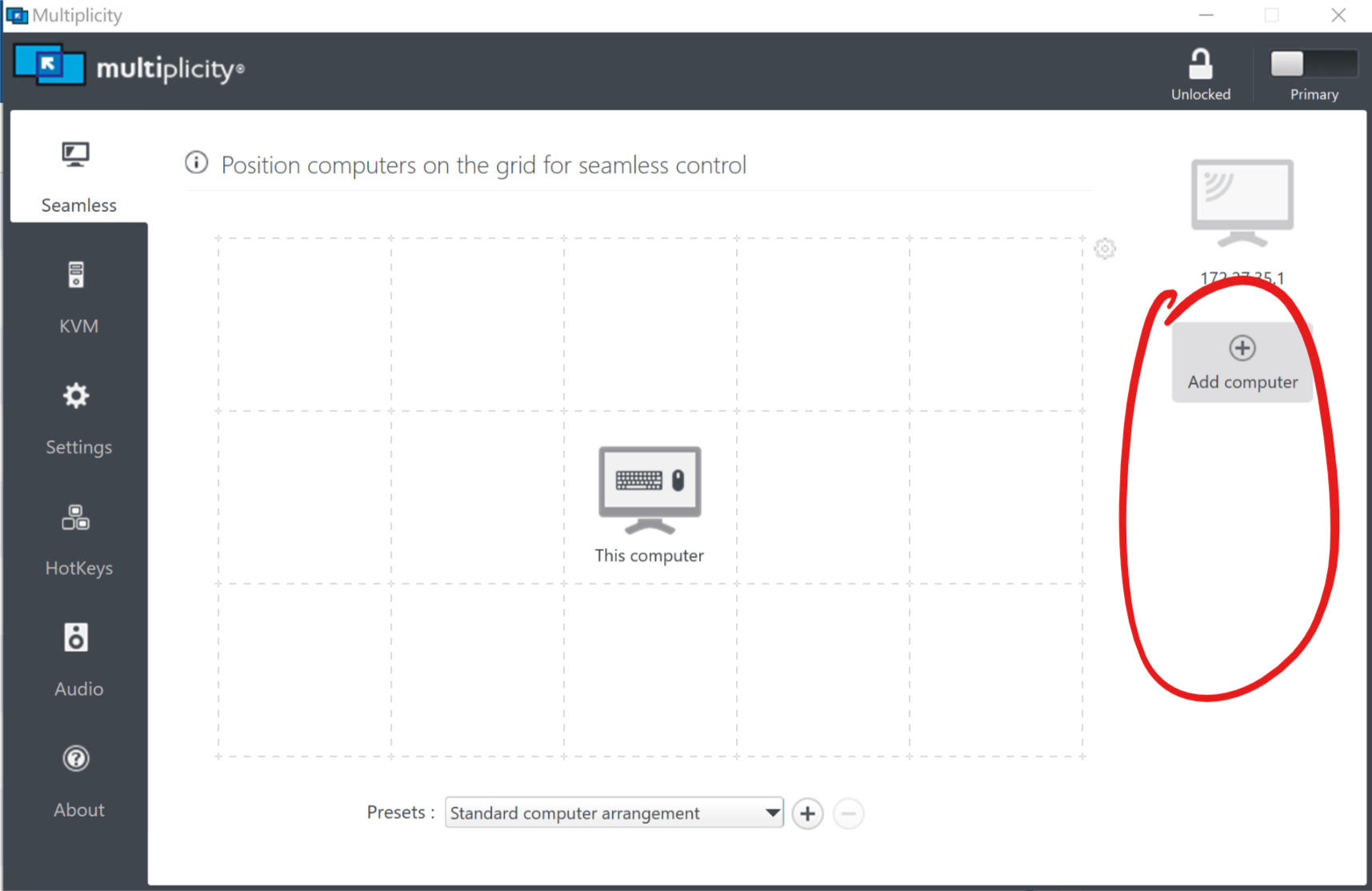
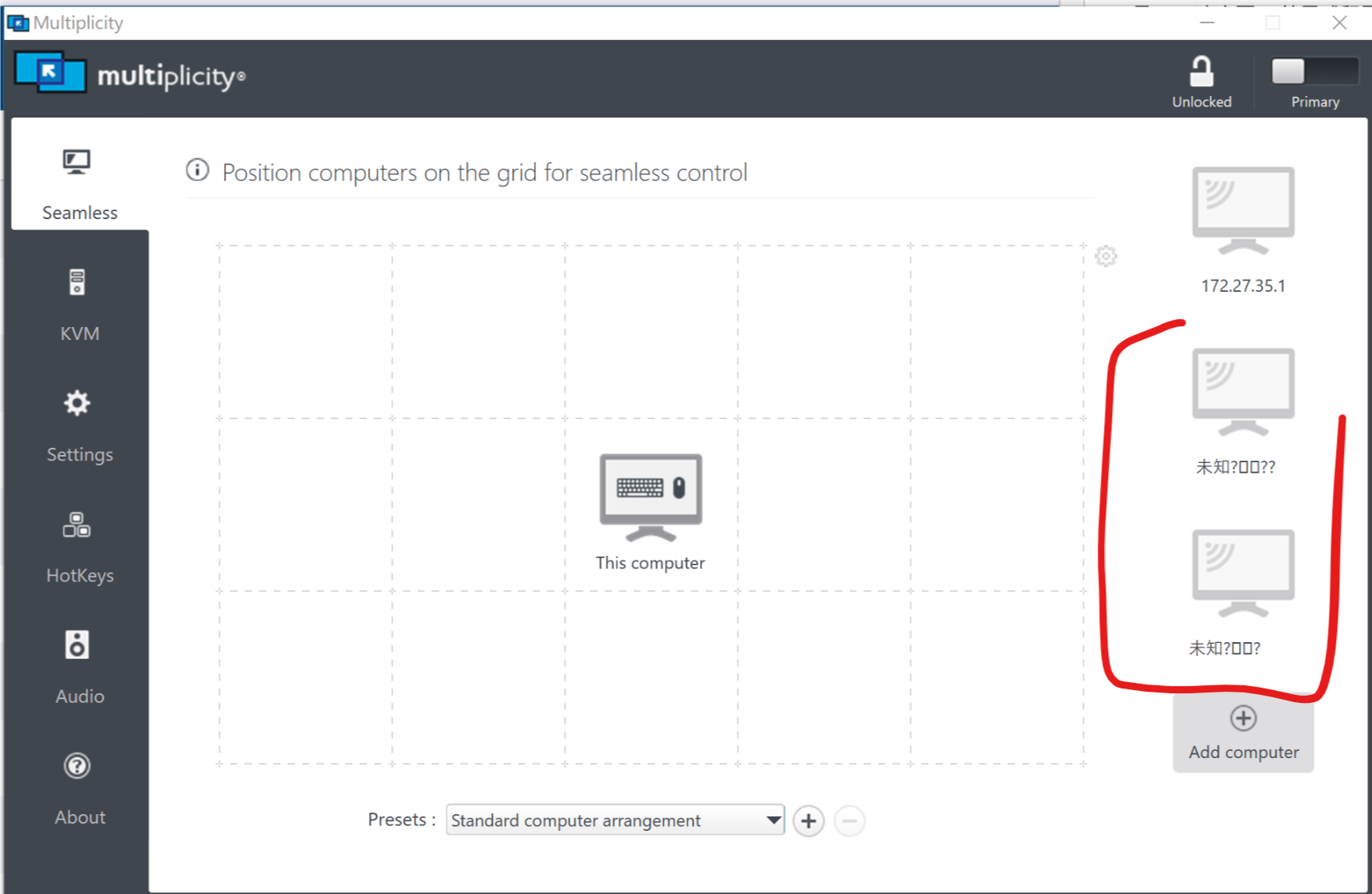
Hope to fix it.


Finally, I hope to help translate the Chinese version of the software.
My English is not very good, I can read most of the settings of this software, but sometimes I need to use Google Translate to set it.
So I hope to launch the Chinese version. I can help translators.
Contact me: 910970711#qq.com(#→@)

5,510 views 9 replies
Reply #1 Top

Hello,
I have forwarded your report to the Stardock support team for their review and recommendations. Please keep an eye on this thread for any updates. We really do appreciate your feedback, thanks.

Reply #2 Top

Add the computer by IP instead of the computer name:


Reply #3 Top

My LAN router is a dynamic address.DHCP server automatically assigns IP addresses.Daily IP addresses are different.

Reply #4 Top

My current solution is to change the computer name to English.

But I still hope it can support Chinese.

Reply #6 Top

Quoting 910970711, reply 3

My LAN router is a dynamic address.DHCP server automatically assigns IP addresses.Daily IP addresses are different.
End of 910970711's quote

It would be prudent to assign a static IP to the PC(s) outside of the scope of your DHCP pool.

Reply #8 Top

Quoting 910970711, reply 7

I know. But I do not have the management of the router.
End of 910970711's quote

It is highly unlikely that the entire subnet is dedicated to DHCP.  If you ask your IT people for a static address, they should be able to supply you one easily.

Reply #9 Top

The subnet mask for our LAN is 255.255.255.224, which means that only 32 devices can be assigned IP addresses. But now the equipment in the LAN should be more than 32, so...

And we will move next month, LAN will be re-arranged, so IT staff and I are too lazy to deal with it.