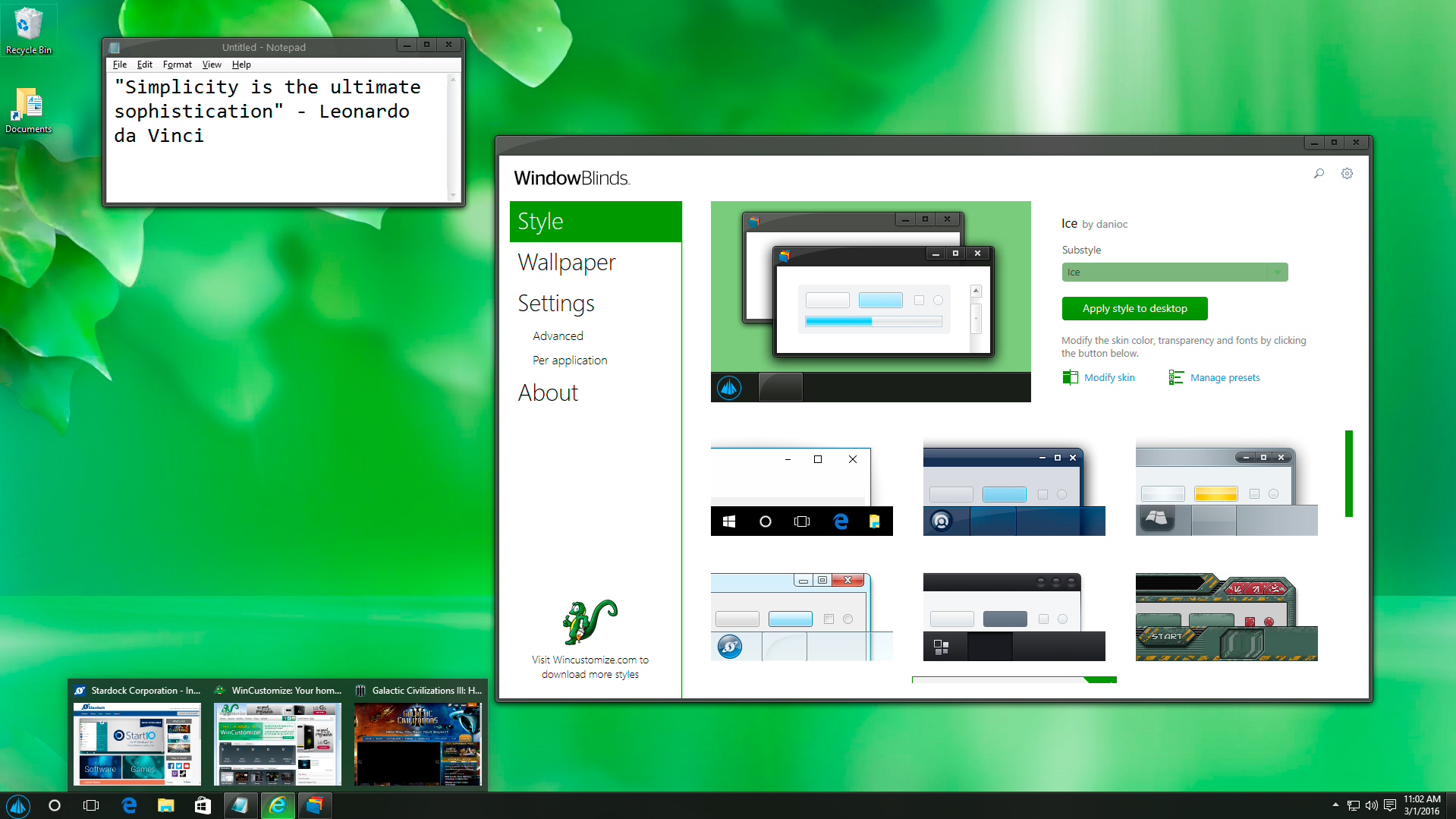
WindowBlinds v10.65 now available

The WindowBlinds 10.65 update is now available for download. 

Changelog:

  • Fixed - Task Manager buttons not painting until mouseover (Nvidia)
  • Fixed - GeForce Experience crashing during Google log-in
  • Fixed - Screen corruption in GeForce Experience
  • Fixed - Taskbar failed to skin in Insider Build for Fall Creators update
  • Fixed - Crashes in  Insider Build for Fall Creators update
  • Fixed - Some Modern apps were unskinned but should have been.
  • Chrome on Win8 excluded from being skinned (due to Chrome incompatibilities
  • Added option to clear settings on uninstall

Current WindowBlinds 10 users and Object Desktop members can download the update from your Stardock account.

Please uninstall the previous version, reboot and then install the new version.
 
207,667 views 18 replies
Reply #1 Top

Still not skinning taskbar.


Reply #2 Top

Quoting davyandjane, reply 1

Still not skinning taskbar.

 
End of davyandjane's quote

What version of Windows 10 are you using and are you using Classic Shell?

Also did you uninstall any current version, REBOOT and then install the new version?

Reply #3 Top

Windows 10.0.15063,yes using classicshell but stopped it skinning taskbar and told Windowblinds not to skin Calassicshell.

Yes I always completely remove Windowblinds and its folder and reboot.Taskbar has not skinned for about 3 years.All versions of Windowblinds and Windows.  

Reply #4 Top

Quoting davyandjane, reply 3

Windows 10.0.15063,yes using classicshell but stopped it skinning taskbar and told Windowblinds not to skin Calassicshell.

Yes I always completely remove Windowblinds and its folder and reboot.Taskbar has not skinned for about 3 years.All versions of Windowblinds and Windows.  
End of davyandjane's quote

Your problem is probably classic shell I am afraid assuming the skin you are using has support for the taskbar.  Excluding it will make no difference, it is impacting explorer and hooking into things still.

I would recommend Start10 as an alternative which will work perfectly with WindowBlinds.

Reply #5 Top

Ok thanks Neil.

Reply #6 Top

This update broke all white text in the Ice theme for me.


It's also happening to a couple other included themes.

Reply #7 Top

Are you going from skin to skin or are you going from windows default to a skin?

What version of Windows?  ({Windows key}+r -> winver -> [OK])

Reply #8 Top

Happens in either case.

Windows 10 Version 1703 OS Build 15063.608

Reply #9 Top

Window Blinds worked great until this morning when it said there was a new update.  I have tried to get it working for hours and there is a support request in.  I was told it was because my Object Desktop subscription had expired.  That is true. It expired last December but I purchased Window Blinds separately after that in January.  After hours of trying today and going back and forth with support, I decided to buy it a second time and get a new activation code.  It still will not allow me to activate the latest version.  It says there is nothing in my cart.  Any ideas on how to fix it will be greatly appreciated.

Reply #10 Top

Windows 10 Pro (15063.rs2_release.170317-1834)
WindowBlinds 10.65 (048 - Windows 10 Edition) - 64 bit OS

Window titlebar blur features are enabled on this operating system

        Wblind.dll                   2017/09/05 16:42:33
        Wblind64.dll                 2017/09/05 16:42:00
        Wbsrv.dll                    2017/03/28 15:53:46
        WB10Config.exe               2017/09/05 16:42:09
        Wbload.dll                   2017/09/14 22:51:13
        Screen10.exe                 2017/03/28 15:53:17

we have the same issues The Captain style are not running att all

Sould we go back to the earlier version of Window Blinds ?

WindowBlinds_10.62_setup_sd.exe Fileversion    9.5.1.0

Regards Svendus


Reply #11 Top

We uninstalled the WindowBlinds 10.65 version

and reinstalled the File version   9.5.1.0 WindowBlinds_10.62_setup_sd.exe

now The Captain style are running again

The Captain


Reply #12 Top

Issues with Firefox 56 x64. The top bar where the tabs are goes transparent all the time. With all the default themes I have tried. It works well if I disable hardware acceleration.


Windows 10 Pro (15063.rs2_release.170317-1834)
WindowBlinds 10.65 (048 - Windows 10 Edition) - 64 bit OS

Window titlebar blur features are enabled on this operating system

        Wblind.dll                   2017/09/05 16:42:33
        Wblind64.dll                 2017/09/05 16:42:00
        Wbsrv.dll                    2017/03/28 15:53:46
        WB10Config.exe               2017/09/05 16:42:09
        Wbload.dll                   2017/09/14 22:51:13
        Screen10.exe                 2016/09/12 19:04:17

Reply #14 Top

I cannot upgrade to the newest version of Window Blinds 10 because I cannot uninstall the previous version to do so, nor can I uninstall the program AT ALL.  I receive an error message as follows:

"Invalid uninstall control file:C:\Program files (x86)\Stardock\WindowBlinds\Uninstall\Uninstall.xml"

Please explain how I can fix this problem so I can properly upgrade to the newest version.  Thanks.


Reply #15 Top

I use vertical taskbar and the clock is collapsed with the latest version.  I have tried multiple skins and it is all the same.


Reply #16 Top

Hi, just updated to last version (WindowBlinds 10.65 (048 - Windows 10 Edition) - 64 bit OS) and All my button accross all applications have no more text in.

Not able to find things such as "Open" "Cancel" "Browse" and so on ...

Any idea how to fix ?

Reply #17 Top

Did you reboot?

Reply #18 Top

Edit: ignore my Remote Desktop theory, VS just crashed after completely clean reboot.  Unloading WB helps.

After Fall Creators Update, Visual Studio 2013/2015 crashes sometimes with WindowBlinds enabled.  Unloading window blinds allows VS to start.  I have VS excluded from Window Blinds skinning, does not help.  I  am not sure, but it might start to happen if I ever use Remote Desktop in a session.  I did reinstall WindowBlinds, did not help.  VS crash stack:

Application: devenv.exe
Framework Version: v4.0.30319
Description: The process was terminated due to an unhandled exception.
Exception Info: System.ArgumentException
   at System.Runtime.InteropServices.Marshal.ThrowExceptionForHRInternal(Int32, IntPtr)
   at System.Runtime.InteropServices.Marshal.ThrowExceptionForHR(Int32, IntPtr)
   at MS.Internal.Text.TextInterface.Native.Util.ConvertHresultToException(Int32)
   at MS.Internal.Text.TextInterface.Font.DisplayMetrics(Single, Single)
   at MS.Internal.FontFace.PhysicalFontFamily.MS.Internal.FontFace.IFontFamily.LineSpacing(Double, Double, Double, System.Windows.Media.TextFormattingMode)
   at MS.Internal.TextFormatting.SimpleTextLine..ctor(MS.Internal.TextFormatting.FormatSettings, Int32, Int32, System.Collections.ArrayList, Int32 ByRef, Int32 ByRef, Double)
   at MS.Internal.TextFormatting.SimpleTextLine.Create(MS.Internal.TextFormatting.FormatSettings, Int32, Int32, Double)
   at MS.Internal.TextFormatting.TextFormatterImp.FormatLineInternal(System.Windows.Media.TextFormatting.TextSource, Int32, Int32, Double, System.Windows.Media.TextFormatting.TextParagraphProperties, System.Windows.Media.TextFormatting.TextLineBreak, System.Windows.Media.TextFormatting.TextRunCache)
   at MS.Internal.TextFormatting.TextFormatterImp.FormatLine(System.Windows.Media.TextFormatting.TextSource, Int32, Double, System.Windows.Media.TextFormatting.TextParagraphProperties, System.Windows.Media.TextFormatting.TextLineBreak, System.Windows.Media.TextFormatting.TextRunCache)
   at MS.Internal.Text.Line.Format(Int32, Double, System.Windows.Media.TextFormatting.TextParagraphProperties, System.Windows.Media.TextFormatting.TextLineBreak, System.Windows.Media.TextFormatting.TextRunCache, Boolean)
   at System.Windows.Controls.TextBlock.MeasureOverride(System.Windows.Size)
   at System.Windows.FrameworkElement.MeasureCore(System.Windows.Size)
   at System.Windows.UIElement.Measure(System.Windows.Size)
   at System.Windows.Controls.DockPanel.MeasureOverride(System.Windows.Size)
   at System.Windows.FrameworkElement.MeasureCore(System.Windows.Size)
   at System.Windows.UIElement.Measure(System.Windows.Size)
   at System.Windows.Controls.Border.MeasureOverride(System.Windows.Size)
   at System.Windows.FrameworkElement.MeasureCore(System.Windows.Size)
   at System.Windows.UIElement.Measure(System.Windows.Size)
   at System.Windows.Controls.Grid.MeasureCell(Int32, Boolean)
   at System.Windows.Controls.Grid.MeasureCellsGroup(Int32, System.Windows.Size, Boolean, Boolean, Boolean ByRef)
   at System.Windows.Controls.Grid.MeasureCellsGroup(Int32, System.Windows.Size, Boolean, Boolean)
   at System.Windows.Controls.Grid.MeasureOverride(System.Windows.Size)
   at System.Windows.FrameworkElement.MeasureCore(System.Windows.Size)
   at System.Windows.UIElement.Measure(System.Windows.Size)
   at Microsoft.VisualStudio.PlatformUI.Shell.Controls.WindowContentPresenter.MeasureOverride(System.Windows.Size)
   at System.Windows.FrameworkElement.MeasureCore(System.Windows.Size)
   at System.Windows.UIElement.Measure(System.Windows.Size)
   at System.Windows.Window.MeasureOverrideHelper(System.Windows.Size)
   at System.Windows.Window.MeasureOverride(System.Windows.Size)
   at System.Windows.FrameworkElement.MeasureCore(System.Windows.Size)
   at System.Windows.UIElement.Measure(System.Windows.Size)
   at System.Windows.Interop.HwndSource.Process_WM_SIZE(System.Windows.UIElement, IntPtr, MS.Internal.Interop.WindowMessage, IntPtr, IntPtr)
   at System.Windows.Interop.HwndSource.LayoutFilterMessage(IntPtr, Int32, IntPtr, IntPtr, Boolean ByRef)
   at MS.Win32.HwndWrapper.WndProc(IntPtr, Int32, IntPtr, IntPtr, Boolean ByRef)
   at MS.Win32.HwndSubclass.DispatcherCallbackOperation(System.Object)
   at System.Windows.Threading.ExceptionWrapper.InternalRealCall(System.Delegate, System.Object, Int32)
   at System.Windows.Threading.ExceptionWrapper.TryCatchWhen(System.Object, System.Delegate, System.Object, Int32, System.Delegate)
   at System.Windows.Threading.Dispatcher.LegacyInvokeImpl(System.Windows.Threading.DispatcherPriority, System.TimeSpan, System.Delegate, System.Object, Int32)
   at MS.Win32.HwndSubclass.SubclassWndProc(IntPtr, Int32, IntPtr, IntPtr)
   at MS.Win32.UnsafeNativeMethods.CallWindowProc(IntPtr, IntPtr, Int32, IntPtr, IntPtr)
   at MS.Win32.HwndSubclass.DefWndProcWrapper(IntPtr, Int32, IntPtr, IntPtr)
   at MS.Win32.UnsafeNativeMethods.CallWindowProc(IntPtr, IntPtr, Int32, IntPtr, IntPtr)
   at MS.Win32.HwndSubclass.SubclassWndProc(IntPtr, Int32, IntPtr, IntPtr)