Reply #1 Top

I'm not certain if DeskScapes supports MP4 files.

Reply #2 Top

Right now Deskscapes uses WMV or AVI files only,

so just convert the MP4 to one of those and

Deskscapes will see it  :thumbsup:

This converter  works good and is free : http://www.videotovideo.org/

Note: some converters maintain the loop better than others

this one does a good job.

Az

Reply #5 Top

Fun tip : DeskScapes uses codecs to display AVI files (AVI being a container for any number of formats) and as such, renaming your mp4 to avi or mpg works just fine with DeskScapes (assuming you have a compatible mp4 codec installed).

Reply #6 Top

Quoting AzDude, reply 2

Right now Deskscapes uses WMV or AVI files only,

so just convert the MP4 to one of those and

Deskscapes will see it  :thumbsup:

This converter  works good and is free : http://www.videotovideo.org/

Note: some converters maintain the loop better than others

this one does a good job.

Az
End of AzDude's quote


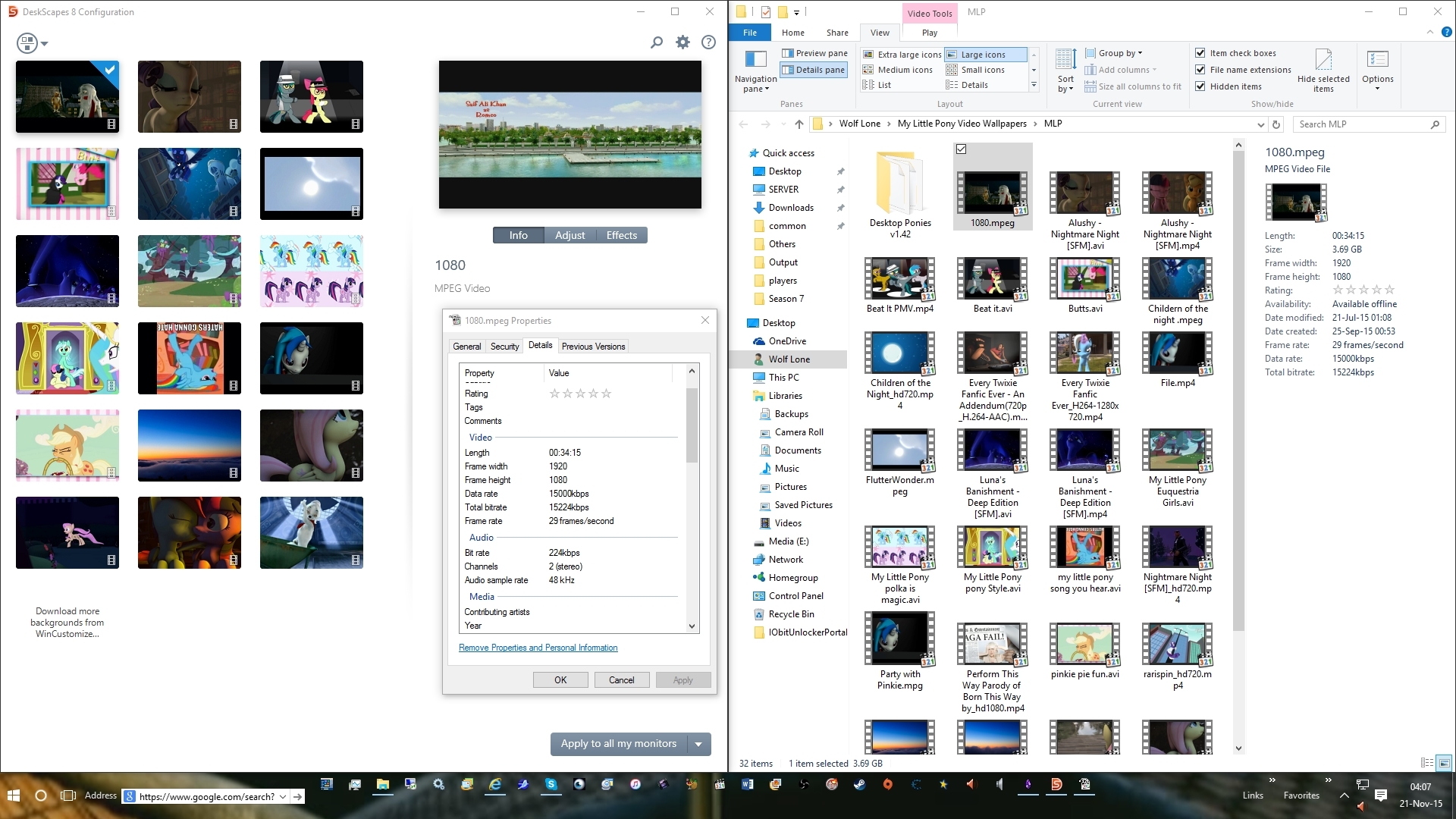
Little knowen fact Deskscape uses more then just AVi and WMV....

it natively uses  .mpg, mpeg as well as many other formats...

it dose not use .mp4  though as the above states... if u need to convert a mp4.. convert to .mpeg for the most part it be a lossless conversions... try and stay away from converting to avi at all possible