DeskScape + WDM.exe exssive memory useage
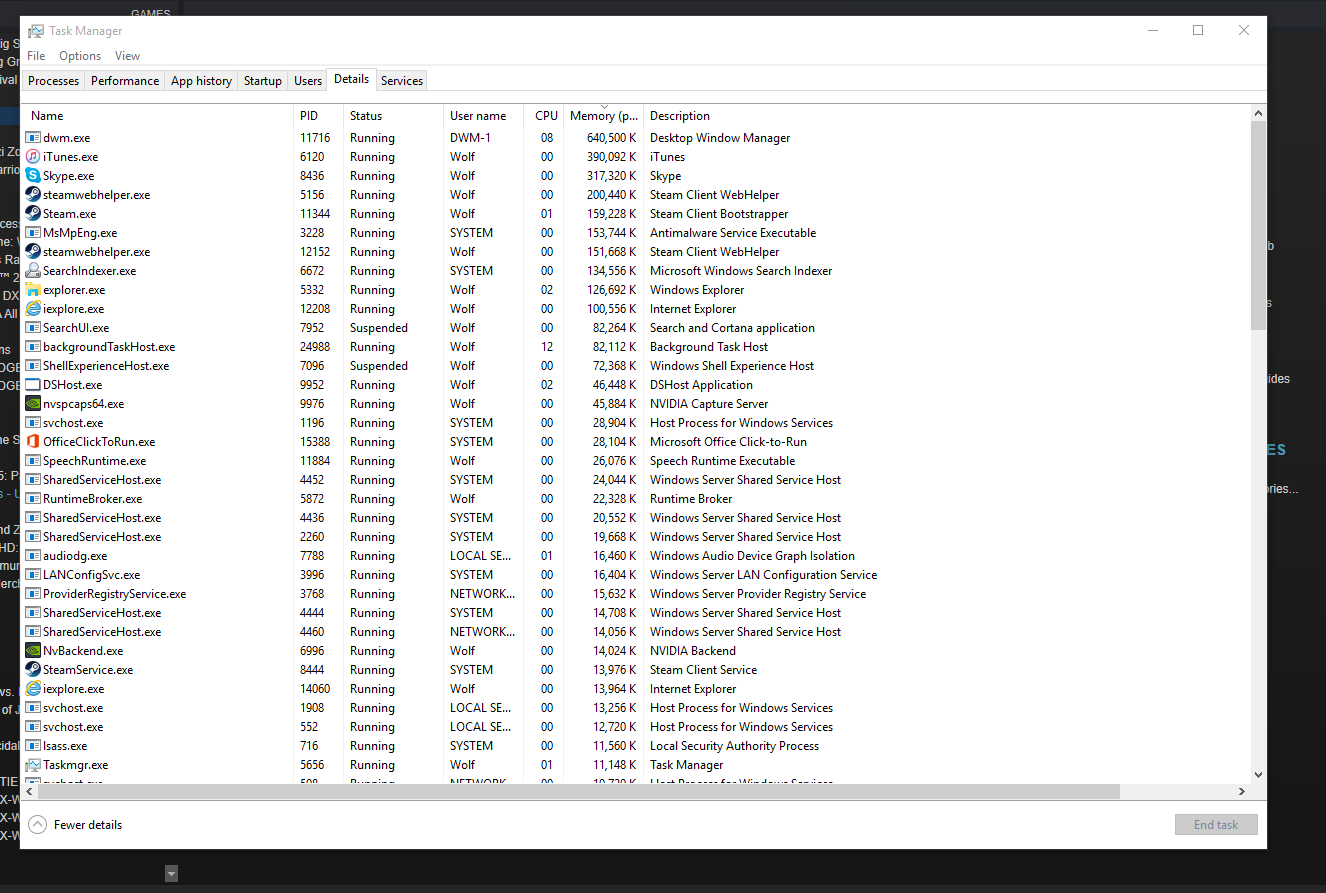
On my windows 10 pc deskscape is pushing my WDM.EXE to use a whopping 640+ meg of memory. On my windows 8 with 8.21v it was no were close this amount with the same video / setup...
Are you also using WindowFX6 beta as there is a known issue with that causing a leak.
Deskscapes should not be causing an excess of memory.
No just deskscapes 8.49 and Start10 1.02 now..
icons are locked to the wdm.exe has see as high as 800mb but most the time idles around 200 or lower @ 3-7% cpu time
and DShost.exe likes to crash from time to time... sometimes loading apps and games.. other times just moving windows around..... 70% stable and the 30% is a mixtures of other issues...
Currently using Dual monitors as well..


Every single process on your system is causing allocated memory in the dwm process.
hmm no.. anything that uses the WDM.exe may increase allocated memory on.. Processes like svchost, searchUI, searchindex, RuntimeBroker etc do not.. only processes that have or use a window that displayed or running on the desktop have there textures etc stored in vram and used by dwm.exe..
I also did some more testing and found out if I do not have any of the deskscape windows services running DWM.exe runs normal. also 8.21 on Win8.1 x64 with the same background also has dwm run normal. I never did test 8.49 on windows 8.1 so I can't say anything there.
Hi wolfsilverlone.
I've had a similar problem before.
Where your dream files at?
If they are placed at public folders, try relocate and set them to your accounts folders.
How about that?
Currently my video are in my user profile...
and heres my current DWM.exe usage after a few days. just under 48hs since last restart

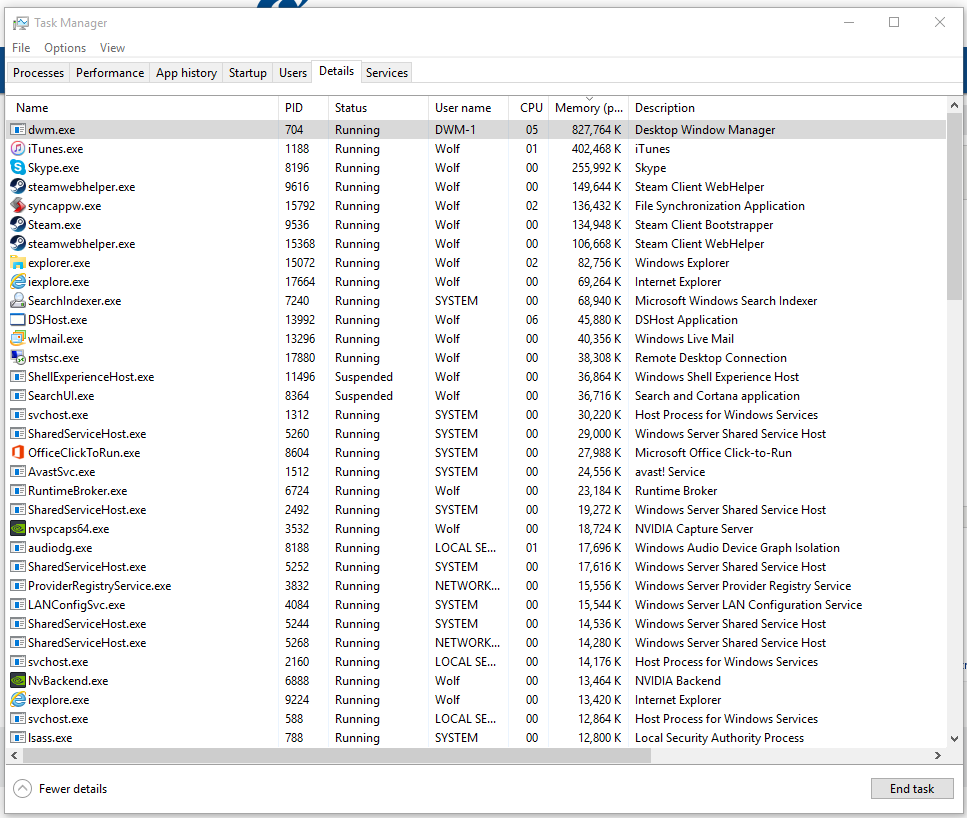
Im pushing 3d/s 17h/s and 23min/s @ dwm.exe 983,903k (983 MB) of system memory in use (win10 x64)
I suspect you may be seeing a video codec related leak
Can you try one of the hybrid or dynamic dreams please.
Will do... I do a full restart on the pc and let a dynamic dream run for a few days straight..
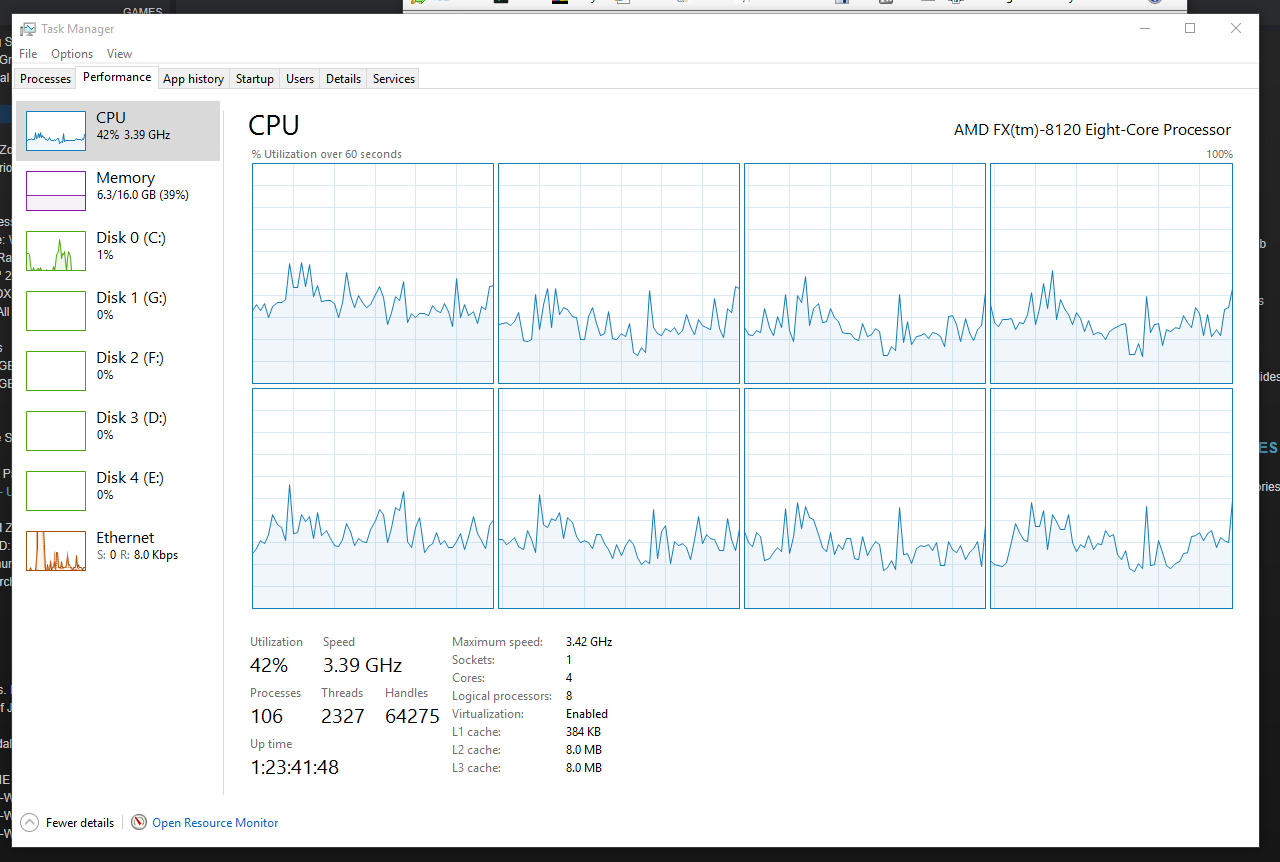
I tapped out at 1.3GIG of memory in use... and with 16gig of system memory windows told me I ran out of physical memory..lulz
on another note . I can't strech dynamic themes over multidisplays.. bummer
another note.. Same video using "Animated video wallpaper" dose not leak dwm.exe but same video on deskscapes dose.. shrugs
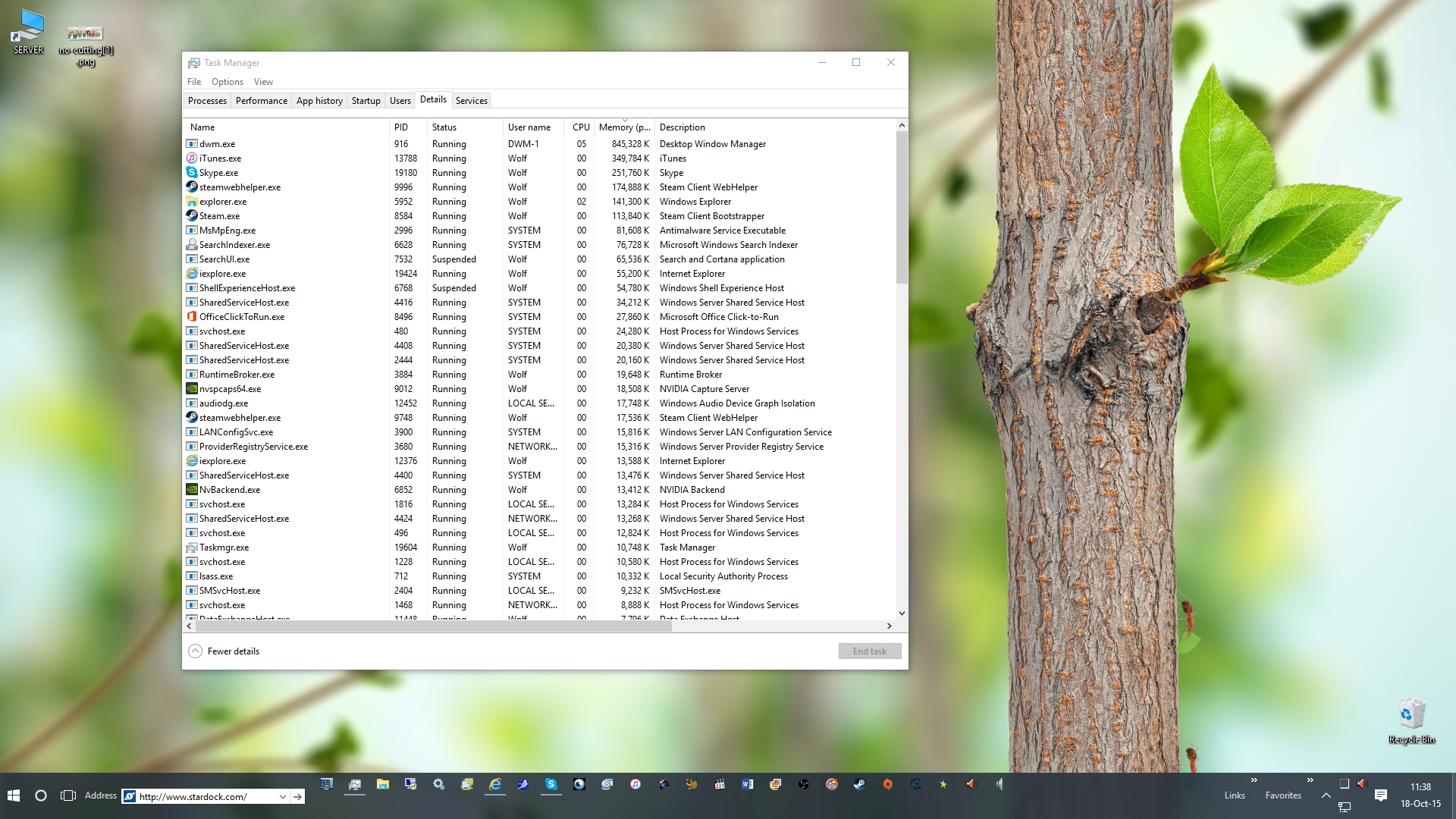
since my restart and only using the Dynamic video with the ants crawling down the tree.. my dwm.exe started at 32mb and has climbed to 122mb ...
currently sitting at 215mb memory since last restart
Currently sitting at 384mbs @ 12h 30mins since last restart. Dynamic Video with ants.. default dynamic video that comes bundled with deskscapes
Currently sitting at 459mb
Currently sitting at 574mb @ 17h/s 25m/s
*** ill update this post ever few hours or when there a spike in my dwm.exe
****note***
the Dynamic Default background video leaked dwm.exe faster then my custom made .mpeg video did.. it took less then 24hs to leak to 800mb compared to roughly 3 days with the .mpeg video
doing some testing the leak seems to happen the gratest when I open Deskscapes and have the 3 boxes check under settings > advanced.
Ones the cause the most leak is Correct aspect, and Enable support for additional...
can not tell if having paused dream... has any effect on the use of dwm.exe memory print or leak
Open Start10 settings and disable the option to blur the taskbar. Does this stop the leak getting any bigger?
Please note that correct aspect ratio etc will have absolutely no impact on any leaks what so ever and I suspect the leak you are seeing it not in our code, but in Microsoft code (hence it showing in DWM.exe) The mere act of refreshing the screen is exposing the leak and I suspect iit may be linked to their blur algorithm as that is somewhat buggy.
the leak seem to have stopped when I unchecked the options above in the deskscapes apps..
I can quite literally watch dwm.exe eat memory away when I check the boxes vs un check the boxes.. if I have to I can even make a video of it in action
Are you reapplying after checking and unchecking the boxes?
The aspect ratio option for example only alters coordinates for a texture, that's not going to impact a leak in another process in any way.
The only one that might have an impact is the multiple graphics card option as that relates to rendering, but only if you have more than one graphics card in the computer otherwise it will do nothing at all
I thought ,maybe part of the leak was due to the fact I only have 1 card and had the box checked.. I notice that one causes the most amount of memory to be used pre 1/h of running...
ill update to 8.50 and see if anything changes on my end
well I updated to 8.50 and less then 24/h this happend
5.5 In use. 10.3 Avil... yet 17.8/18 committed? and then the entire system went down shortly after taking screen cap.... I note sure I fully understand how memory works in windows anymore.. how can u have 17.8 committed but only have 5.5 in use? is something writing the the non page pool and not releases it?
im now probing each process, related threads and related memory writes to find out what going on.. I may have results in 12-24 hours
Welcome Guest! Please take the time to register with us.