Start Menu Avatar
from  WinCustomize Forums
WinCustomize Forums
 WinCustomize Forums
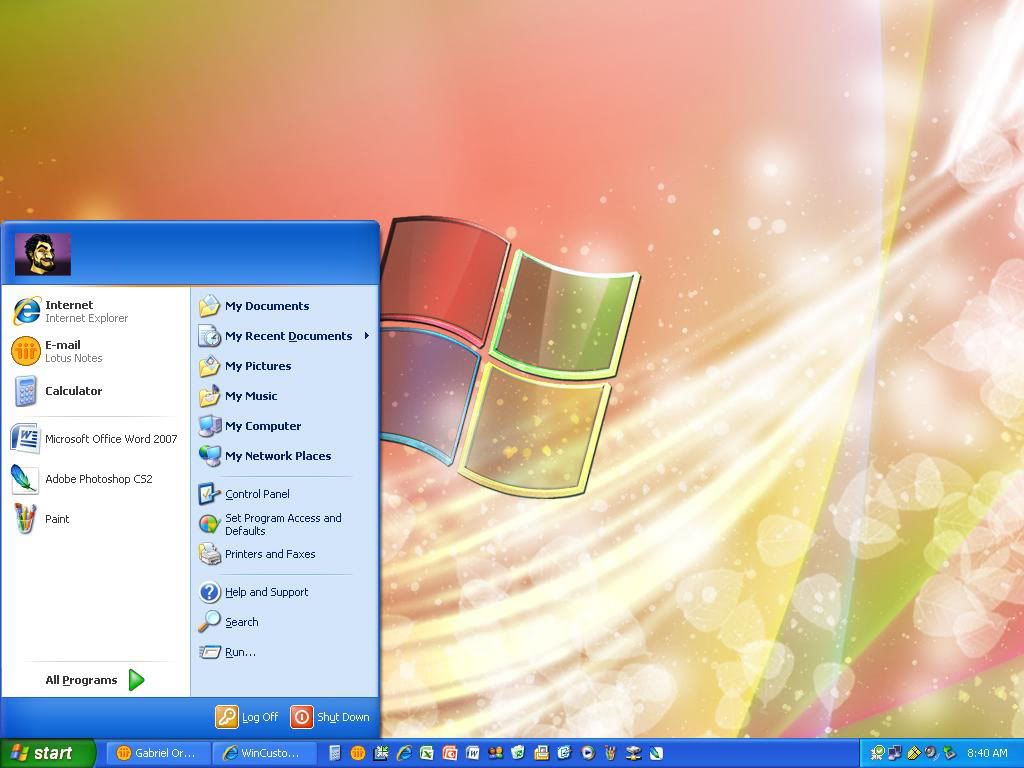
I wasn't sure but i tried going to Edit Start Menu, User Icon Background, and played with the margins but I couldn't get it to work. I also went to Edit start Menu, Top, Chose the Text tab, then played with the margins to try and move the placement of where the picture would appear. But I cant get it to work.
Text (content) margins for userpane moves it. 'Top Part' in SKS

it is SKS? i have this problem to..
-----------------------------
www.awtoys.com
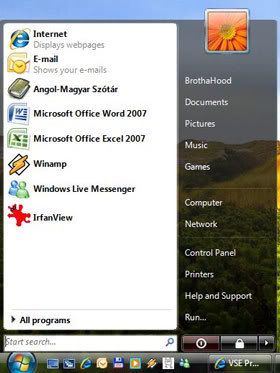
it is odd for sure, I finally got the user icon to move to the left by setting the left text margin to my toppart image width - user icon image width+ a little. top part image is 360W icon image is 55W I set left text margin to 280.
so yes it will move, but it caused me to lose the user account name on the toppart. pushing the user icon to the right pushed the name text off the menu into transparency.
How do you set the icon to the right with the user name to the center/left? or is that possible?
are our choices usericon left, user name center/right
or user icon right, no user name?
Welcome Guest! Please take the time to register with us.
Select a reason for giving karma:
You're about to visit an external site:
Sign up here to get the latest news, updates, and special offers delivered directly to your inbox.
 Stardock Forums