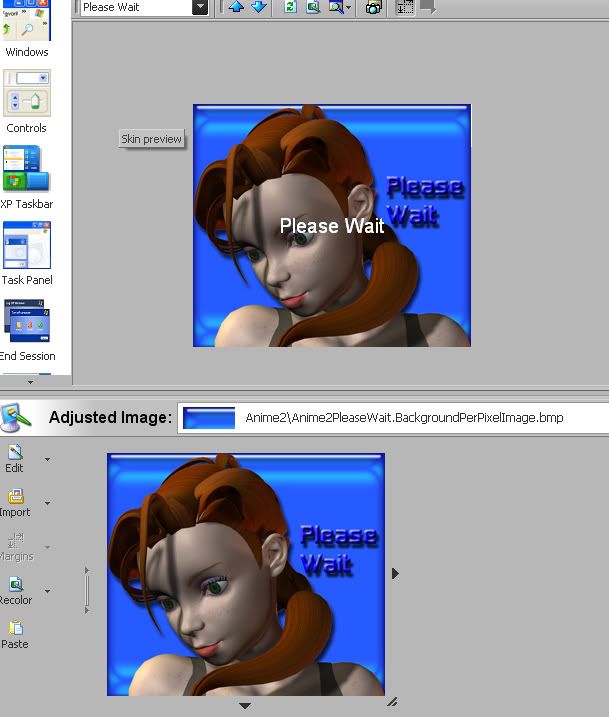
problem with please wait image

How do I stop windows from printing "Please Wait" on my image? have looked all over and can't seem to find where to turn it off.


Dave
3,658 views 3 replies
Reply #1 Top
In skinstudio, from explorer tree, Please Wait dialog, on right, section tab, Text settings, set TextOffset y value at -999 to take text off screen.
Reply #2 Top
Yup, I do the same thing, I type in something a little outrageous, -2000 or -3000, this sends it far enough off the screen that you don't see it at all when the please wait dialog appears on the screen.

- nice screenshot, can't wait to see the finished project - what's the name of your wb skin?   
Reply #3 Top
Yup, I do the same thing, I type in something a little outrageous, -2000 or -3000, this sends it far enough off the screen that you don't see it at all when the please wait dialog appears on the screen.

- nice screenshot, can't wait to see the finished project - what's the name of your wb skin?   
End of quote


Thanks y'all.

Unclerob, no "official" name yet, working title is KylieWB1. Kylie being the name of the character.
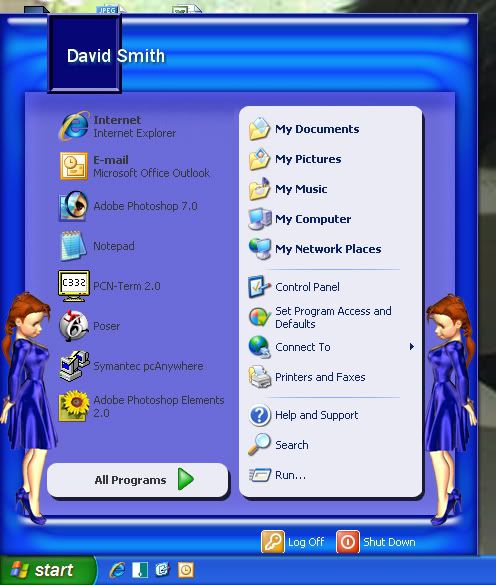
preview of start menu:


Dave