Corky_O Corky_O

April Desktop Screenshots

April Desktop Screenshots

Keep the trend going.....

img81/681/desktop20060hz.jpg

I thought I would start the April post, since Jafo is at the races for a few days.

If a Super-Wizop, or Admin could pin this one, it would be great.

Simple modified Aurora wall and some dock interface links. ;)

18,325 views 57 replies
Reply #26 Top
RPGFX...is it possible to get a hold of that wall?? or is it to personnal to share?? either way I`ll understand. jennifer_evr@yahoo.com
Reply #27 Top


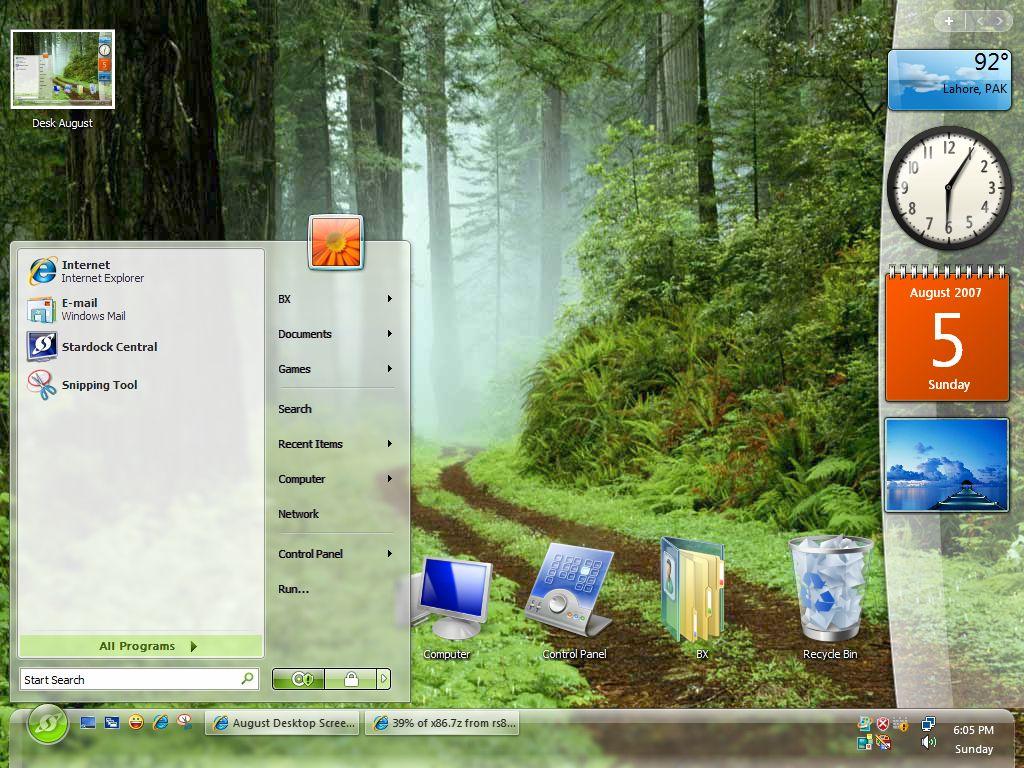
Somthing really simple for this month --- !!!

- AquariumDesktop 2
- IconX
- WB: LightBlue II (Modified for personal use)
- IP: Crystal
- CXP: SoftBlue
Reply #28 Top

WB - Aten
Wall - Webshots
DesktopX

Reply #29 Top
Havin a hard time there RPGFX ? I saw all 3 of your images. Havin a hard time there RPGFX ? I saw all 3 of your images.


?? Really? I have the broken link icon for the first one, the second one is a "page cannot be displayed" thingy and the third one finally works..
Well, at least it worked for someone..
Reply #31 Top


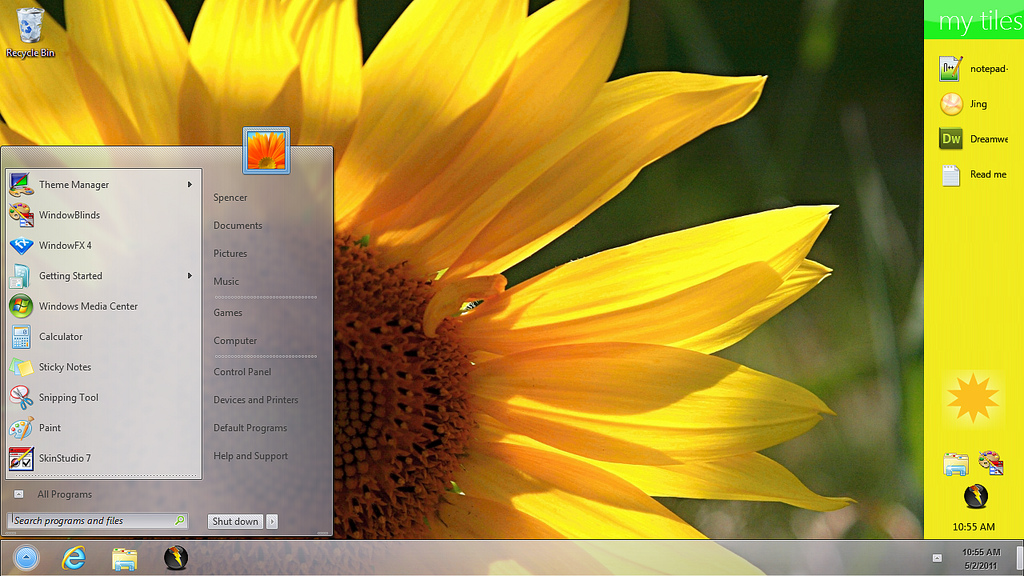
Nothing too complicated and easy on the eyes.
Reply #32 Top
<img src="http://images2.stardock.com/6/73/673228/Desktop.jpg">
Reply #34 Top
Nice Wall ama02
Reply #35 Top
Thanks Lantec, I appreciate it!
Reply #36 Top
My Mirage desktop. I don't normally go for blue but this ones good for the home computer.

Reply #37 Top

#32 by Wizop Island Dog Sat, April 08, 2006 2:40 PM

Reply #39 Top
If anyone is having a hard time inserting an image, try this:  Go to where your image is stored.  Enlarge it so that it is
full size.  Alternate click and copy (or control key + c).  Come back here, plant your cursor in the message box, alternate
click and paste (or control key + v).
Reply #40 Top

If anyone is having a hard time inserting an image, try this:  Go to where your image is stored.  Enlarge it so that it is
full size.  Alternate click and copy (or control key + c).  Come back here, plant your cursor in the message box, alternate
click and paste (or control key + v).

...or drag and drop, likewise....

Reply #41 Top

Thank you Goodmorphing.

...or drag and drop, likewise....

Doesn't work for me.  Neither does html or [img] tags.


Reply #42 Top


Speech Bubbles were added in at post-production.

x360 Windowblinds
NuoveXT IconPackage
YWE displaying widgets (sorry DesktopX, but I prefer YWE)


Posted via WinCustomize Browser/Stardock Central
Reply #45 Top
I will now accept the award for widest screenshot.


Sorry Charlie..... My laptop screen is 1920 wide by itself. When I dock at the office (I won't post it) but left is 1920 x 1200 and right is 1600 x 1200 and I just ordered a 24" LCD to push it to 1920 both sides.

Is my humility showing???......Must be the alchohol.
Least I'm still spelling right
Reply #47 Top
Forcing my hand eh?


Reply #48 Top
I'll do the combo when I get in tomorrow. I'll just link it so I don't stetch the page out.
Reply #49 Top


Lilafiedâ„¢

All lila skins by Cavebear except the Winamp skin by me ( unreleased untill cavebear gives permission