Feedback on "Start 11" Software - Suggestion for Taskbar Appearance Customization
 Stardock Forums
Dear Development Team,
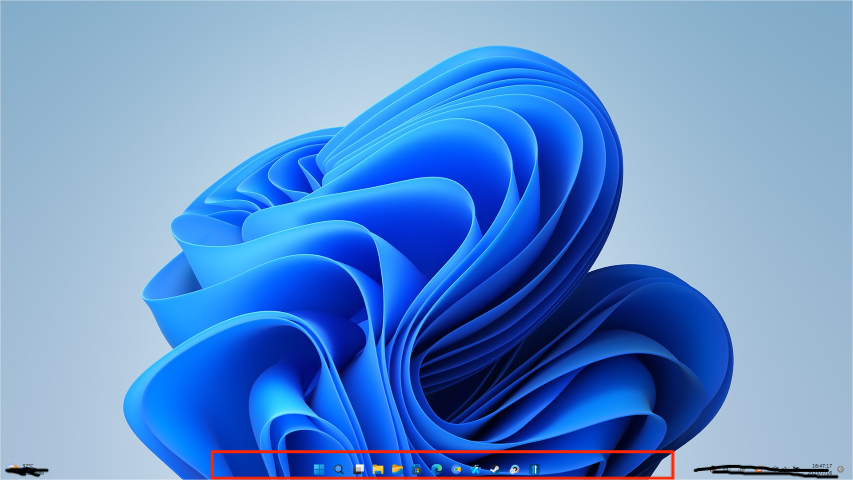
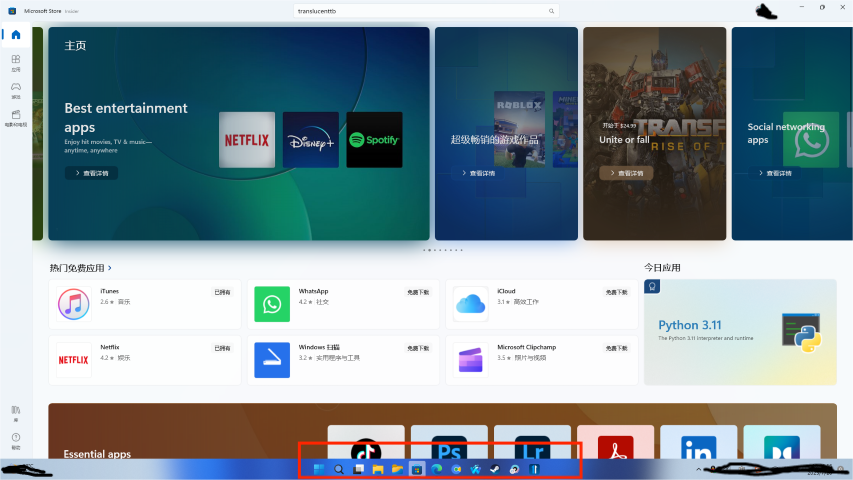
First of all, I would like to express my admiration and gratitude for the "Start 11" software. It has provided me with an excellent user experience. However, I have some suggestions regarding the "Taskbar" section and the "Customize Taskbar Appearance" option in the software, which I hope could be improved. Recently, I came across a free software called "translucent TB," which offers higher customization options for the taskbar appearance. I hope you can consider incorporating some of their features into "Start 11."
My suggestion is to add more customization options in the "Taskbar Appearance" settings, allowing users to adjust the appearance of the taskbar according to their personal preferences. This will make "Start 11" more flexible and cater to individual customization needs. For instance, providing control over taskbar transparency, colors, and icon styles would enable users to adapt and love the software even more.
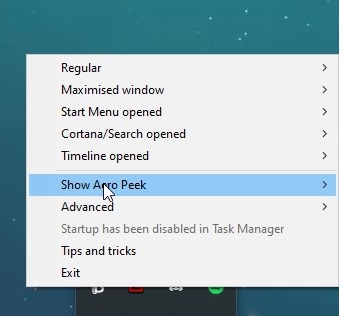
Additionally, if implementing the above enhancements seems complex, I would like to propose a simpler solution. Please consider adding a "disable" option in the "Customize Taskbar Appearance" settings. This will allow users to deactivate the taskbar appearance settings of "Start 11" when using "translucent TB" simultaneously, thus avoiding any potential conflicts.
In conclusion, I hope that "Start 11" can either match the higher customization options of "translucent TB" for taskbar appearance or at least add a "disable" option to address the conflict issue. These improvements will significantly enhance the user experience and make this software even more exceptional.
Once again, thank you for providing us with such a remarkable software. I look forward to your consideration and response to these suggestions.
Thank you!