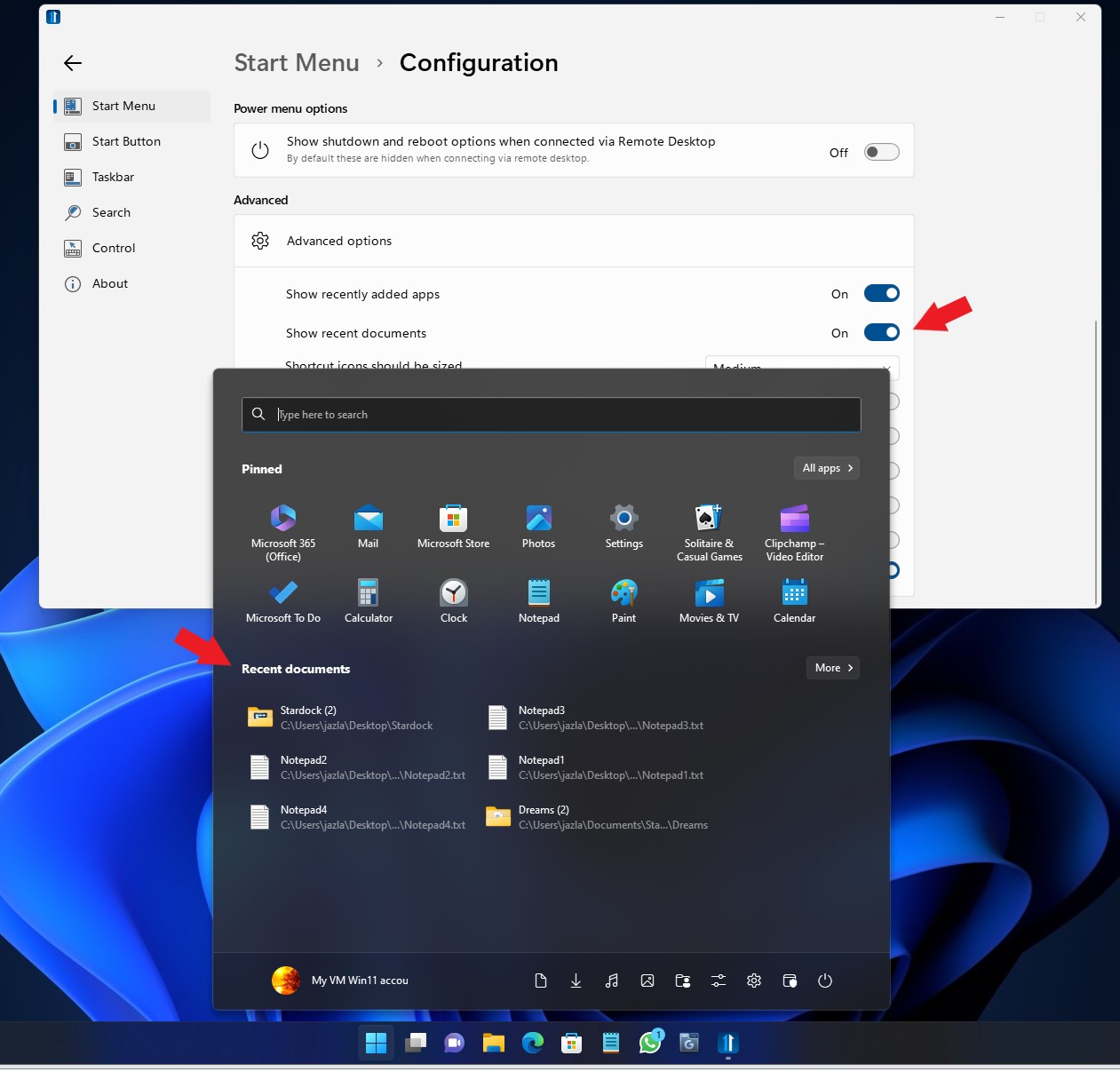
Start 11: Any way to show recently used (not recently installed) applications in the start menu?

This is the main reason why I don't really use the Start11 start menu. I really miss the native start setting to show the recently used apps. I don't see any option to get this, why?
4,871 views 9 replies
Reply #1 Top

Hello,
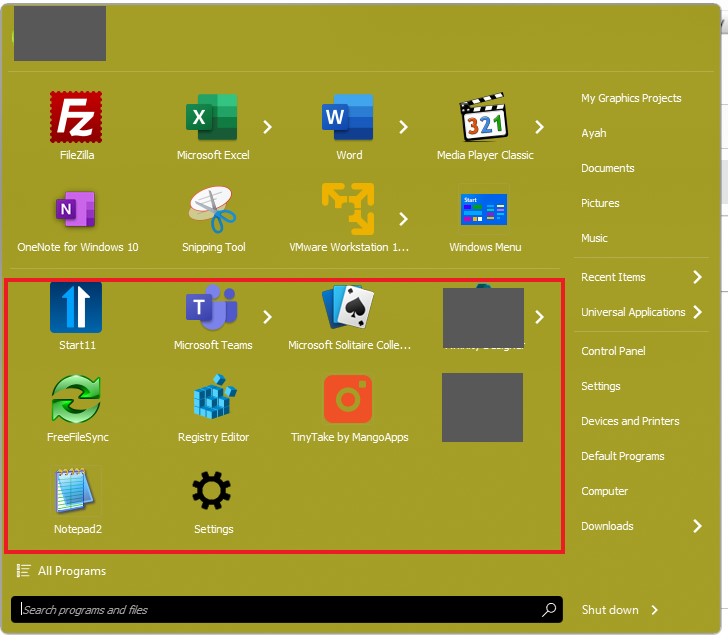
In Windows 7 or Modern Style mode recently launch apps via start panel will be listed automatically. It will appear underneath the Pinned items. (red rectangle area)

Thanks
Basj,
Stardock Community Assistant.

Reply #2 Top

Thanks, I actually like the Windows 11 style, could that be added as an option to it?

Reply #3 Top

What I mean is that I'm not a fan at all of the Windows 7/Metro style launchers. And the recent apps is an important part of the Windows 11 launcher, which is the main reason why I keep deactivating Start11's launcher and really only use it for the taskbar tweaks. 

Reply #4 Top

Hello,
I have forward your request to the Stardock Support Team for their review and recommendations. Please keep an eye on this thread for any updates. We really do appreciate your feedback, Thanks

Basj,
Stardock Community Assistant.

Reply #6 Top

Quoting LolitaDamore, reply 5

Hello,
Any feedback on this ??
Thanks.
End of LolitaDamore's quote

Hello,

I believe the option already available.

Thank you,

Basj,
Stardock Community Assistant

Reply #8 Top

Ah, my bad, I guess that has not be implemented yet. I have forward your question to Stardock Support Team for their assistance. Please keep an eye on this thread for any updates. We appreciate your feedback and patience.

Thanks

Basj,
Stardock Community Assistant

Reply #9 Top

I've just uninstalled. Start11 just causes bugs and the W11 start menu has better functionality, this feature included.